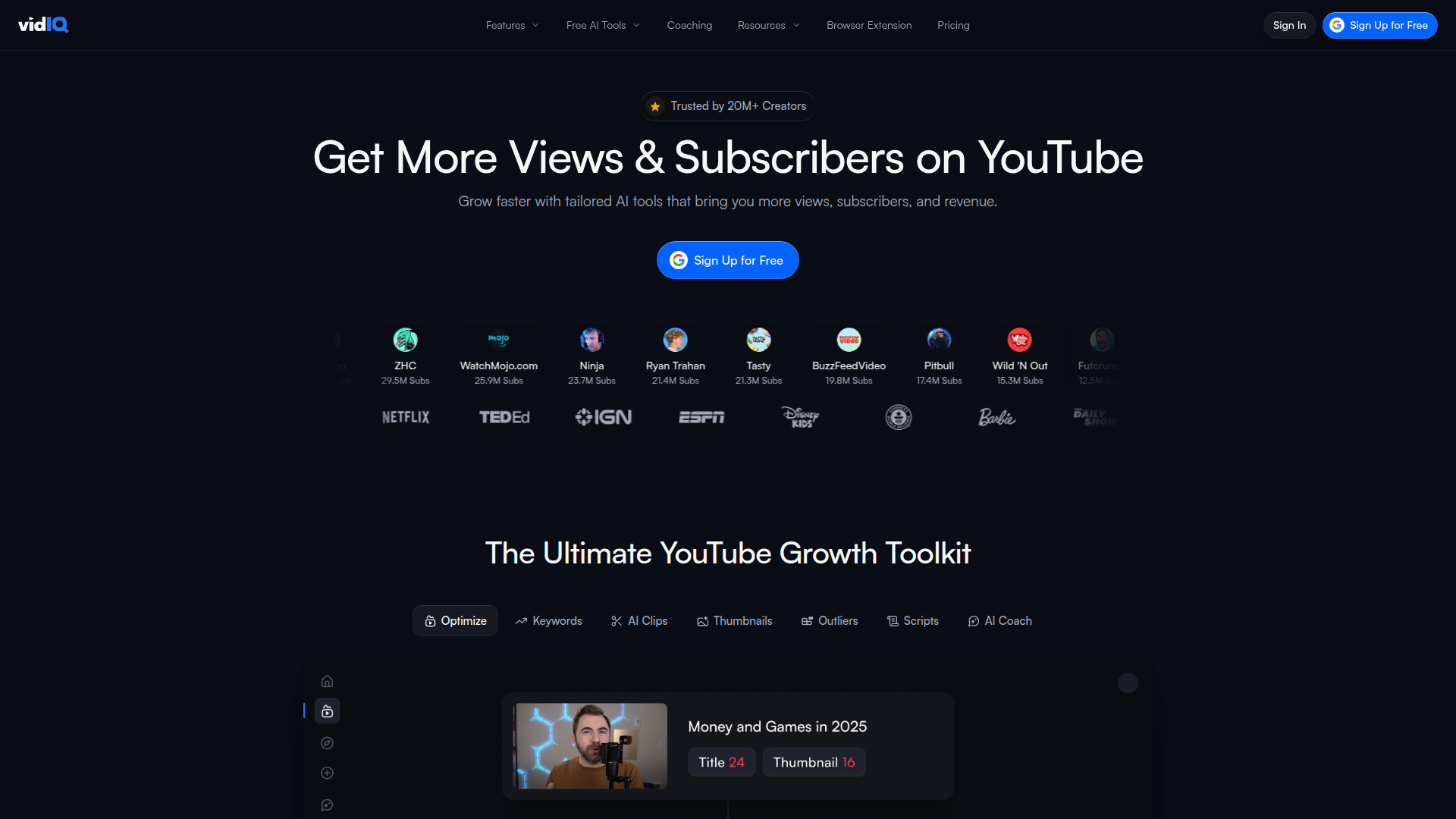
Get More Subscribers & Views on YouTube with AI-powered optimization

Listed:Dec 20, 2025
Platform:
Web
Browser Extension
Share:
vidIQ

vidIQ Introduction

vidIQ provides AI-powered YouTube optimization and analytics to boost subscribers and views. It combines a browser extension with actionable insights for content strategy.

Key benefits include:

  • Keyword research & SEO guidance: discover valuable tags and optimization ideas to improve discoverability.
  • Real-time analytics & performance insights: monitor video performance and audience signals as you publish.
  • Competitor analysis: benchmark against peers to refine content strategy.
  • Optimization toolkit (checklist + thumbnail generator): practical steps and visuals to maximize CTR and ranking.
  • Scheduling & publishing tools: plan and release videos consistently for sustained growth.

Perfect for YouTube creators and marketers who want to grow channels and optimize content with data-driven insights.

Summary

vidIQ helps YouTube creators grow subscribers and views with a browser extension, AI analytics, and keyword research.

Key Features

  • Keyword Research Tool
  • Competitor Analysis
  • Video Optimization Checklist
  • Thumbnail Generator
  • Real-time YouTube Analytics
  • Tag Suggestions
  • Social Media Sharing Tools
  • Channel Audit
  • Scheduled Publishing
  • YouTube SEO
  • Audience Interaction Tools
  • Channel Management

Benefits

  • Enhances video discoverability and reach
  • Real-time insights help you react quickly to performance data
  • In-depth competitor analysis informs smarter content strategy
  • Practical optimization tools (checklist + thumbnails) to boost CTR
  • Scheduling and publishing features support consistent growth
  • Integrated social sharing and channel management to streamline workflow

Use Cases

  • Optimizing video tags to improve search rankings
  • Conducting competitive analysis to inform content strategy
  • Analyzing trends in audience engagement
  • Creating optimized thumbnails to boost CTR
  • Scheduling consistent content releases
  • Auditing your channel to identify gaps and opportunities
  • Tracking keyword performance over time
  • Benchmarking against competitors to set targets
  • Improving video descriptions for SEO
  • Measuring impact of title changes on views

How to Use vidIQ

  1. Step 1: Create an account on vidIQ.
  2. Step 2: Install the vidIQ browser extension.
  3. Step 3: Connect your YouTube channel to access analytics.
  4. Step 4: Use the keyword research tool to identify optimal tags.
  5. Step 5: Review competitor analytics to inform your content strategy.
  6. Step 6: Apply the video optimization checklist when publishing.

Who Will Use vidIQ

  • YouTube Creators
  • Content Marketers
  • SEO Specialists
  • Social Media Managers
  • Brand Managers
  • Digital Marketers

Alternative tools

HIX AI

Free AI chat, image, music & video tools in one freemium platform for creators.

Veo Camera

Record, Stream & Analyse

TubeBuddy

The Ultimate YouTube Growth Tool for SEO, thumbnails, and analytics

Toolsaday AI

Toolsaday AI: Automate tasks with AI to boost productivity and streamline your workflows.

StealthWriter

Transform AI content into human-like text and bypass AI detectors.

Free
PicWish

PicWish — Free online AI photo editor for quick, polished edits.

PhotoGrid

PhotoGrid — Create stunning collages and edit photos with AI power.

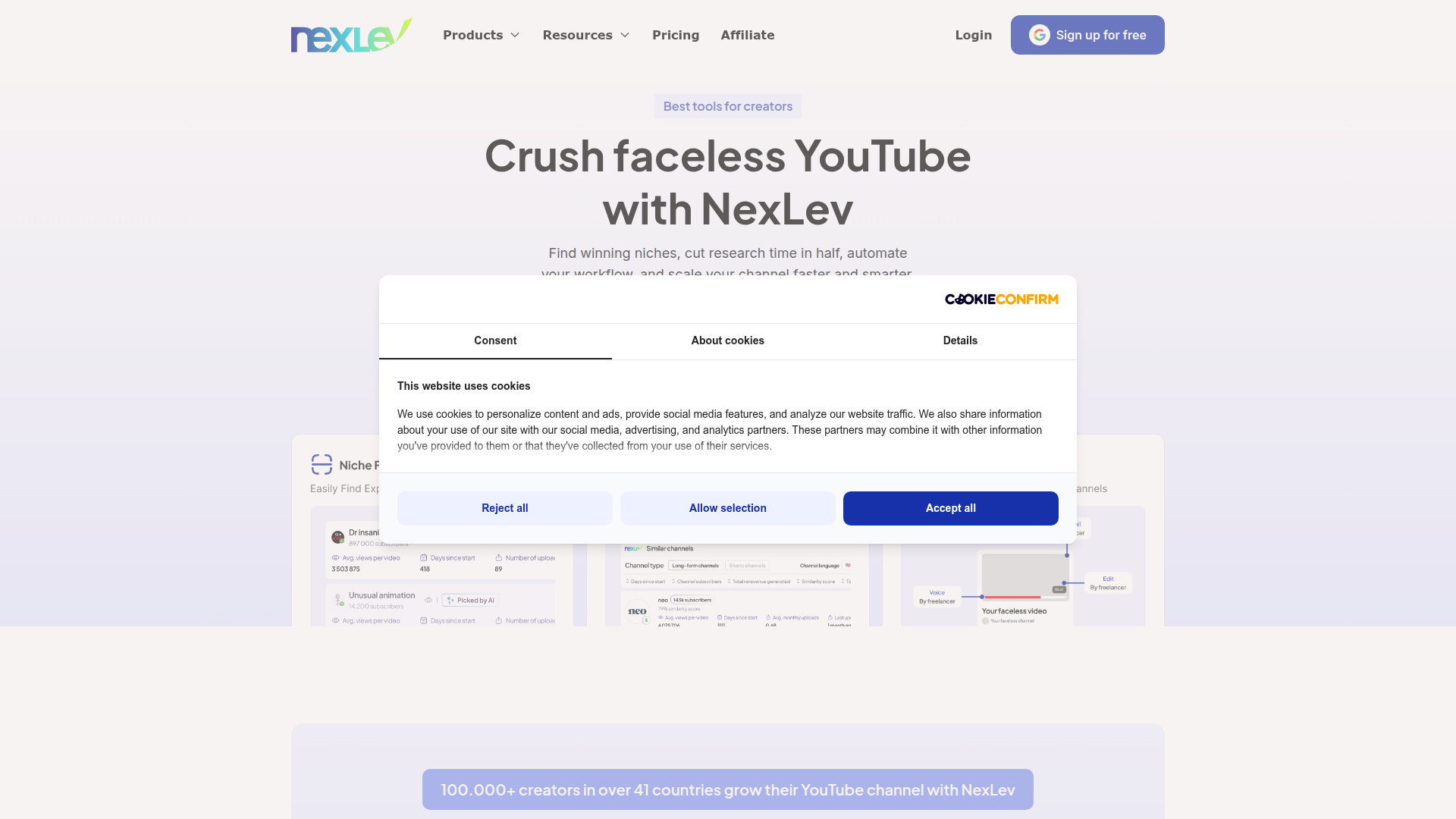
NexLev Niche Finder

AI-powered YouTube niche discovery to fuel fast, data-driven content ideas.

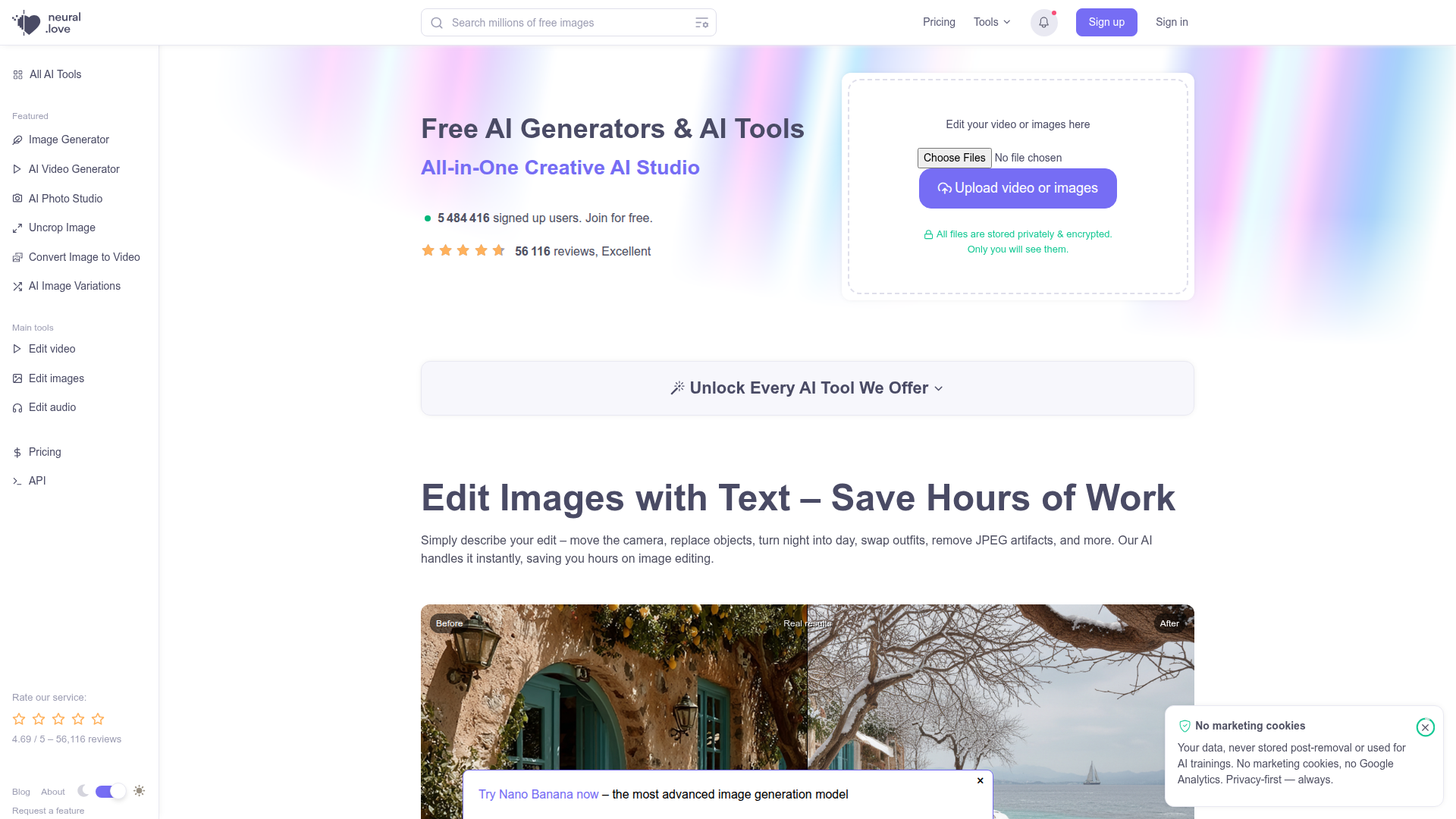
neural.love

Online AI tools for content creation—enhance videos, upscale images, and convert Live Photos to high-quality media.

LOVO AI Voice Generator

Turn text into natural-sounding speech with 500+ voices, live cloning, and video-ready outputs.