TubeBuddy logo

TubeBuddy

The Ultimate YouTube Growth Tool for SEO, thumbnails, and analytics

Listed:Dec 20, 2025
Platform:
Web
Browser Extension
iOS
Android
Share:
TubeBuddy

TubeBuddy Introduction

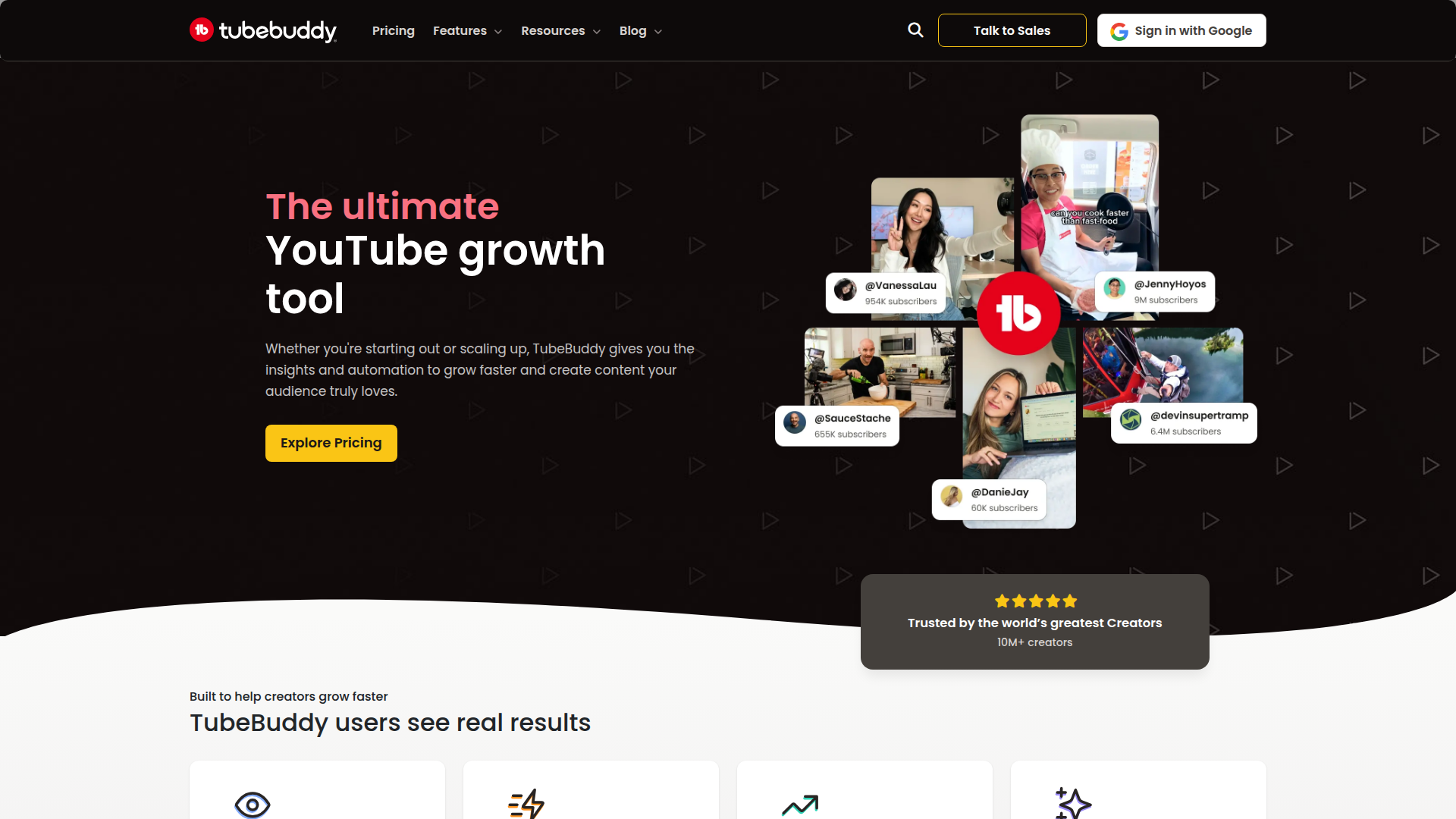
TubeBuddy is a YouTube SEO and growth tool for creators. It helps optimize metadata, conduct keyword research, and track analytics to grow your audience more efficiently.

Key benefits include:

  • Keyword Explorer for discovering high-impact search terms
  • SEO Studio for on-page optimization and metadata suggestions
  • Click Magnet to improve thumbnails and CTR
  • Channel Insights to monitor performance trends and audience behavior
  • Niche Leaderboard to benchmark against top creators
  • A/B Testing to compare thumbnails and titles

Perfect for creators and brands aiming to grow on YouTube through data-driven optimization while saving time.


Summary

TubeBuddy is a freemium YouTube SEO and growth toolkit that helps creators optimize metadata, analyze performance, and grow channels.

Key Features

  • Keyword Explorer
  • SEO Studio
  • Click Magnet
  • Channel Insights
  • Niche Leaderboard
  • A/B Testing
  • Topical Analysis
  • Title Generator
  • Thumbnail Analyzer
  • Thumbnail Generator
  • Chapter Editor
  • End Screen Templates
  • Suggested Video Tags
  • Revenue Calculator

Benefits

  • Increase video views and subscribers
  • Optimize video SEO efficiently
  • Gain insights into audience behavior
  • Test different video elements using A/B testing
  • Manage your YouTube channel from one dashboard

Use Cases

  • Improving video performance through SEO optimization
  • Utilizing A/B testing for thumbnails and titles
  • Analyzing competitor strategies
  • Streamlining video upload processes
  • Enhancing audience engagement
  • Planning keyword-driven content ideas
  • Benchmarking against niche leaders
  • Producing SEO-friendly metadata for new videos
  • Tracking performance trends over time
  • Optimizing thumbnails for higher CTR
  • Coordinating a content calendar with data-backed decisions

How to Use TubeBuddy

  1. Install the TubeBuddy browser extension
  2. Create an account or sign in
  3. Select the video you wish to optimize
  4. Utilize the SEO tools and features provided by TubeBuddy
  5. Analyze performance with channel insights and adjust strategies accordingly

Who Will Use TubeBuddy

  • Content creators
  • YouTube marketers
  • Social media managers
  • Businesses using YouTube for marketing
  • Video producers
  • Brand managers
  • Influencers
  • Digital marketing teams
  • Marketing agencies
  • Educators

Frequently Asked Questions

Alternative tools

Clickworker Data Services

Crowdsourced data services for AI training, insights, tagging, testing, and SEO.

Veo Camera

Record, Stream & Analyse

Vanta

Automate compliance and trust management for modern teams.

Origin Financial

Origin Financial — your all-in-one budget, investing, and AI planning platform.

Toolsaday AI

Toolsaday AI: Automate tasks with AI to boost productivity and streamline your workflows.

Taplio

Grow your personal LinkedIn brand with AI-powered content, scheduling, carousels, and analytics—all in one platform.

Seismic Sales Enablement Platform

Empowering revenue teams to close more deals with AI-powered enablement.

Prolific

Easily collect high-quality data from real people!

Free
PicWish

PicWish — Free online AI photo editor for quick, polished edits.

PhotoGrid

PhotoGrid — Create stunning collages and edit photos with AI power.