Veo Camera logo

Veo Camera

Record, Stream & Analyse

Listed:Dec 20, 2025
Platform:
Web
iOS
Android
Share:
Veo Camera

Veo Camera Introduction

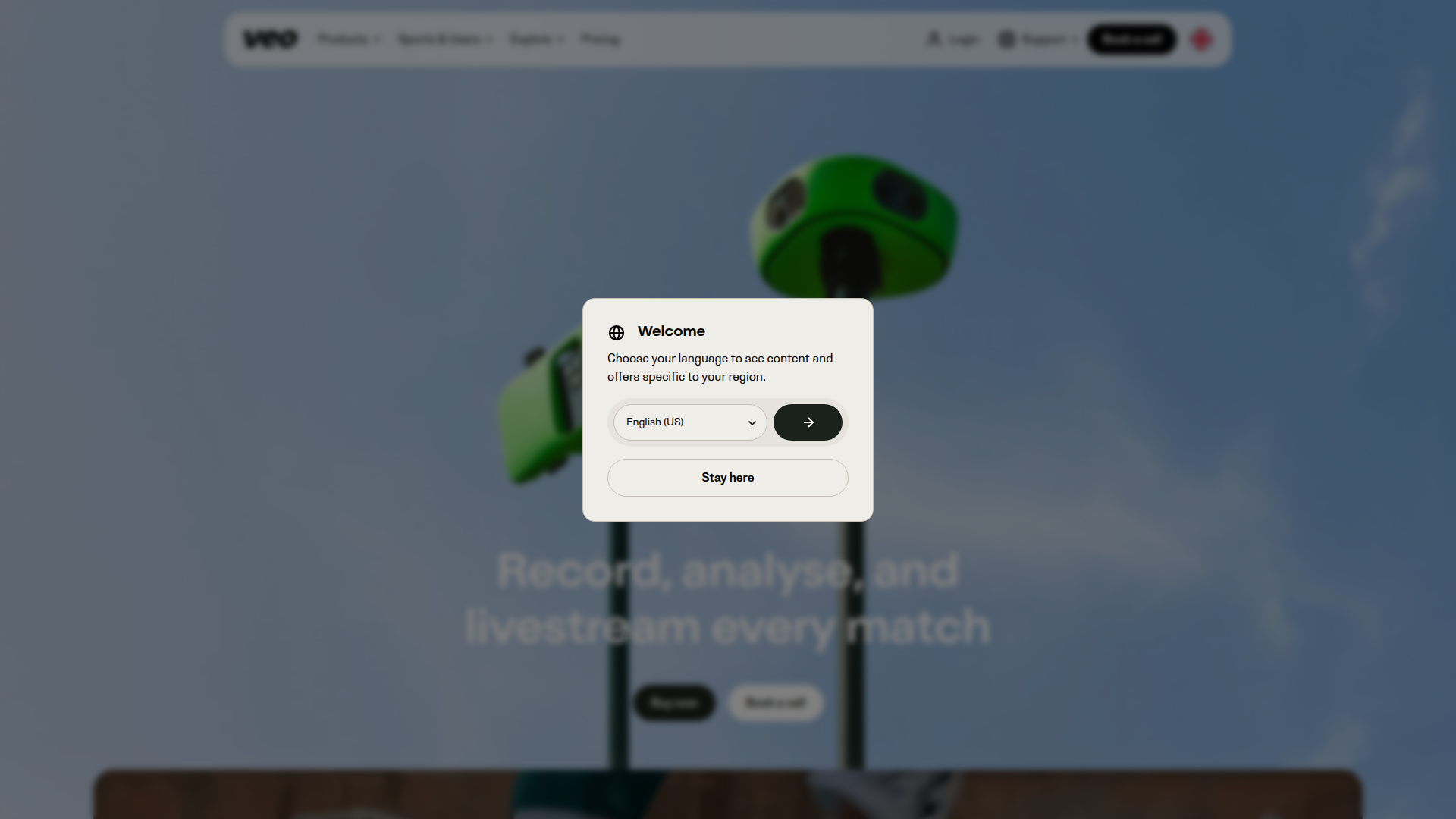
Veo Camera is an AI-powered smart sports tracking camera that automatically records matches, enabling teams to capture every moment without manual setup.

Key benefits include:

  • Automatic recording and multi-angle capture for comprehensive footage
  • Live streaming to fans and followers to boost engagement
  • In-depth performance analytics and actionable insights for coaching
  • Easy setup and a user-friendly Veo app that works across sports
  • High-definition video with instant replay and highlight reel creation

Perfect for coaches, athletes, athletic directors, parents, and analysts who want to improve performance and engage audiences.

Summary

Veo Camera is an AI-powered smart sports tracking camera that automatically records, streams, and analyzes games for teams of all levels.

Key Features

  • Record videos of games and practice sessions with automated capture
  • Live stream games to fans and followers
  • Analyse performance and generate actionable insights
  • Easy setup and intuitive app experience
  • Compatible with multiple sports and field setups
  • High-definition video capture with clear quality
  • Instant replay and highlight reel creation

Benefits

  • Automates recording to ensure you never miss a moment
  • Engages fans with live streaming
  • Delivers actionable insights to coaches
  • Easy-to-use interface suitable for all skill levels
  • HD video capture and reliable performance
  • Flexible pricing with scalable plans

Use Cases

  • Capturing game footage for analysis
  • Streaming live matches for fans
  • Reviewing practice sessions for improvement
  • Creating highlight reels for players
  • Documenting player development over time
  • Scouting potential recruits with captured game footage
  • Coaching clinics and training camps capture and review
  • Tactical analysis for game planning
  • Season-long team performance benchmarking
  • Off-field training review and feedback sessions

How to Use Veo Camera

  1. Step 1: Purchase the camera online
  2. Step 2: Set up in your desired location
  3. Step 3: Connect to the Veo app on your device
  4. Step 4: Start recording or streaming live
  5. Step 5: Review and analyze the footage

Who Will Use Veo Camera

  • Coaches
  • Players
  • Athletic Directors
  • Parents
  • Sports Analysts
  • Team Managers

Frequently Asked Questions

Alternative tools

HIX AI

Free AI chat, image, music & video tools in one freemium platform for creators.

Clickworker Data Services

Crowdsourced data services for AI training, insights, tagging, testing, and SEO.

Vanta

Automate compliance and trust management for modern teams.

Origin Financial

Origin Financial — your all-in-one budget, investing, and AI planning platform.

TubeBuddy

The Ultimate YouTube Growth Tool for SEO, thumbnails, and analytics

Taplio

Grow your personal LinkedIn brand with AI-powered content, scheduling, carousels, and analytics—all in one platform.

Seismic Sales Enablement Platform

Empowering revenue teams to close more deals with AI-powered enablement.

ScoreApp

Transform leads into customers with engaging quiz funnels.

Prolific

Easily collect high-quality data from real people!

NexLev Niche Finder

AI-powered YouTube niche discovery to fuel fast, data-driven content ideas.