Online video editing for creators: edit, subtitle, collaborate, and publish in your browser.

Listed:Dec 20, 2025
Platform:
Web
iOS
Android
Share:
VEED.IO

VEED.IO Introduction

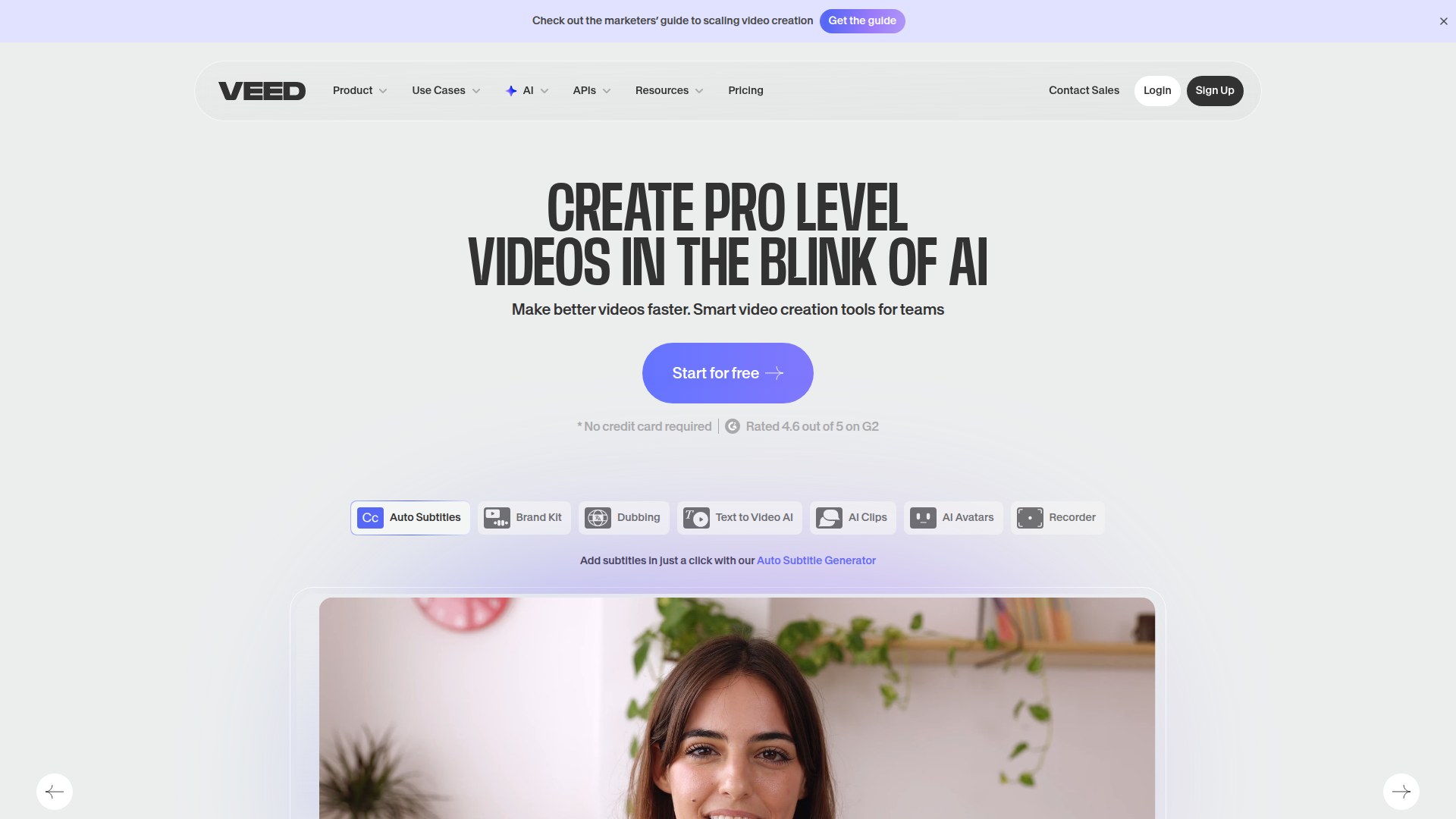
VEED.IO is an online video editing platform that enables creators to record, edit, caption, and publish videos directly in your browser. It delivers a fast, accessible workflow without the need to install heavy desktop software.

Key benefits include:

  • Fast, browser-based editing: Edit, trim, and refine videos quickly on any device, with a simple, intuitive timeline.
  • Automated subtitles: Generate captions automatically to speed up accessibility and reach.
  • Text, overlays, and branding: Add titles, overlays, and branding elements to enhance storytelling.
  • Screen recording and stock assets: Record your screen and access stock images, videos, and audio to enrich projects.
  • Collaborate and export: Work with teammates in real time and export in multiple formats for diverse platforms.

Perfect for content creators, marketers, educators, social media managers, and small teams who want fast, accessible video editing without installing software.

Summary

VEED.IO is an online video editor that lets creators quickly edit, caption, and publish videos with collaboration features.

Key Features

  • Online video editing directly in your browser
  • Automatically generate subtitles for videos
  • Trim, cut, and reorder clips with an intuitive timeline
  • Add text, overlays, and motion graphics
  • Record your screen for demos and tutorials
  • Add music, sound effects, and audio editing
  • Collaborate with team members in real time
  • Export videos in multiple formats

Benefits

  • Fast, browser-based editing eliminates software installs
  • Automated subtitles and translations save time
  • Flexible editing on any device with a consistent interface
  • Real-time collaboration helps teams stay in sync
  • Multiple export formats support diverse platforms
  • Access to stock assets and audio to enhance videos

Use Cases

  • Marketing videos for product launches
  • Social media clips for Facebook, Instagram, YouTube
  • Educational tutorials and online courses
  • Product demos and explainer videos
  • Internal communications and training videos
  • Event recaps and highlight reels
  • Brand storytelling and campaigns
  • Onboarding and HR videos
  • Course materials and lectures
  • Personal video projects and portfolios

How to Use VEED.IO

  1. Sign up for a VEED.IO account
  2. Upload your video file
  3. Edit with the timeline tools (trim, cut, reorder)
  4. Add audio and subtitles (automatic captions or manual)
  5. Apply text overlays and branding
  6. Export your finished video in your preferred format

Who Will Use VEED.IO

  • Content creators
  • Marketers
  • Educators and trainers
  • Social media managers
  • Video editors for small teams
  • Course creators and instructors
  • YouTubers and streamers
  • Brands and small businesses

Alternative tools

HIX AI

Free AI chat, image, music & video tools in one freemium platform for creators.

Veo Camera

Record, Stream & Analyse

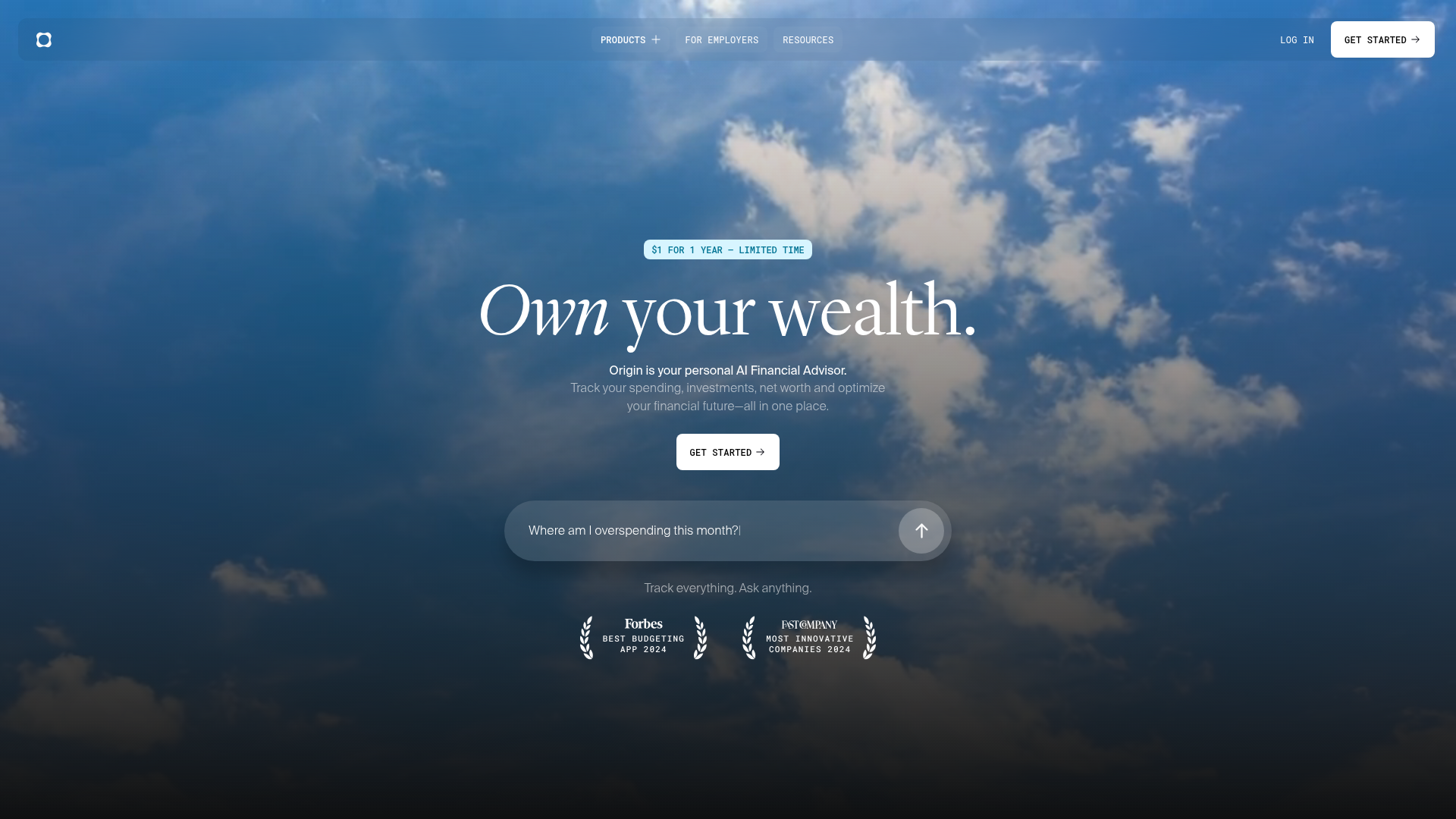
Origin Financial

Origin Financial — your all-in-one budget, investing, and AI planning platform.

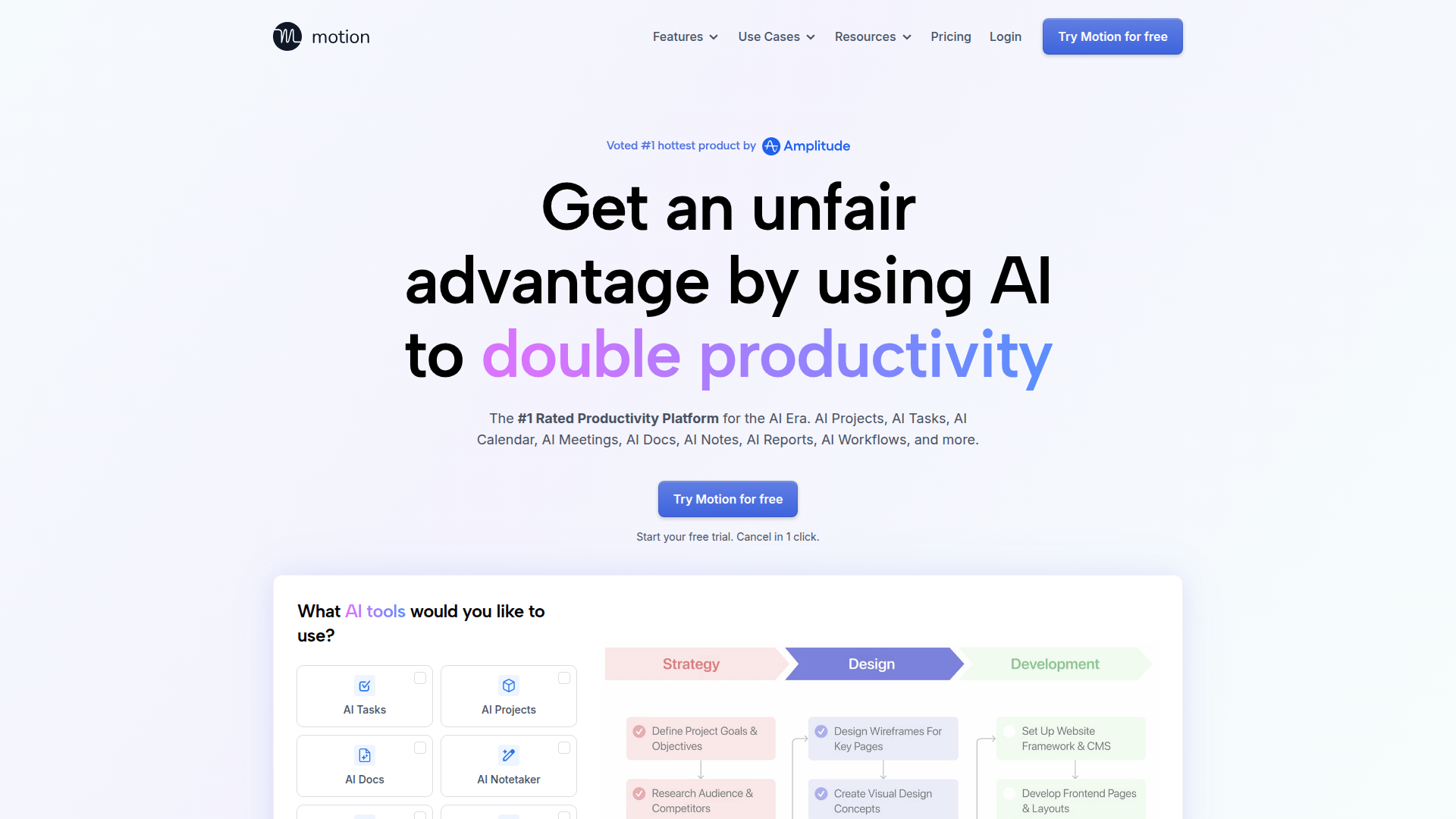
Motion

The AI-powered SuperApp for Work – AI-driven project, task, calendar, and meeting management in one.

Toolsaday AI

Toolsaday AI: Automate tasks with AI to boost productivity and streamline your workflows.

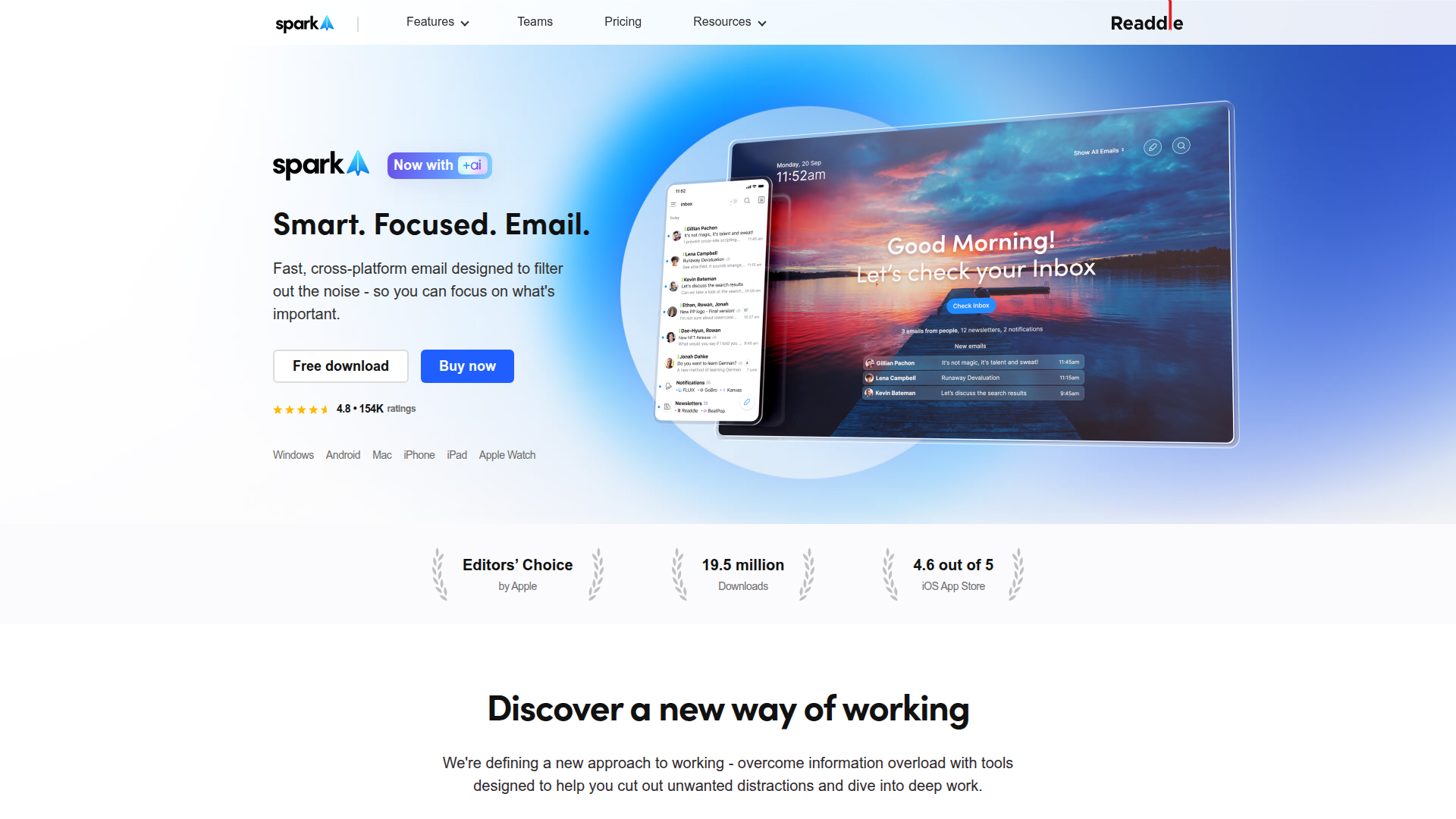
Spark Mail

Smart, focused email that helps you prioritize what matters.

ResumeBuilder.com

Create a professional resume in minutes.

Remini

AI-powered photo enhancer that sharpens portraits, landscapes, and old photos with ease.

QuillBot

AI-powered writing assistant for paraphrasing, grammar, and summarization—across web and browser extensions.

MyMap AI

Create diagrams effortlessly with AI—brainstorm, design, and share visuals in minutes.