Spark Mail logo

Spark Mail

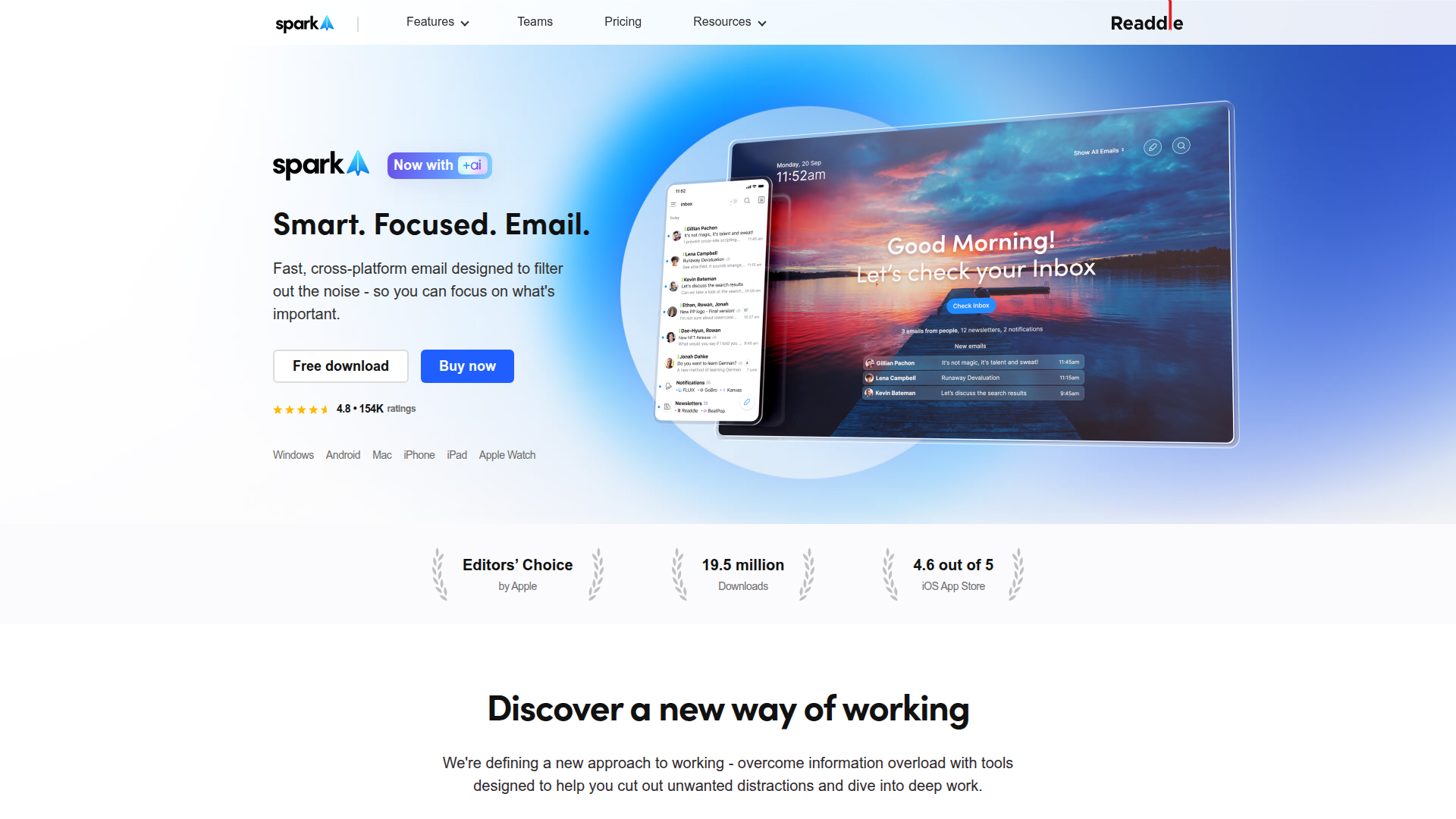
Smart, focused email that helps you prioritize what matters.

Listed:Dec 19, 2025
Platform:
iOS
Desktop
Android
Share:
Spark Mail

Spark Mail Introduction

Spark Mail helps you manage your inbox intelligently, surfacing what matters and letting you clean up the rest with ease.

Key benefits include:

  • Smart Inbox that prioritizes important messages, reducing noise
  • Collaborative email features for seamless team communication
  • Personalized suggestions to speed up replies and minimize back-and-forth
  • Reminders and Snooze to manage follow-ups and deadlines
  • Calendar and Tasks integrations for effortless scheduling and task tracking

Perfect for individuals and teams who want an efficient, organized email experience that keeps them focused on what matters.

Summary

Spark Mail is a smart inbox and collaboration-friendly email client from Readdle that helps you prioritize important messages and stay productive.

Key Features

  • Smart Inbox with prioritization and quick triage
  • Collaborative email threads for team coordination
  • Personalized suggestions to streamline responses
  • Reminders and Snooze for follow-ups
  • Calendar and Tasks integrations for scheduling
  • Cross-device sync across iOS, Desktop, and Android
  • Powerful search and organization tools
  • Customizable notification settings

Benefits

  • Increased productivity through a smart, prioritized inbox.
  • Enhanced focus on important emails with reminders and snooze.
  • Efficient collaboration with shared threads and team notes.
  • Better email organization with powerful search and filters.
  • Seamless scheduling and task management via calendar integrations.
  • Consistent experience across iOS, Desktop, and Android.

Use Cases

  • Managing work emails in a team environment
  • Coordinating client communications for a project
  • Scheduling meetings directly from email
  • Prioritizing urgent inquiries from clients or teammates
  • Collaborating on email drafts with teammates
  • Deferring non-urgent messages with snooze
  • Organizing newsletters and non-urgent messages for later
  • Managing cross-department email threads
  • Tracking follow-ups with reminders
  • Using email-integrated tasks for project workflows
  • Sales/CRM email workflows with smart triage
  • Executive inbox management for high-priority messages

How to Use Spark Mail

  1. Step 1: Install Spark Mail on iOS, Android, or Desktop (macOS).
  2. Step 2: Sign in with your email account and grant permissions.
  3. Step 3: Connect your email accounts and set your default inbox preferences.
  4. Step 4: Customize snooze, reminders, and notification settings.
  5. Step 5: Start managing messages with smart features and collaboration tools.

Who Will Use Spark Mail

  • Freelancers
  • Small teams / Startups
  • Small and medium businesses
  • Professionals and executives
  • Remote teams
  • Customer support teams
  • Project managers
  • Individual power users

Alternative tools

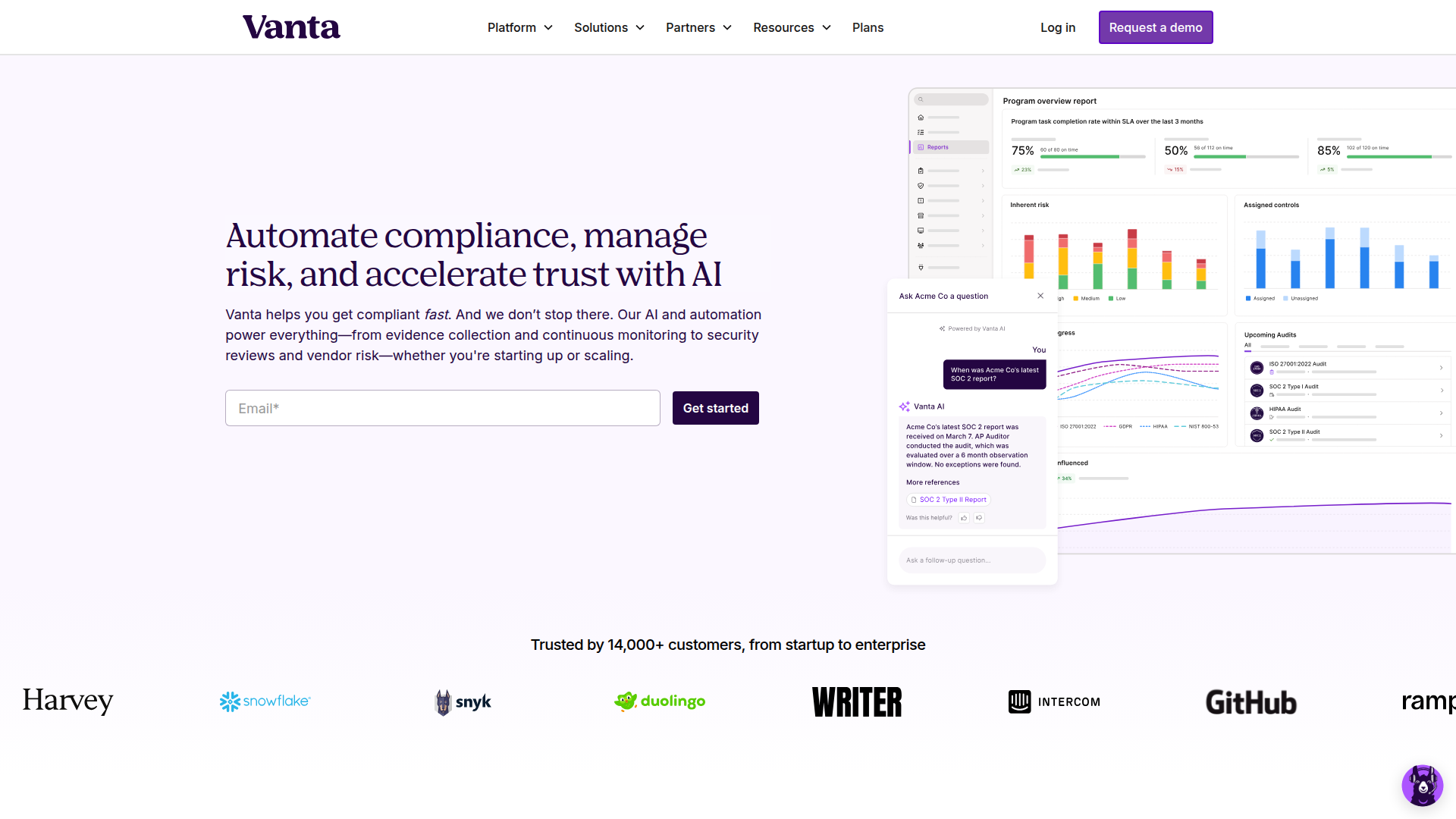
Vanta

Automate compliance and trust management for modern teams.

Origin Financial

Origin Financial — your all-in-one budget, investing, and AI planning platform.

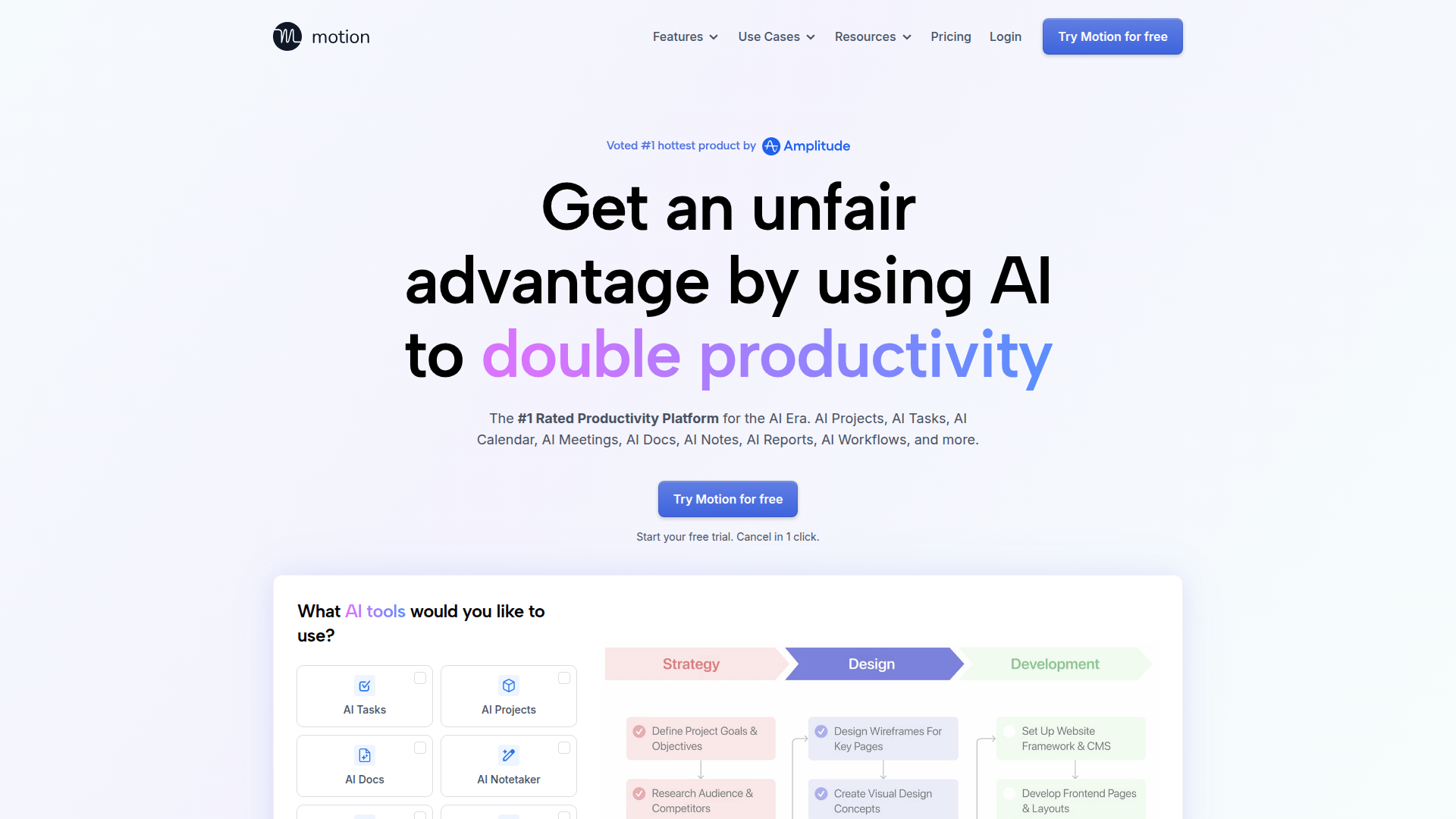
Motion

The AI-powered SuperApp for Work – AI-driven project, task, calendar, and meeting management in one.

Toolsaday AI

Toolsaday AI: Automate tasks with AI to boost productivity and streamline your workflows.

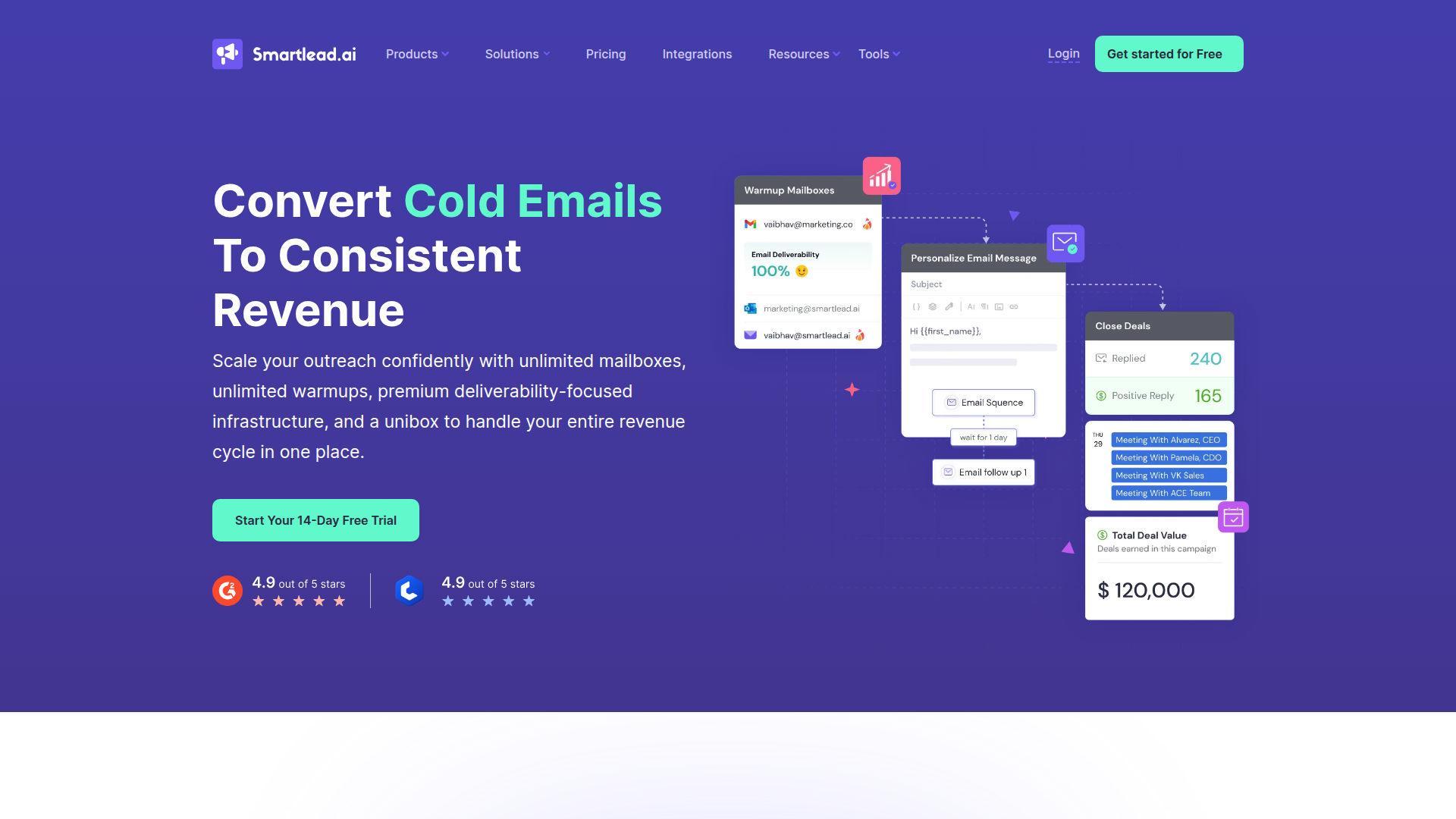
Smartlead

Smartlead: Premium cold email deliverability designed for outbound campaigns.

Sider

The AI-powered browser sidebar that brings GPT-5, Claude 4, Gemini 2.5, and Grok 4 into your workflow.

Roboflow

Computer vision tools for developers and enterprises

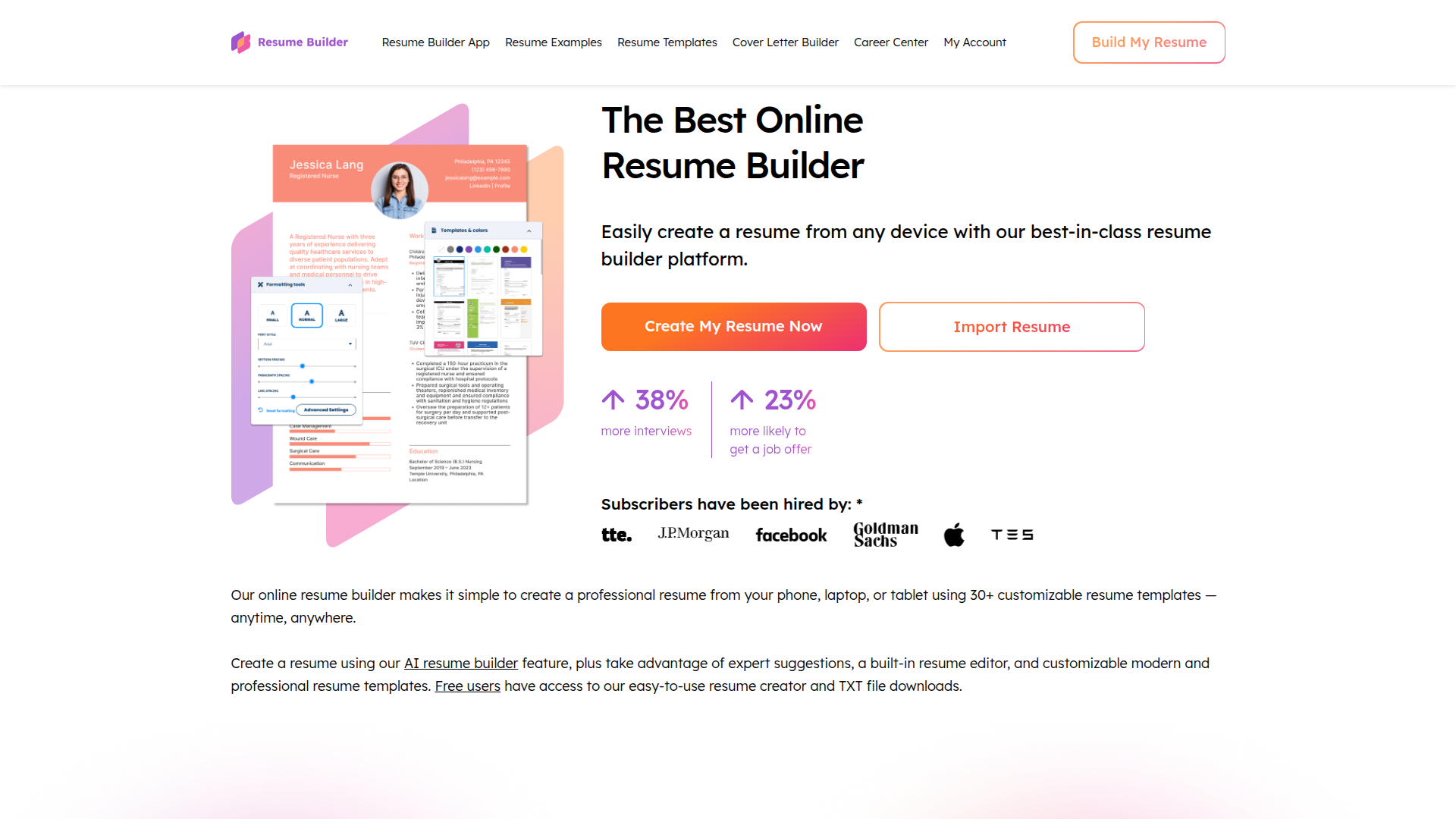
ResumeBuilder.com

Create a professional resume in minutes.

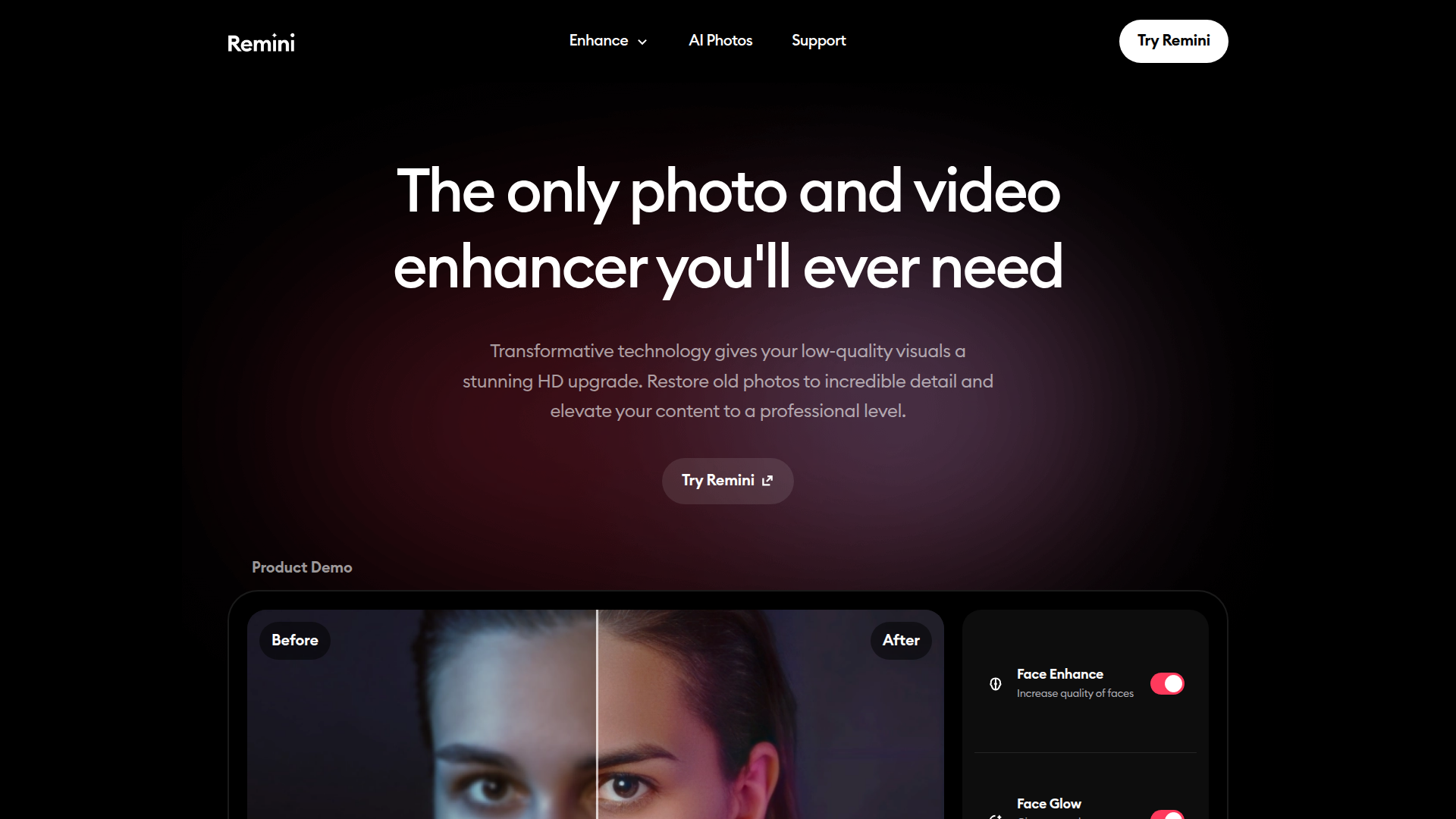
Remini

AI-powered photo enhancer that sharpens portraits, landscapes, and old photos with ease.

QuillBot

AI-powered writing assistant for paraphrasing, grammar, and summarization—across web and browser extensions.