AI-powered photo enhancer that sharpens portraits, landscapes, and old photos with ease.

Listed:Dec 19, 2025
Platform:
Web
Android
iOS
Share:
Remini

Remini Introduction

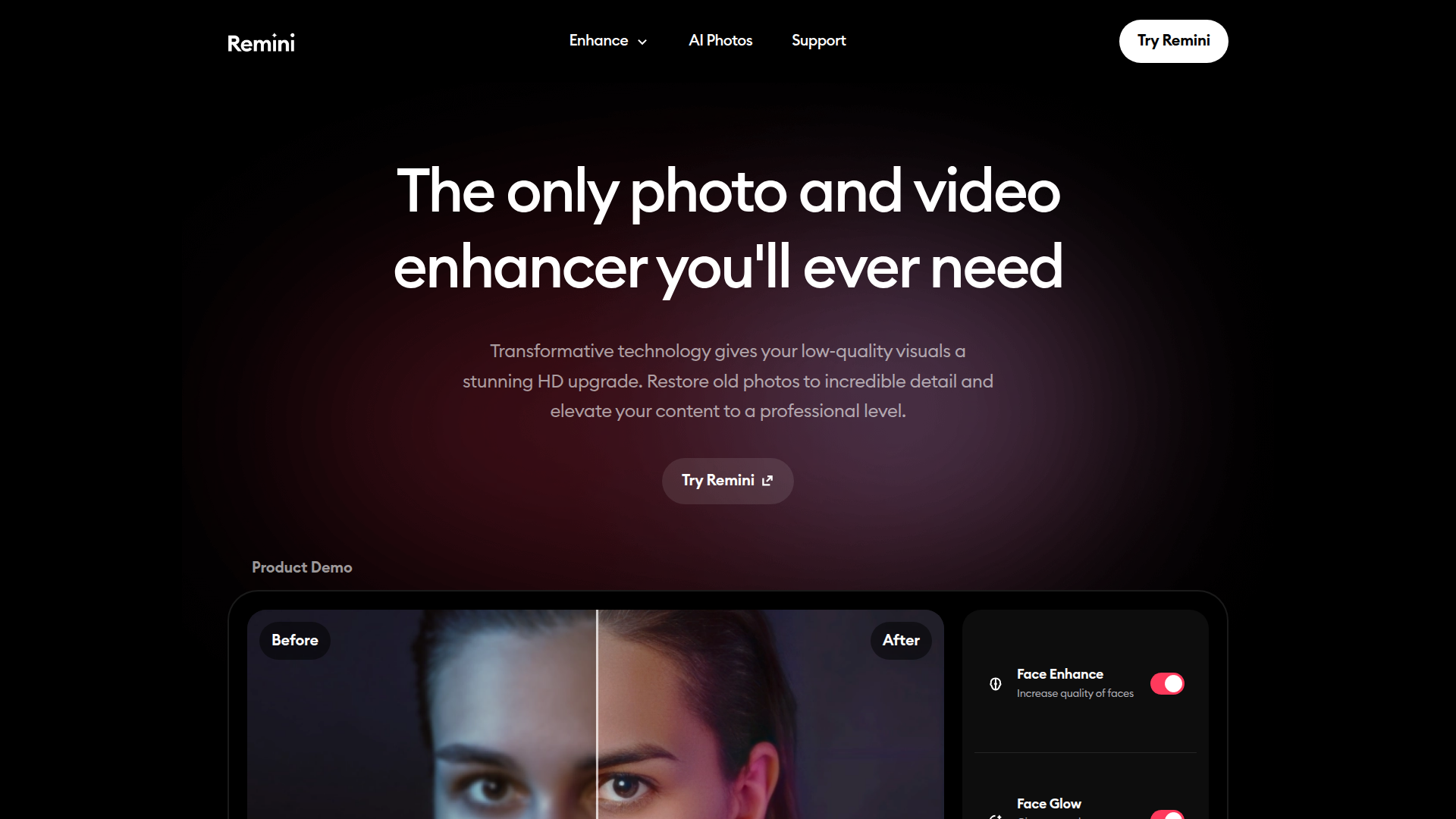
Remini is an AI-powered photo enhancement tool that automatically improves image quality and restores old photos. Its core value is delivering high-quality, professional-looking images without complex editing workflows.

Key benefits include:

  • AI-powered photo enhancement that sharpens details and improves clarity
  • Automatic improvement of image quality across portraits, landscapes, and vintage photos
  • Effective restoration of old or blurry photos with noise reduction and color correction
  • A user-friendly interface that makes advanced AI tools accessible to non-experts
  • Clear before/after comparisons to easily visualize improvements

Perfect for photographers, content creators, marketers, and everyday users who want high-quality image enhancements without a steep learning curve.


Summary

Remini uses AI to transform blurry or aging photos into high-quality images across web, Android, and iOS.

Key Features

  • AI-powered photo enhancement
  • Automatic enhancement of image quality
  • Enhancement of old and blurry photos
  • Support for various image types like portraits and landscapes
  • User-friendly interface

Benefits

  • Improves quality of old and blurry photos
  • Easy to use with intuitive UI
  • AI-driven enhancements deliver professional results
  • Supports a variety of photo types and enhancements
  • Before/after comparisons clearly show results
  • Reduces noise and improves color fidelity

Use Cases

  • Restoring old family photos
  • Enhancing portraits for social media
  • Improving landscape photos
  • Preparing images for marketing and product listings
  • Restoring faded or blurry scanned images
  • Printing high-quality photos for framing
  • Enhancing wedding and event photos
  • Creating cleaner images for portfolios
  • Color correction across multiple shots
  • Enhancing pet photos for keepsakes
  • Preparing visuals for presentations
  • Photo restoration for archives

How to Use Remini

  1. Download the Remini app from the App Store or Google Play.
  2. Upload the photo you want to enhance.
  3. Select the enhancement option (portrait, landscape, old photo) and adjust preferences if available.
  4. Save or share your enhanced image.

Who Will Use Remini

  • Photographers
  • Social media users
  • People looking to restore old photos
  • Graphic designers
  • Content creators
  • Small business marketers
  • Wedding and event photographers
  • Memory preservation enthusiasts

Alternative tools

HIX AI

Free AI chat, image, music & video tools in one freemium platform for creators.

GirlfriendGPT

Create your AI dream girl - design the perfect AI girlfriend for you

NanoBanana AI

Create stunning images with Google's AI model — fast, flexible, and easy.

Origin Financial

Origin Financial — your all-in-one budget, investing, and AI planning platform.

Toolsaday AI

Toolsaday AI: Automate tasks with AI to boost productivity and streamline your workflows.

Roboflow

Computer vision tools for developers and enterprises

QuillBot

AI-powered writing assistant for paraphrasing, grammar, and summarization—across web and browser extensions.

Phrasly

Write naturally, without fear of detection.

Free
OpenRouter

Harness the power of multiple AI models in one place.

LOVO AI Voice Generator

Turn text into natural-sounding speech with 500+ voices, live cloning, and video-ready outputs.