Customuse 3D Template Designer logo

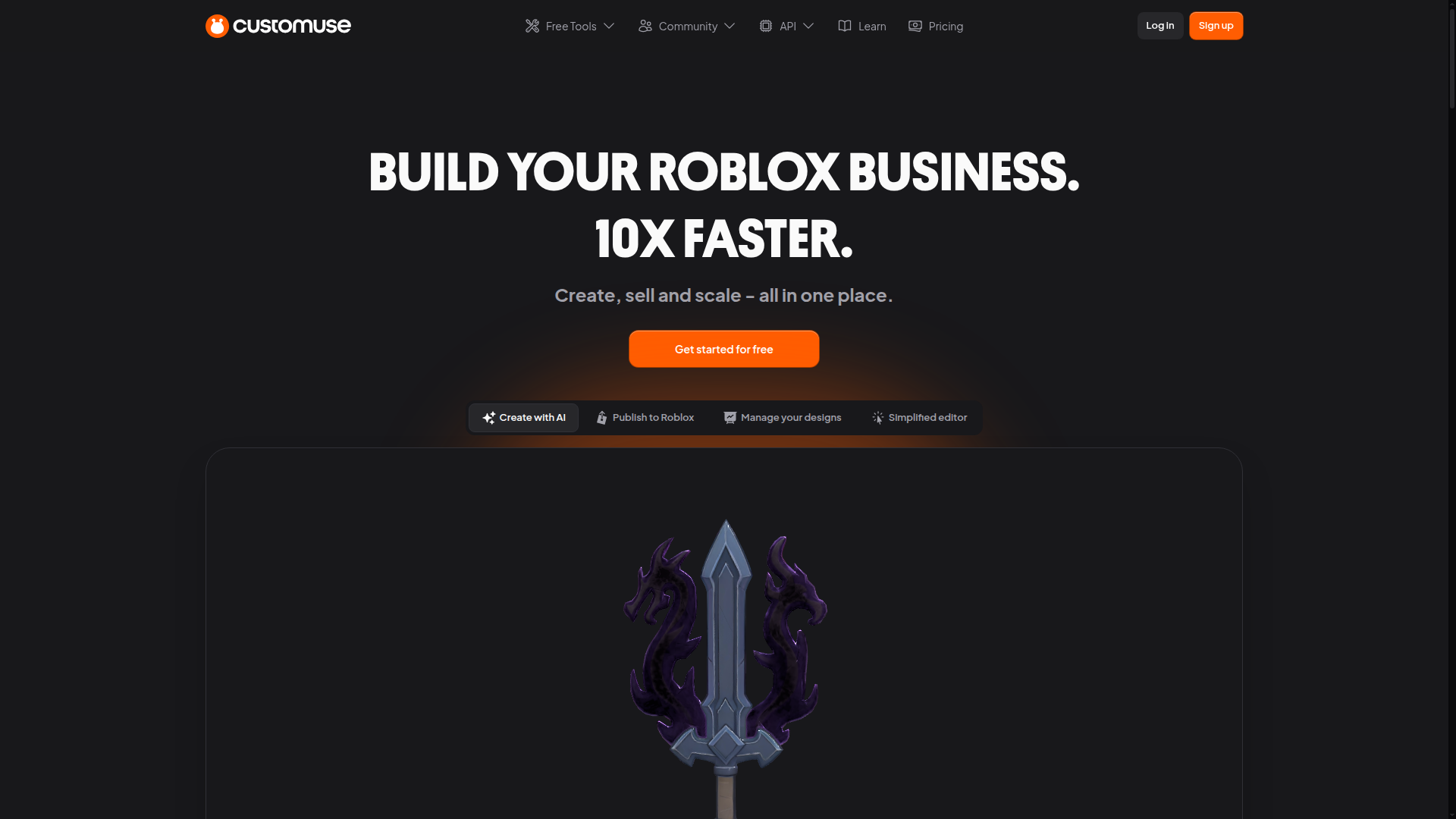
Customuse 3D Template Designer

Unlock your creativity with free 3D clothing templates for games and apps.

Listed:Dec 19, 2025
Platform:
Web
Desktop
Share:
Customuse 3D Template Designer

Customuse 3D Template Designer Introduction

Customuse 3D Template Designer is a free design tool that lets you create, customize, and export 3D clothing templates for games and apps. It provides a user-friendly platform with high-quality assets to accelerate character customization.

Key benefits include:

  • User-friendly interface for rapid 3D template creation
  • High-quality assets tailored for games and apps
  • Flexible clothing customization (textures, colors, and accessories)
  • Export options in multiple formats compatible with popular game engines
  • Seamless integration with common pipelines and workflows

Perfect for game developers, designers, and educators who want to prototype and deploy customizable wearables quickly.
Summary

Customuse provides free, customizable 3D clothing templates for games and apps, enabling quick character customization and export-ready assets.

Key Features

  • User-friendly interface for creating 3D templates
  • High-quality assets for games and apps
  • Customizable clothing designs
  • Export options for multiple formats
  • Integration with popular game engines

Benefits

  • Completely free to use
  • Wide range of customizable templates
  • User-friendly design tools
  • Export-ready assets for multiple engines
  • No prior design experience required
  • Community inspiration and templates

Use Cases

  • Creating outfits for virtual characters in games
  • Designing 3D clothing for animations
  • Developing assets for fashion design projects
  • Prototyping wearable designs for avatars
  • Educational fashion-design projects
  • Character customization features for RPGs
  • VR/AR clothing previews and testing
  • Indie game asset creation for clothing
  • Themed skins and event wearables
  • Marketing assets for game launches
  • Prototyping cosplay concepts
  • Portfolio pieces for designers

How to Use Customuse 3D Template Designer

  1. Create a free account on the Customuse website.
  2. Select a template to begin designing.
  3. Use the built-in tools to customize clothing (textures, colors, shapes).
  4. Preview your design in 3D and fine-tune as needed.
  5. Export your completed template in your preferred format and import into your project.

Who Will Use Customuse 3D Template Designer

  • Game developers
  • Indie game studios
  • Fashion designers
  • 3D artists
  • Animators
  • Students learning design
  • Educators

Alternative tools

Make Merch Now

Make Merch Now: Pro designs made easy for merch sellers and designers.

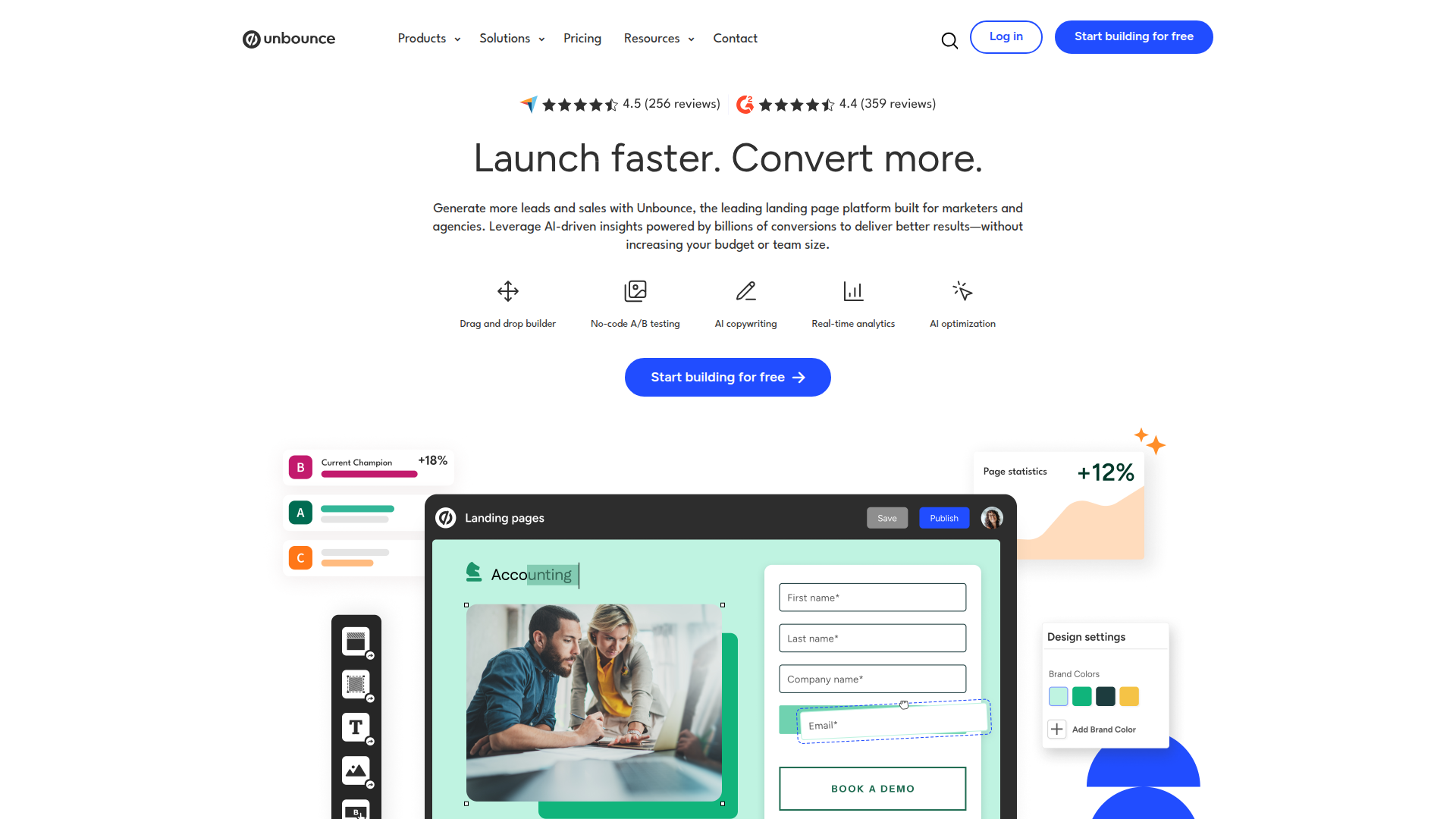
Unbounce

Create high-converting landing pages fast with drag-and-drop design, AI copy, and smart optimization.

StarryAI

Create AI-generated art and video in seconds with StarryAI — intuitive prompts, diverse styles, and high-quality outputs.

Pixlr

AI-powered online photo editor and design suite with image generation, background removal, and templates.

Pixelcut

Your AI Photo Assistant for fast, professional edits.

Piktochart

Piktochart: Create stunning infographics and visuals in minutes.

Free
PicWish

PicWish — Free online AI photo editor for quick, polished edits.

Free
OpenRouter

Harness the power of multiple AI models in one place.

OpenAI API

Access state-of-the-art AI models via a scalable freemium API for developers and enterprises.

Entrust Identity Verification

Identity Verification Solutions for Secure Transactions