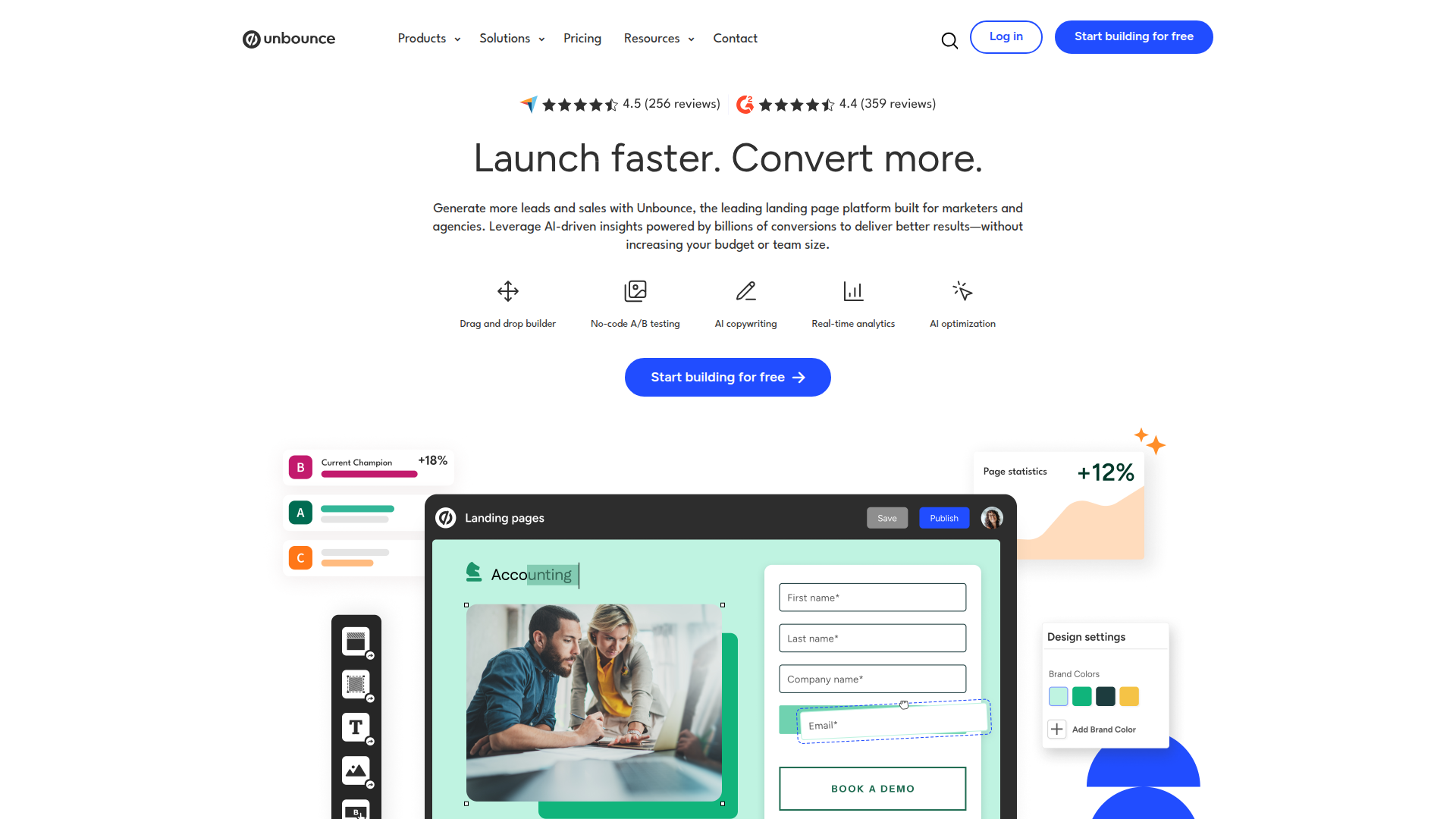
Create high-converting landing pages fast with drag-and-drop design, AI copy, and smart optimization.

Listed:Dec 20, 2025
Platform:
Web
Share:
Unbounce

Unbounce Introduction

Unbounce is a leading landing page builder and CRO platform that helps marketers create high-converting pages quickly and without heavy development work.

Key benefits include:

  • Drag-and-drop landing page builder for fast, code-free design
  • A/B testing to identify the best-performing variant
  • Smart Traffic routes visitors to the most relevant variant for higher conversions
  • AI copywriting to craft compelling headlines and body text
  • Ready-made templates and modular components to speed up launches
  • Seamless integrations with popular marketing, analytics, and CRM tools

Perfect for marketers, agencies, SaaS teams, e-commerce stores, and small businesses who want to scale conversions without sacrificing speed.
Summary

Unbounce is a leading landing page builder and CRO platform that enables marketers to create, test, and optimize pages to boost conversions.

Key Features

  • Drag-and-drop landing page builder
  • A/B testing
  • Smart Traffic
  • AI copywriting
  • Templates
  • Integrations with other tools

Benefits

  • Increase conversion rates through optimized landing pages
  • Intuitive drag-and-drop editor that requires no coding
  • Powerful A/B testing to identify winning variants
  • AI-assisted copywriting to craft persuasive messaging
  • Fast launches with templates and modular components
  • Broad integrations with marketing, analytics, and CRM tools

Use Cases

  • Lead generation campaigns
  • Event registration pages
  • Product launch pages
  • SaaS onboarding and trial pages
  • Pricing and checkout optimization
  • E-commerce product pages and promotions
  • Agency client landing pages
  • Webinar registration pages
  • Re-engagement and seasonal promotions
  • Local business promotions

How to Use Unbounce

  1. Step 1: Sign up for an Unbounce account.
  2. Step 2: Choose a template or start from scratch.
  3. Step 3: Customize your landing page with the drag-and-drop editor.
  4. Step 4: Set up A/B tests to optimize performance.
  5. Step 5: Publish and monitor results to iterate.

Who Will Use Unbounce

  • Marketing professionals
  • Small business owners
  • E-commerce managers
  • Digital marketing agencies
  • Product marketers
  • SaaS teams
  • Growth marketers
  • Freelancers and consultants

Frequently Asked Questions

Alternative tools

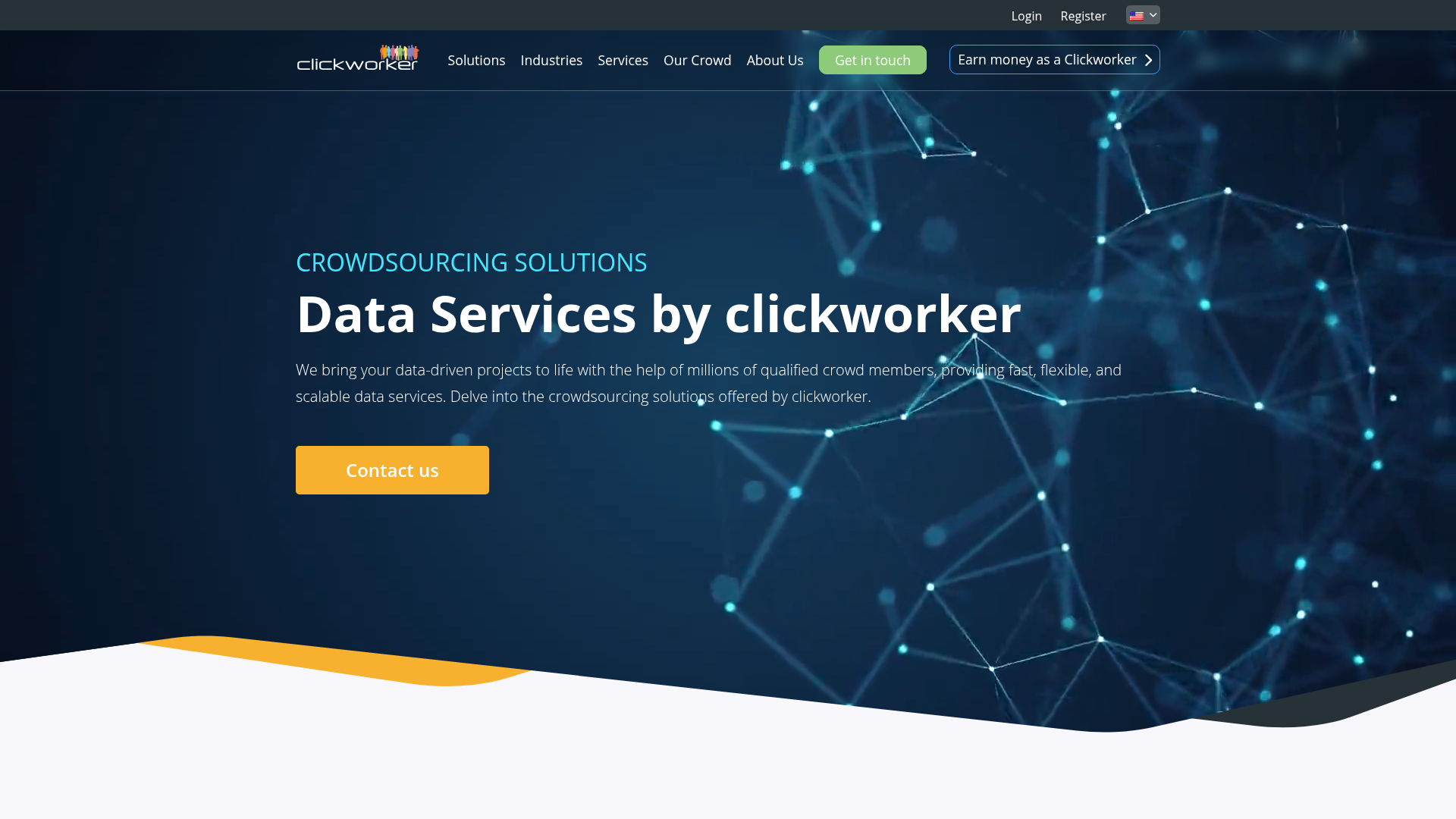
Clickworker Data Services

Crowdsourced data services for AI training, insights, tagging, testing, and SEO.

Firstup

The First Intelligent Communication Platform!

Smartlead

Smartlead: Premium cold email deliverability designed for outbound campaigns.

Seismic Sales Enablement Platform

Empowering revenue teams to close more deals with AI-powered enablement.

ScoreApp

Transform leads into customers with engaging quiz funnels.

Prolific

Easily collect high-quality data from real people!

Pixlr

AI-powered online photo editor and design suite with image generation, background removal, and templates.

Free
PicWish

PicWish — Free online AI photo editor for quick, polished edits.

NexLev Niche Finder

AI-powered YouTube niche discovery to fuel fast, data-driven content ideas.

MyMap AI

Create diagrams effortlessly with AI—brainstorm, design, and share visuals in minutes.