AI-powered online photo editor and design suite with image generation, background removal, and templates.

Listed:Dec 19, 2025
Platform:
Web
iOS
Android
Desktop
Share:
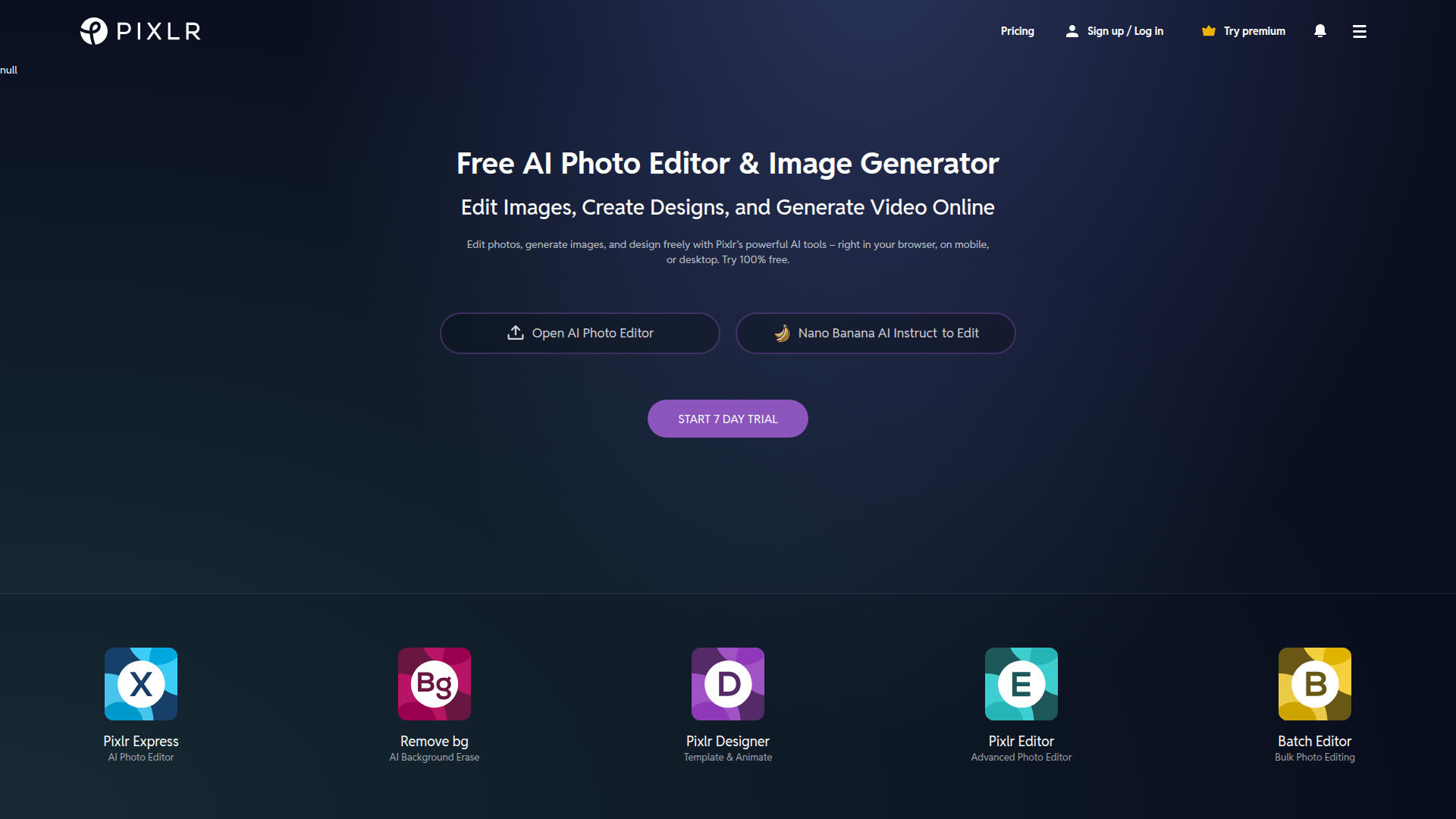
Pixlr

Pixlr Introduction

Pixlr provides a powerful online platform for photo editing and design, combining traditional editing tools with AI-powered features to accelerate visual creation across devices.

Key benefits include:

  • AI-powered editing to speed up workflows while maintaining quality
  • A broad toolset for advanced edits, cropping, resizing, and adjustments
  • AI background removal, object removal, and face swap capabilities for quick refinements
  • Text-to-image generation and Generative Fill/Expand for creative visuals
  • Access to templates, collages, and social media assets for fast production
  • Cross-platform access (Web, iOS, Android, Desktop) with easy export options

Perfect for designers, marketers, content creators, and general users who want fast, professional visuals across web and social platforms.

Summary

Pixlr is a freemium online AI photo editor and design toolkit offering AI image generation, advanced editing, background removal, and templates across web, mobile, and desktop.

Key Features

  • Advanced photo editing
  • AI-powered editing tools
  • Batch photo editing
  • AI face swap
  • Text-to-image generation
  • Video generator
  • Photo collage maker
  • Nano Banana AI image editor
  • AI background remover
  • File converter
  • Social media templates
  • Generative fill and expand
  • Auto background remover
  • Crop and resize tools

Benefits

  • User-friendly interface suitable for beginners
  • Extensive toolkit for both basic and advanced edits
  • AI-assisted features save time and enhance creativity
  • Supports multiple file formats for upload and download
  • Background removal, object removal, and face swap capabilities
  • Freemium model with a premium subscription and trial

Use Cases

  • Create and edit social media posts
  • Design marketing graphics for campaigns
  • Prepare website imagery and hero visuals
  • Perform quick personal photo enhancements
  • Batch edit multiple photos for a shoot
  • Create photo collages for portfolios
  • Generate AI images from text prompts
  • Remove backgrounds for product photos
  • Swap faces for creative edits
  • Resize images to specific dimensions
  • Apply branded filters for consistency

How to Use Pixlr

  1. Visit the Pixlr website
  2. Choose a product to start editing
  3. Upload an image or select a template
  4. Apply editing tools and AI features to modify your image
  5. Download or share your edited image

Who Will Use Pixlr

  • Graphic designers
  • Social media managers
  • Content creators
  • Marketing teams
  • Web designers
  • Photographers
  • Educators

Alternative tools

Leonardo AI

Generate stunning visuals effortlessly with AI.

HIX AI

Free AI chat, image, music & video tools in one freemium platform for creators.

GirlfriendGPT

Create your AI dream girl - design the perfect AI girlfriend for you

Getimg AI

Create stunning AI-generated images with collaboration, editing, and fast results.

NanoBanana AI

Create stunning images with Google's AI model — fast, flexible, and easy.

Taplio

Grow your personal LinkedIn brand with AI-powered content, scheduling, carousels, and analytics—all in one platform.

Remini

AI-powered photo enhancer that sharpens portraits, landscapes, and old photos with ease.

PromptHero

Search and generate AI image & video prompts with ease—discover, customize, and export stunning AI content.

Free
PicWish

PicWish — Free online AI photo editor for quick, polished edits.

PhotoGrid

PhotoGrid — Create stunning collages and edit photos with AI power.