Piktochart logo

Piktochart

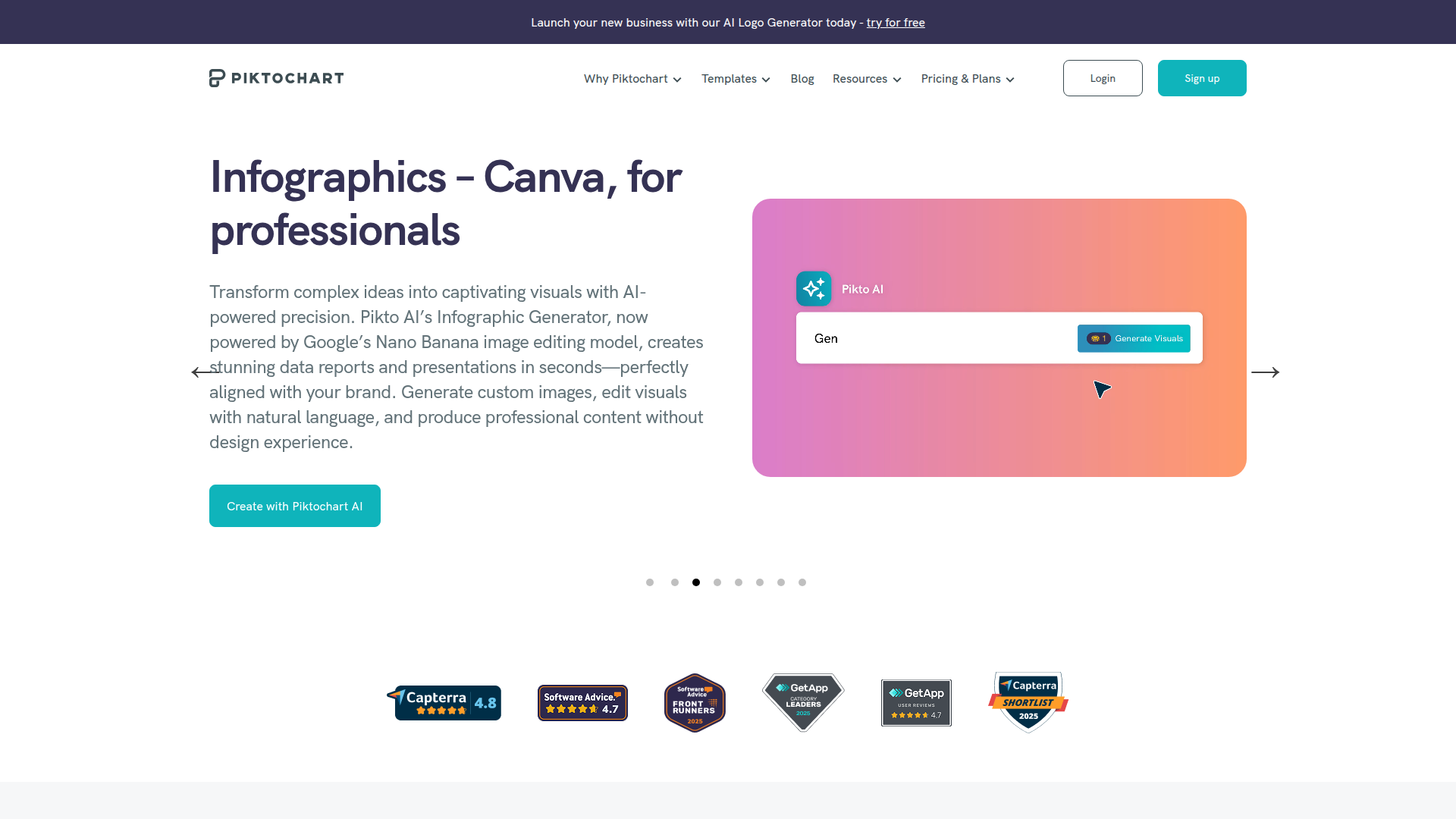
Piktochart: Create stunning infographics and visuals in minutes.

Listed:Dec 19, 2025
Platform:
Web
iOS
Android
Share:
Piktochart

Piktochart Introduction

Piktochart makes it easy to create infographics and presentations without design experience. Its drag-and-drop editor and AI-assisted features help you turn data into compelling visuals in minutes.

Key benefits include:

  • Drag-and-drop editor for rapid, intuitive design
  • Hundreds of templates plus customizable charts and maps
  • AI-assisted design to speed up layout and styling
  • Real-time collaboration and cloud-based storage for teams
  • Export options in PNG, PDF, and PPT for seamless sharing

Perfect for marketers, educators, students, and business professionals who want professional visuals quickly while collaborating with teammates.


Summary

Piktochart is an infographic maker that helps individuals and teams craft engaging visuals with templates, charts, and AI-assisted design.

Key Features

  • Drag and drop editor for fast, intuitive design
  • Hundreds of templates to choose from
  • Customizable charts and maps for data visualization
  • Collaboration tools to work with teammates
  • Cloud-based storage and syncing across devices
  • Downloadable formats: PNG, PDF, PPT

Benefits

  • Easy to use interface that speeds up design
  • Huge library of templates for diverse needs
  • Effective data visualization with charts and maps
  • Supports teamwork with collaboration features
  • Accessible anytime via cloud storage
  • Flexible export options for distribution

Use Cases

  • Creating marketing materials
  • Designing educational resources
  • Visualizing business data
  • Building executive or investor decks
  • Sharing infographics on social media
  • Producing event posters and flyers
  • Developing training materials
  • Crafting classroom handouts
  • Designing reports and dashboards
  • Creating presentations for meetings

How to Use Piktochart

  1. Sign up for an account
  2. Choose a template or start from scratch
  3. Customize with drag-and-drop editor, charts, and images
  4. Collaborate with your team and preview your design
  5. Download or share the finished infographic

Who Will Use Piktochart

  • Marketers
  • Educators
  • Students
  • Business Professionals
  • HR Teams
  • Product Managers

Alternative tools

Toolsaday AI

Toolsaday AI: Automate tasks with AI to boost productivity and streamline your workflows.

Revisely

AI-powered feedback and collaborative learning resources for educators and students.

ResumeBuilder.com

Create a professional resume in minutes.

Free
ReadTheory

ReadTheory — free adaptive reading comprehension practice for students and teachers.

Free
PicWish

PicWish — Free online AI photo editor for quick, polished edits.

PhotoGrid

PhotoGrid — Create stunning collages and edit photos with AI power.

MyMap AI

Create diagrams effortlessly with AI—brainstorm, design, and share visuals in minutes.

AI Innovation Workspace | Miro

AI-powered visual collaboration to ideate, plan, and accelerate product development with your team.

Mindgrasp

Mindgrasp: AI-powered learning assistant turning lectures into bite-sized study tools.

LOVO AI Voice Generator

Turn text into natural-sounding speech with 500+ voices, live cloning, and video-ready outputs.