ProWritingAid logo

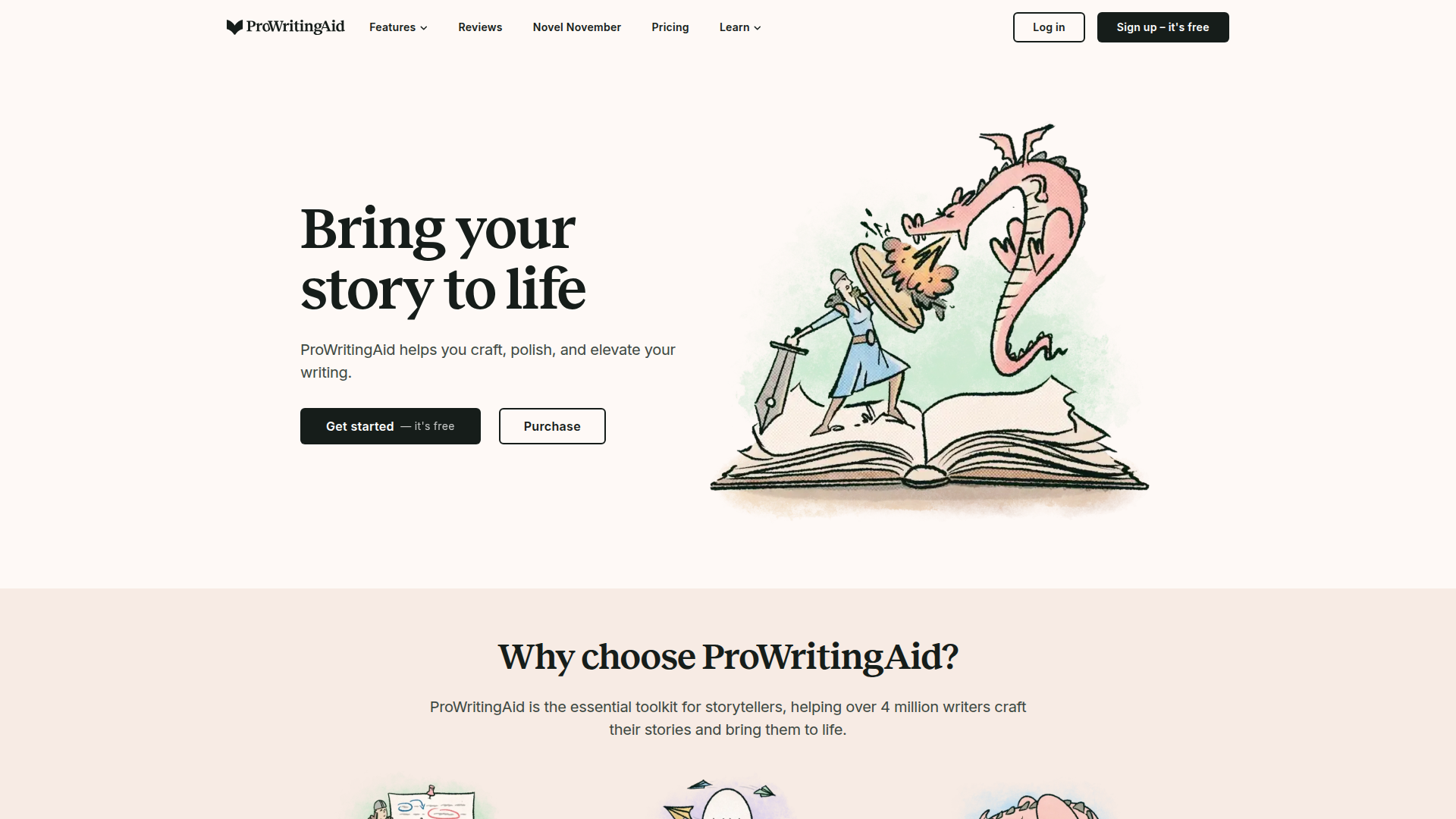
ProWritingAid

Bring your story to life with smart writing tools that critique, refine, and polish your prose.

Listed:Dec 19, 2025
Platform:
Web
Desktop
Browser Extension
Share:
ProWritingAid

ProWritingAid Introduction

ProWritingAid is a comprehensive writing assistant that analyzes your text to improve quality and style across your workflow.

Key benefits include:

  • In-depth critiques that reveal structural and stylistic issues
  • Grammar and style improvements across your manuscript
  • Time-saving editing with actionable suggestions
  • Plagiarism checking to ensure originality
  • Seamless integrations with Google Docs, MS Word, Scrivener and more
  • Real-time suggestions via browser extensions

Perfect for writers, authors, students, editors and professionals who want to elevate storytelling and clarity across drafts.


Summary

ProWritingAid is a writing assistant that analyzes your text with deep critiques, style suggestions, and seamless integrations to boost writing quality.

Key Features

  • Chapter Critique: In-depth feedback on chapter structure and pacing
  • Manuscript Analysis: Comprehensive critique across your entire manuscript
  • Virtual Beta Reader: AI-powered insights that mimic beta reader responses
  • Sensory Report: Feedback on sensory detail and immersion
  • Grammar and Style Checks: Correctness and stylistic improvement suggestions
  • Plagiarism Checking: Originality verification for your content
  • Integrations with Google Docs, MS Word, Scrivener: Seamless editing in your preferred tools
  • Browser Extensions: Chrome, Firefox, and Edge extensions for on-the-go improvements

Benefits

  • In-depth critiques that reveal structural and stylistic issues
  • Grammar and style improvements across your manuscript
  • Time-saving editing with actionable suggestions
  • Plagiarism checking to ensure originality
  • Seamless integrations with Google Docs, MS Word, Scrivener and more
  • Real-time suggestions via browser extensions

Use Cases

  • Polish a novel manuscript or novella
  • Prepare engaging blog posts and articles
  • Edit academic papers and dissertations
  • Draft compelling marketing copy
  • Revise short stories and character-driven scenes
  • Improve narrative pacing and scene description
  • Refine dialogue and voice
  • Prepare submission-ready manuscripts for contests
  • Create consistent author branding and tone
  • Collaborate with editors and beta readers

How to Use ProWritingAid

  1. Step 1: Create a free account and install the preferred integration or browser extension.
  2. Step 2: Open your manuscript or document in your chosen app (Web, Word, Scrivener, etc.).
  3. Step 3: Run ProWritingAid’s analysis and select the checks you want.
  4. Step 4: Review and apply suggested edits and style improvements.
  5. Step 5: Save changes and continue refining your writing.

Who Will Use ProWritingAid

  • Writers
  • Authors
  • Students
  • Editors
  • Publishers
  • Content creators
  • Bloggers
  • Academics

Alternative tools

Vanta

Automate compliance and trust management for modern teams.

Origin Financial

Origin Financial — your all-in-one budget, investing, and AI planning platform.

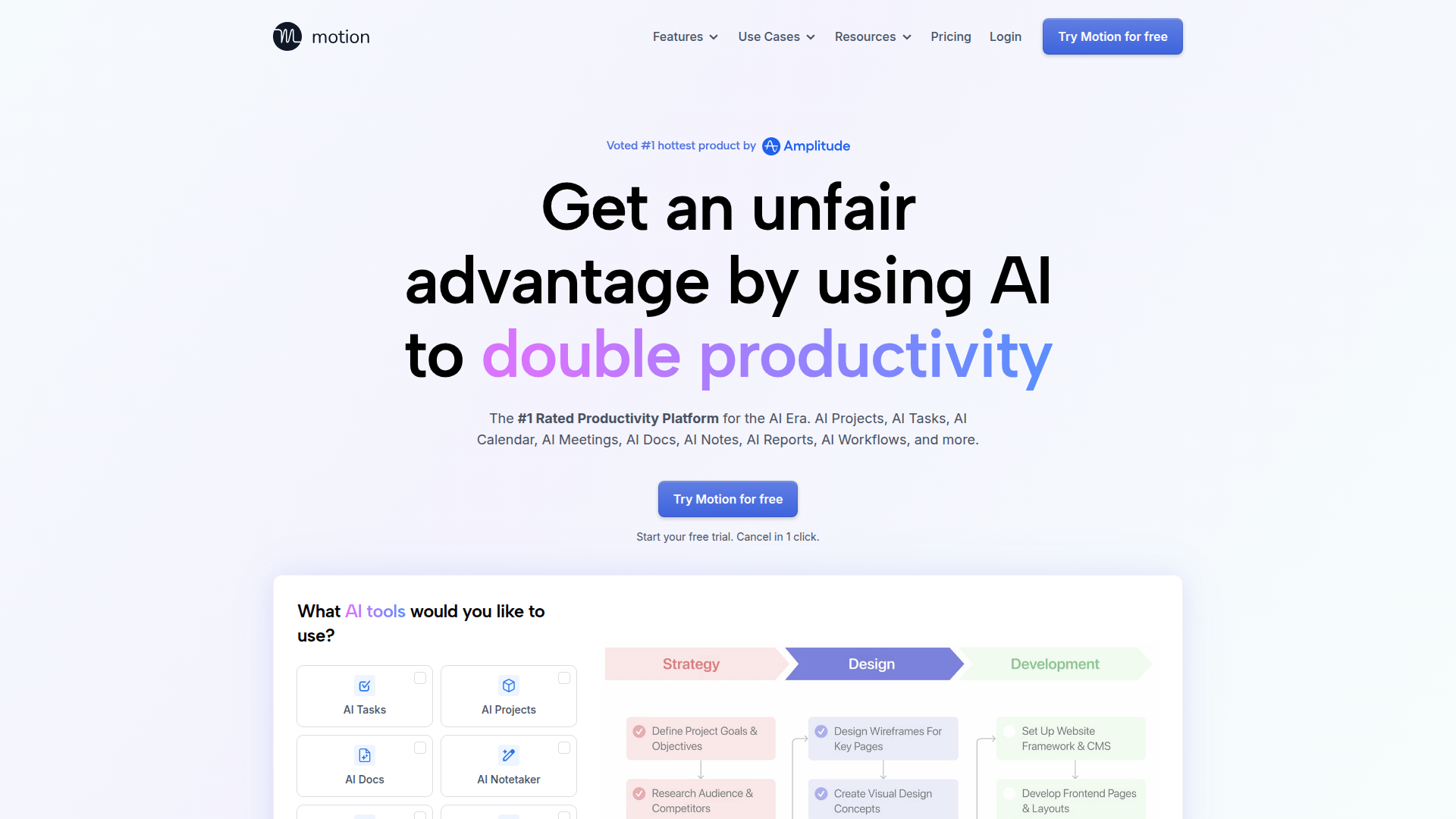
Motion

The AI-powered SuperApp for Work – AI-driven project, task, calendar, and meeting management in one.

Toolsaday AI

Toolsaday AI: Automate tasks with AI to boost productivity and streamline your workflows.

Spark Mail

Smart, focused email that helps you prioritize what matters.

Sider

The AI-powered browser sidebar that brings GPT-5, Claude 4, Gemini 2.5, and Grok 4 into your workflow.

Roboflow

Computer vision tools for developers and enterprises

ResumeBuilder.com

Create a professional resume in minutes.

Remini

AI-powered photo enhancer that sharpens portraits, landscapes, and old photos with ease.

QuillBot

AI-powered writing assistant for paraphrasing, grammar, and summarization—across web and browser extensions.