Mailchimp logo

Mailchimp

Grow your business with powerful marketing automation and email campaigns.

Listed:Dec 19, 2025
Platform:
Web
iOS
Android
Share:
Mailchimp

Mailchimp Introduction

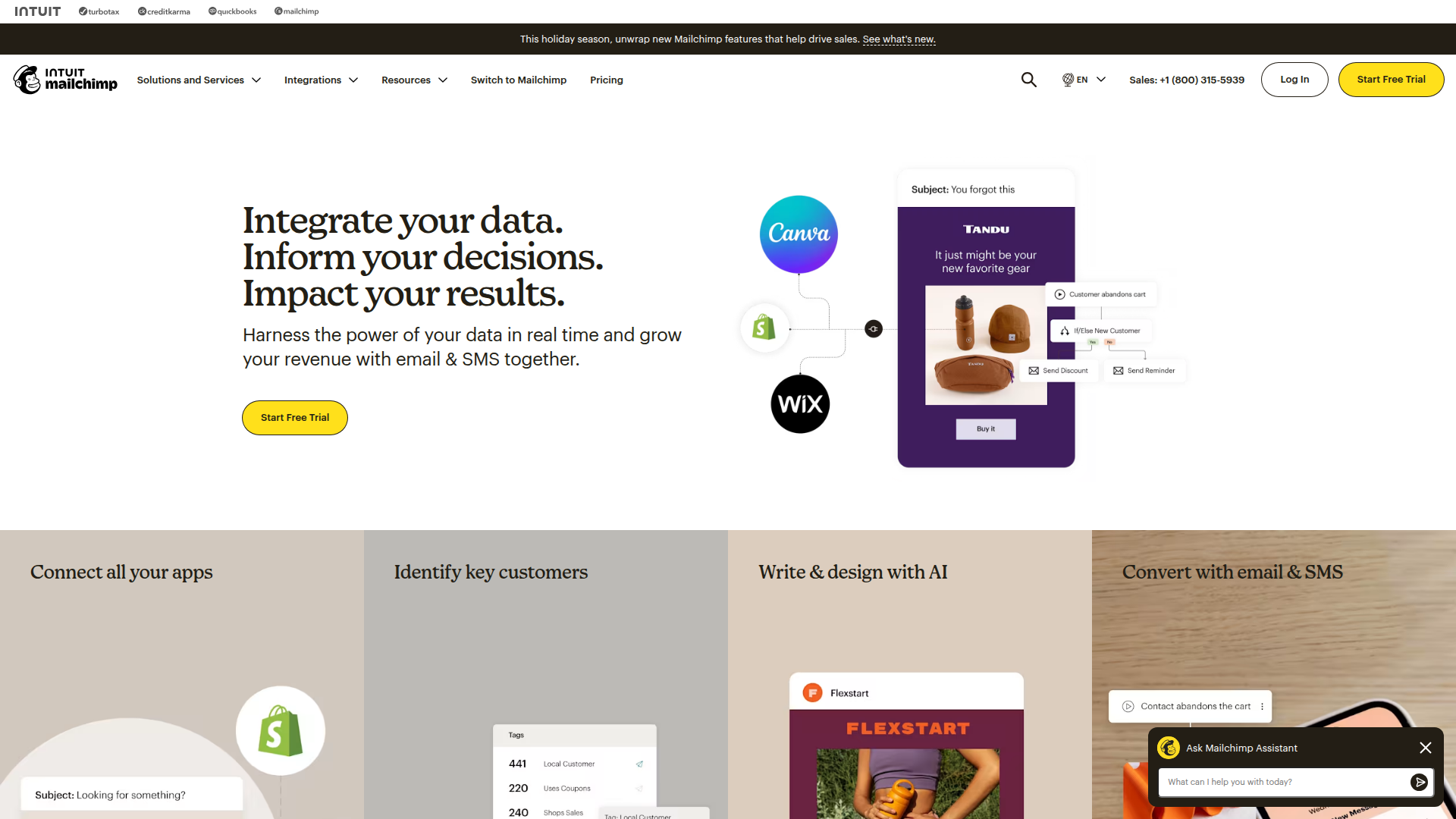
Mailchimp is an all-in-one marketing platform that helps businesses grow through email marketing, automation, and analytics. It simplifies creating, sending, and measuring campaigns across channels.

Key benefits include:

  • Email Marketing & Automation: Easily design and dispatch email campaigns, deploy automated workflows, and trigger messages based on subscriber behavior to nurture leads and customers.
  • Audience Management: Centralized contact management with segmentation, tagging, and personalized content to improve relevance.
  • Analytics & Insights: Real-time reporting and dashboards to track opens, clicks, revenue, and ROI with actionable insights.
  • eCommerce Integrations: Seamless integration with Shopify, WooCommerce, and other platforms to synchronize orders, customers, and product data.
  • Content Creation & AI: Templates and AI-driven suggestions help you craft compelling messages and visuals quickly.

Perfect for small to medium businesses and marketers who want an all-in-one, easy-to-use platform to grow engagement and revenue.
Summary

Mailchimp is an all-in-one marketing platform offering email marketing, automation, landing pages, and analytics to help SMBs grow.

Key Features

  • Email Marketing
  • Marketing Automation
  • Landing Pages
  • Social Media Marketing
  • Audience Management
  • Reporting & Analytics
  • eCommerce Integrations (Shopify, WooCommerce)
  • Content Creation
  • AI Marketing
  • Audience Segmentation

Benefits

  • All-in-one marketing solution that covers email, automation, and analytics
  • User-friendly interface suitable for beginners and experts alike
  • Powerful automation tools to nurture leads and drive conversions
  • Robust analytics and reporting to measure campaign impact
  • Seamless integrations with popular eCommerce platforms
  • Templates and AI-driven insights to streamline content creation

Use Cases

  • Email marketing campaigns
  • Product launches
  • Customer engagement
  • Marketing automation workflows
  • Abandoned cart recovery
  • Welcome sequences
  • Newsletters
  • Promotional campaigns across channels
  • Event promotions
  • Customer onboarding and education
  • Lifecycle marketing campaigns
  • A/B testing and optimization

How to Use Mailchimp

  1. Step 1: Sign up for a Mailchimp account
  2. Step 2: Connect your eCommerce platform or website
  3. Step 3: Create an email campaign or automation workflow
  4. Step 4: Configure audience segmentation and personalization
  5. Step 5: Review performance in reports and optimize

Who Will Use Mailchimp

  • Small business owners
  • Marketers
  • E-commerce store owners
  • Nonprofits
  • Agencies
  • Freelancers

Alternative tools

Clickworker Data Services

Crowdsourced data services for AI training, insights, tagging, testing, and SEO.

Veo Camera

Record, Stream & Analyse

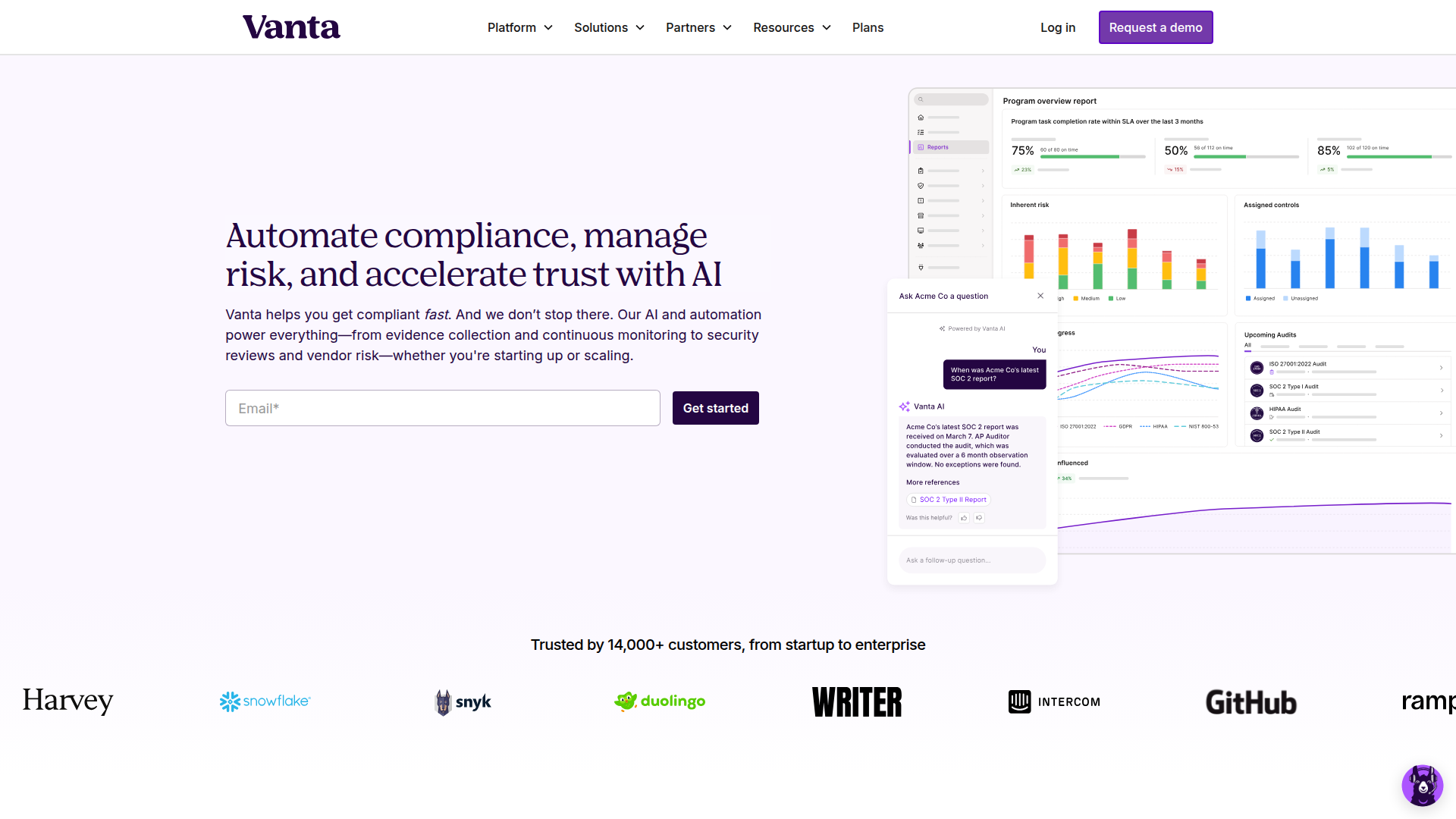
Vanta

Automate compliance and trust management for modern teams.

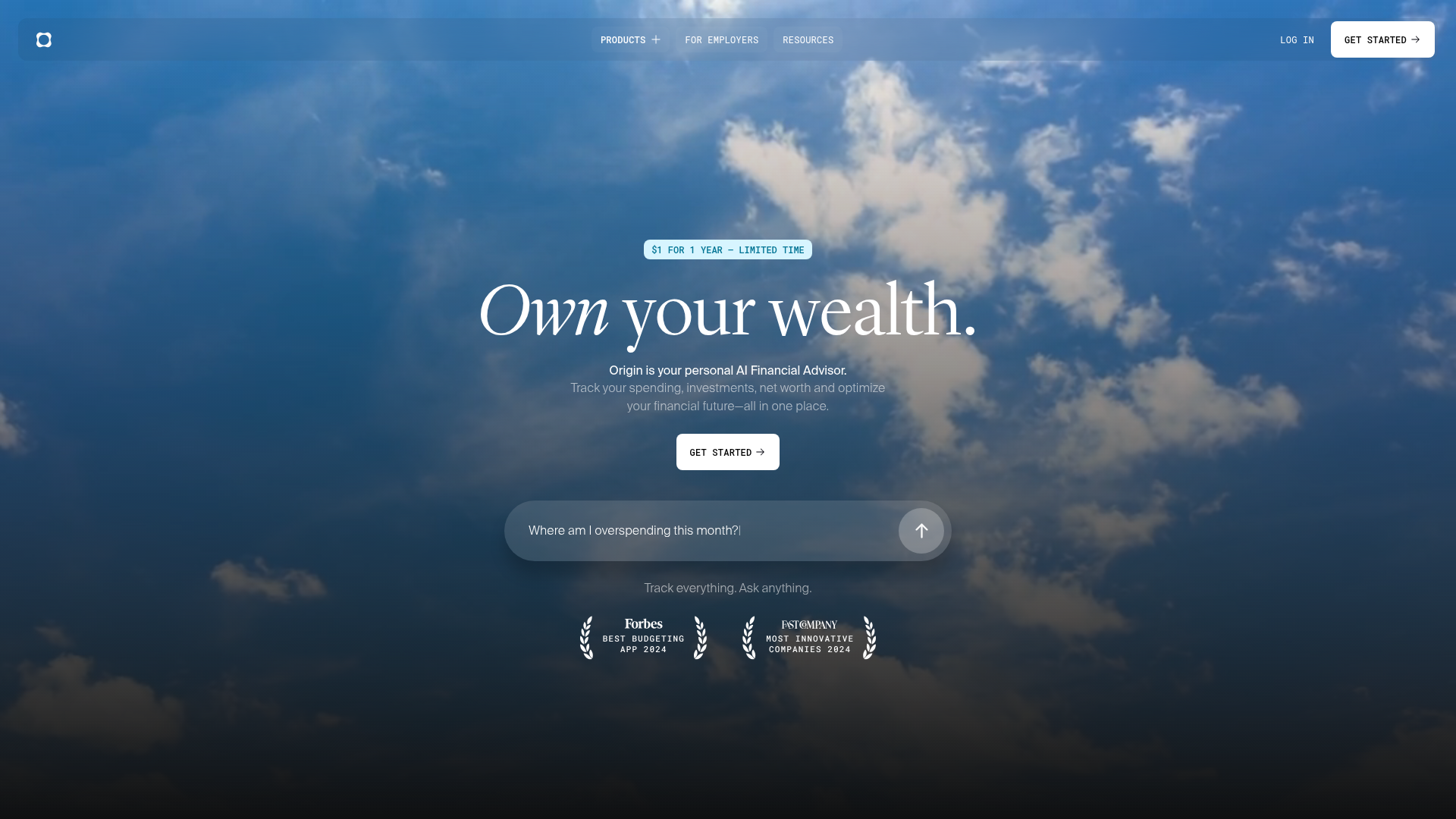
Origin Financial

Origin Financial — your all-in-one budget, investing, and AI planning platform.

Toolsaday AI

Toolsaday AI: Automate tasks with AI to boost productivity and streamline your workflows.

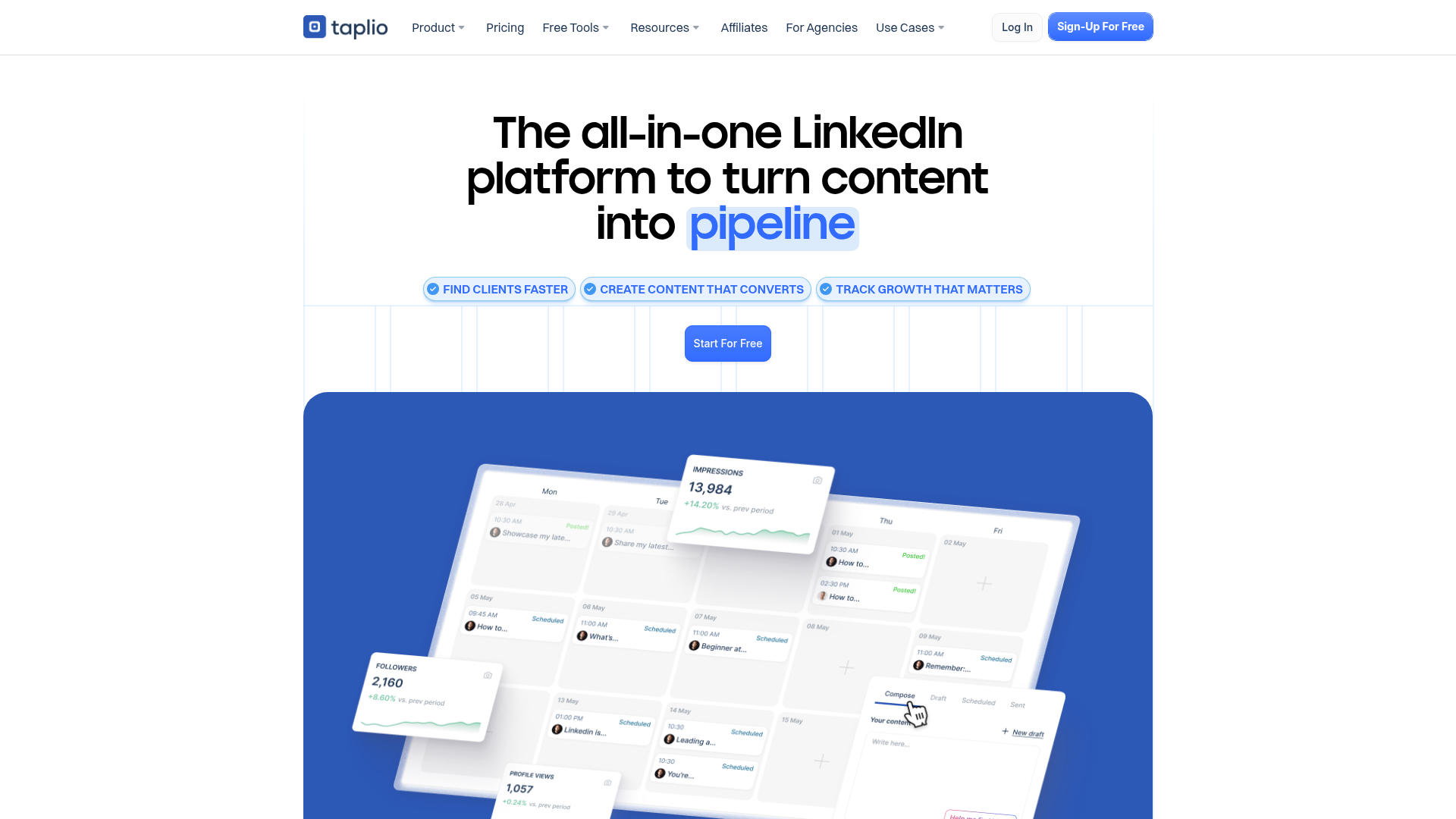
Taplio

Grow your personal LinkedIn brand with AI-powered content, scheduling, carousels, and analytics—all in one platform.

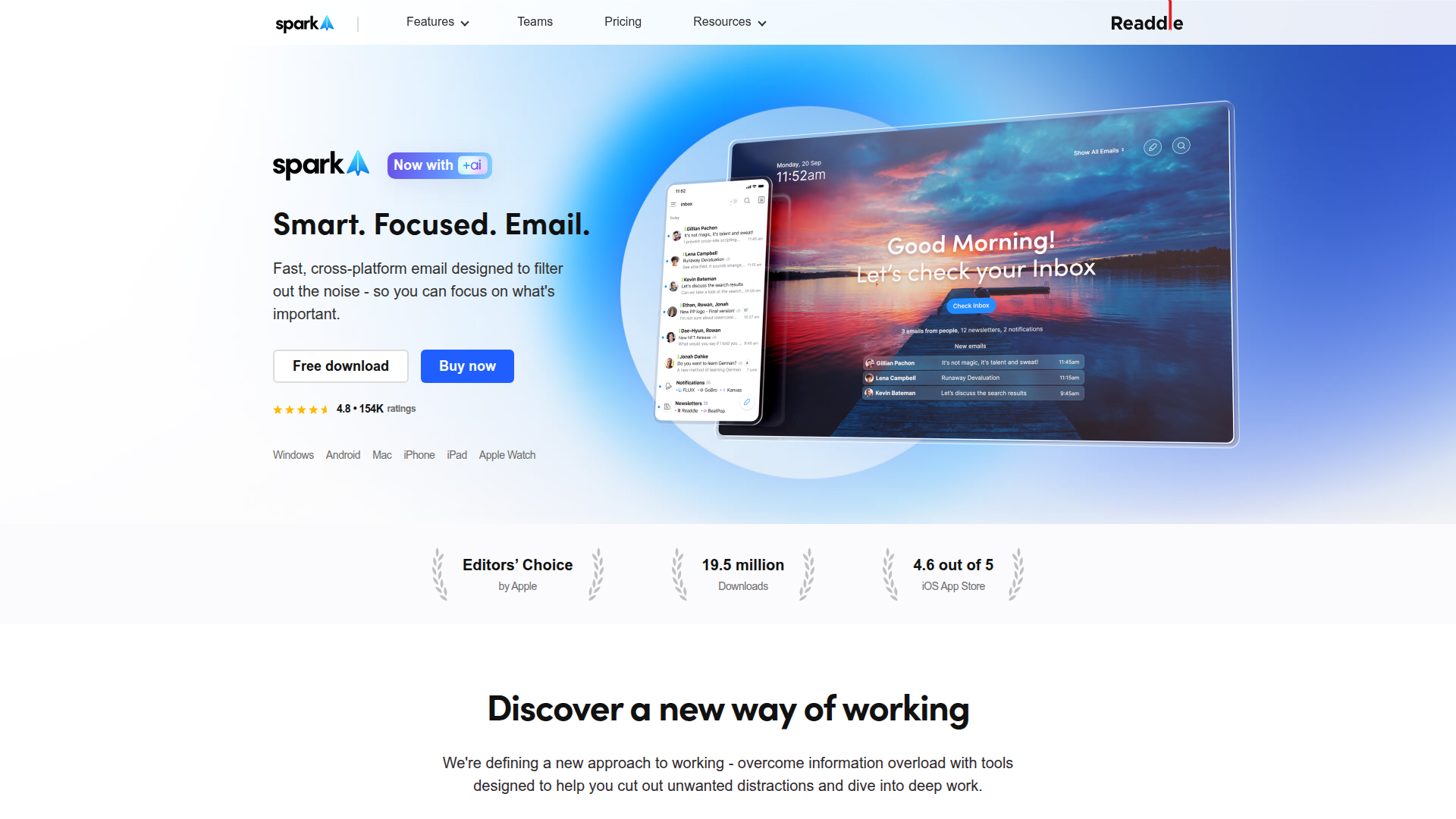
Spark Mail

Smart, focused email that helps you prioritize what matters.

Smartlead

Smartlead: Premium cold email deliverability designed for outbound campaigns.

Seismic Sales Enablement Platform

Empowering revenue teams to close more deals with AI-powered enablement.

Roboflow

Computer vision tools for developers and enterprises