Branded, drag-and-drop forms with powerful integrations — build surveys and quizzes in minutes.

Listed:Dec 19, 2025
Platform:
Web
iOS
Android
Share:
Fillout

Fillout Introduction

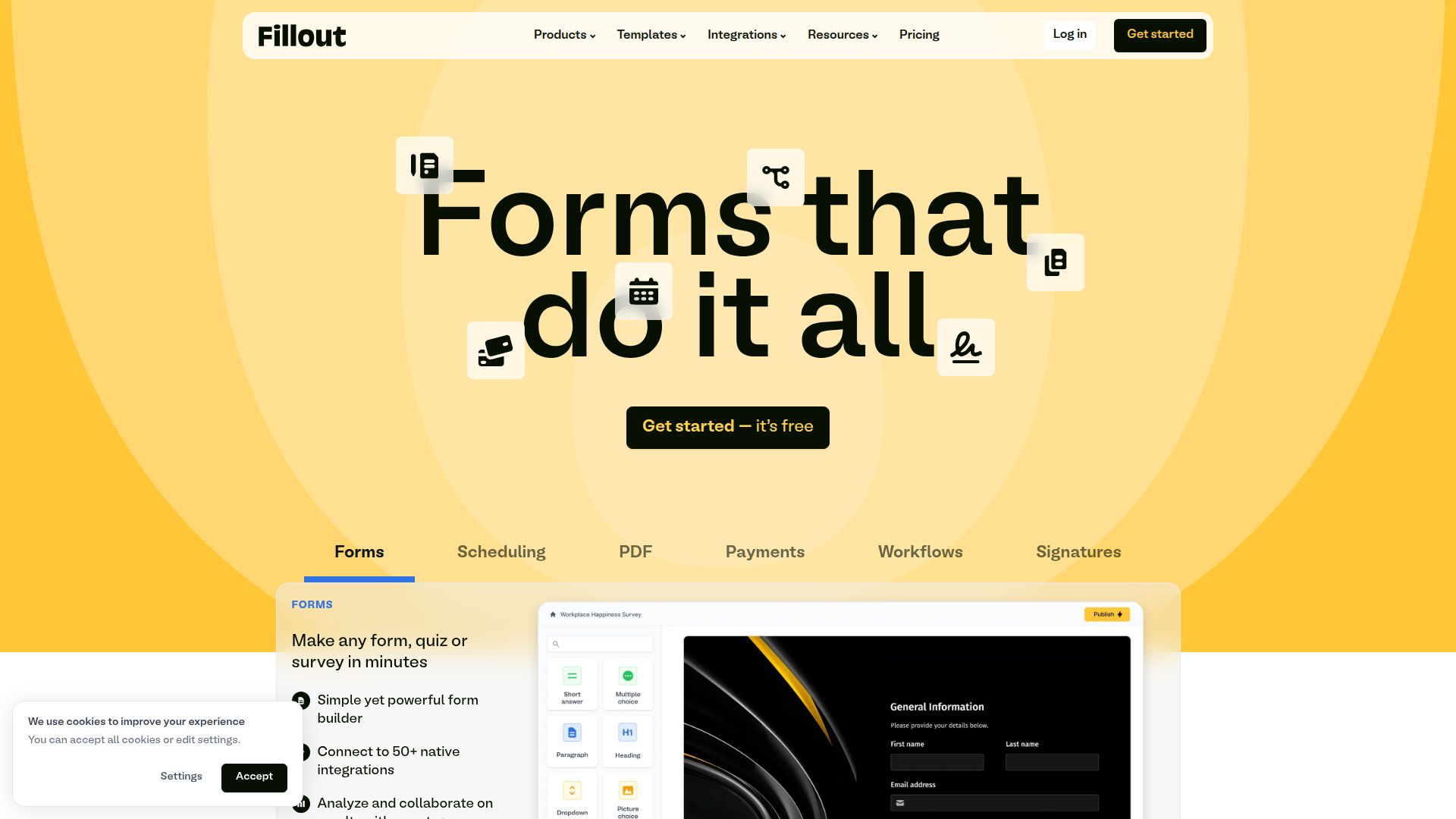
Fillout makes it easy to create powerful online forms, surveys, and quizzes with a drag-and-drop builder and branding controls. It integrates with popular tools and automates response handling to streamline data collection.

Key benefits include:

  • Drag-and-drop builder for rapid form creation
  • Custom branding and visuals to match your brand
  • Wide range of integrations with Airtable, Notion, Google Sheets, HubSpot, Salesforce, and Zapier
  • Conditional logic to tailor questions and automate workflows
  • Real-time response tracking and data export

Perfect for teams and organizations who want branded, data-rich forms that integrate with their existing tools and automate responses.

Summary

Fillout is a drag-and-drop form builder that delivers branded forms and seamless integrations for data collection at scale.

Key Features

  • Drag-and-drop builder for rapid form creation
  • Custom branding and design options
  • Wide range of integrations with Airtable, Notion, Google Sheets, HubSpot, Salesforce, and Zapier
  • Conditional logic to tailor questions
  • Email notifications and automated responses
  • Real-time response tracking and data export
  • Mobile-friendly forms
  • Pre-built templates and collaboration features

Benefits

  • User-friendly drag-and-drop builder speeds up form creation
  • Branded forms improve brand consistency and trust
  • Extensive integrations streamline data flow across tools
  • Conditional logic tailors the respondent experience
  • Real-time responses and easy data export simplify analysis
  • Mobile-friendly design ensures accessibility on any device

Use Cases

  • Event registration forms
  • Feedback surveys
  • Contact forms
  • Order forms
  • Application forms
  • Lead capture forms
  • RSVP forms
  • Webinar registrations
  • Job applications
  • Customer satisfaction surveys

How to Use Fillout

  1. Sign up for an account
  2. Choose a template or start from scratch
  3. Add form fields with the drag-and-drop builder
  4. Customize your form settings
  5. Publish your form and share the link

Who Will Use Fillout

  • Small businesses
  • Educators
  • Nonprofits
  • Freelancers
  • Event planners
  • Marketing teams
  • HR teams

Alternative tools

Vanta

Automate compliance and trust management for modern teams.

Origin Financial

Origin Financial — your all-in-one budget, investing, and AI planning platform.

Motion

The AI-powered SuperApp for Work – AI-driven project, task, calendar, and meeting management in one.

Toolsaday AI

Toolsaday AI: Automate tasks with AI to boost productivity and streamline your workflows.

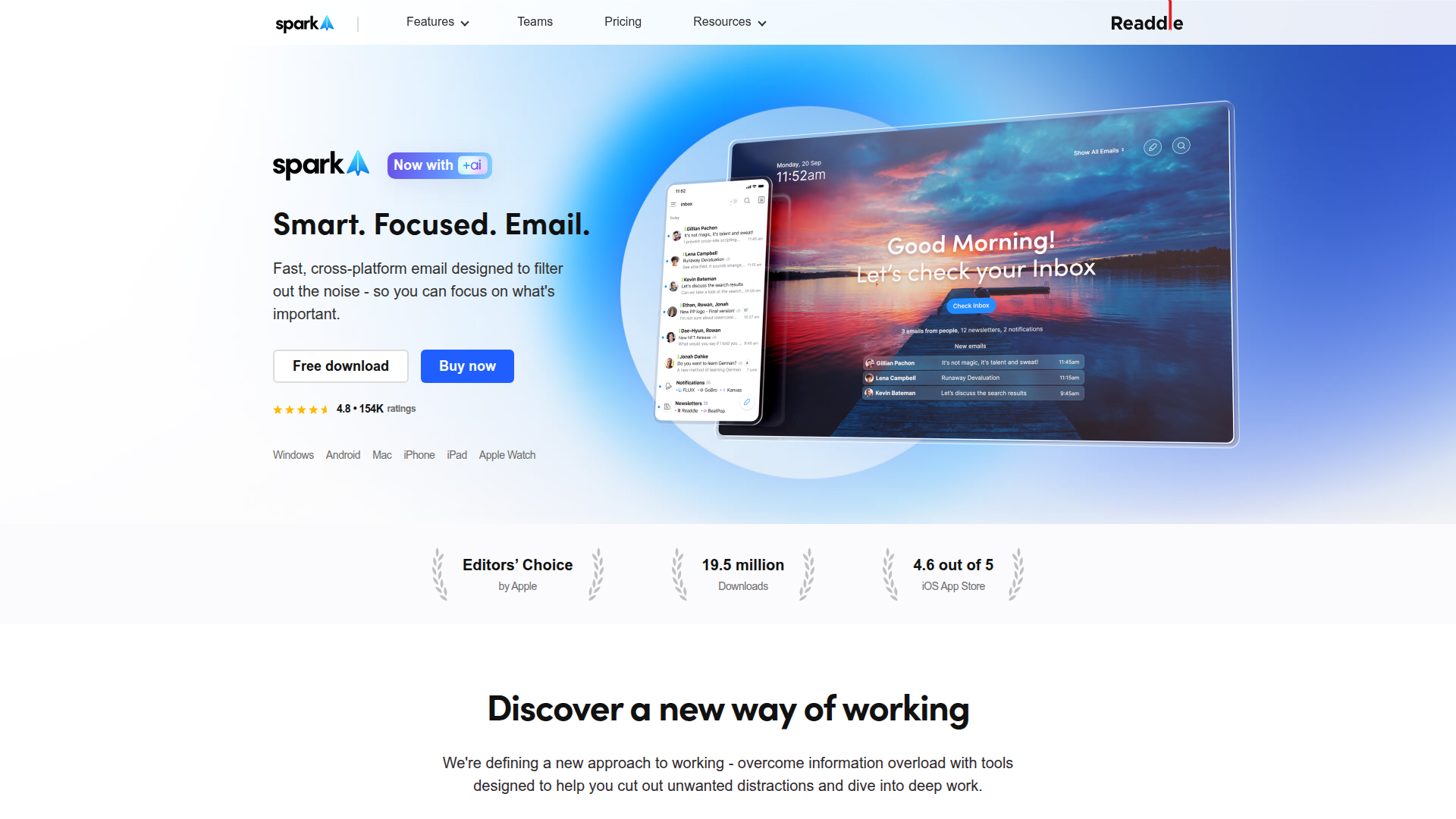
Spark Mail

Smart, focused email that helps you prioritize what matters.

Sider

The AI-powered browser sidebar that brings GPT-5, Claude 4, Gemini 2.5, and Grok 4 into your workflow.

Roboflow

Computer vision tools for developers and enterprises

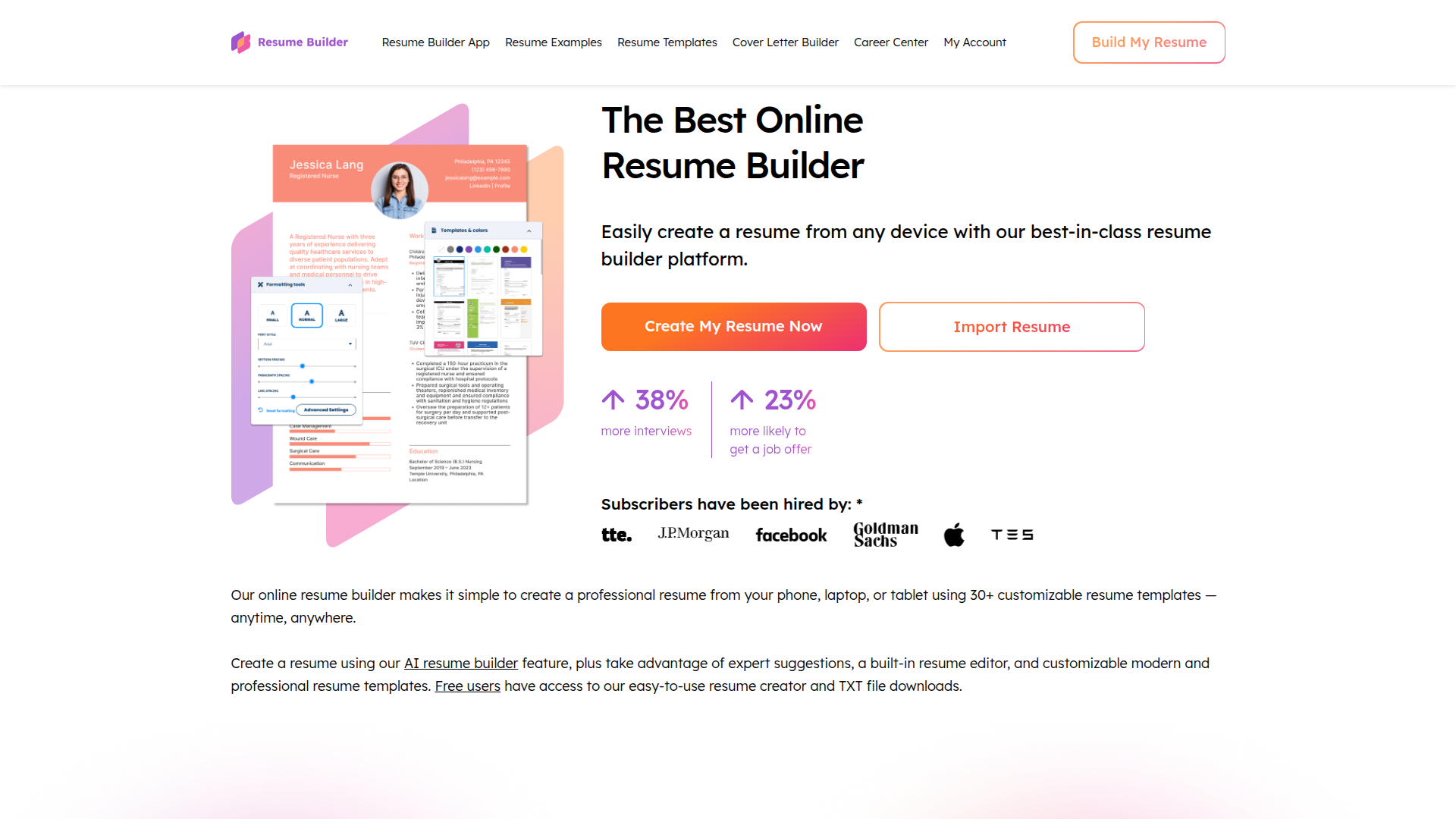
ResumeBuilder.com

Create a professional resume in minutes.

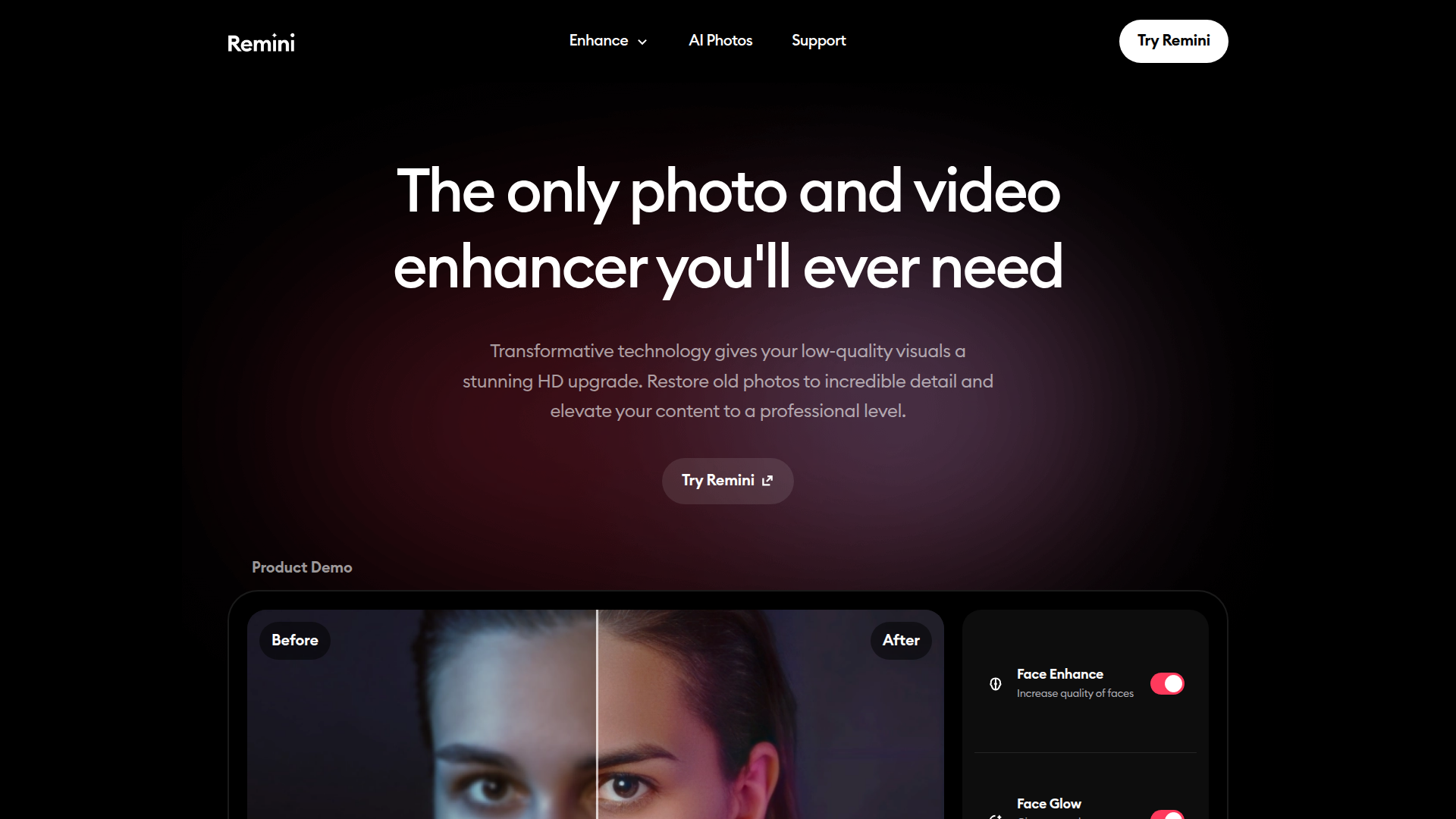
Remini

AI-powered photo enhancer that sharpens portraits, landscapes, and old photos with ease.

QuillBot

AI-powered writing assistant for paraphrasing, grammar, and summarization—across web and browser extensions.