Adobe Creative Cloud logo

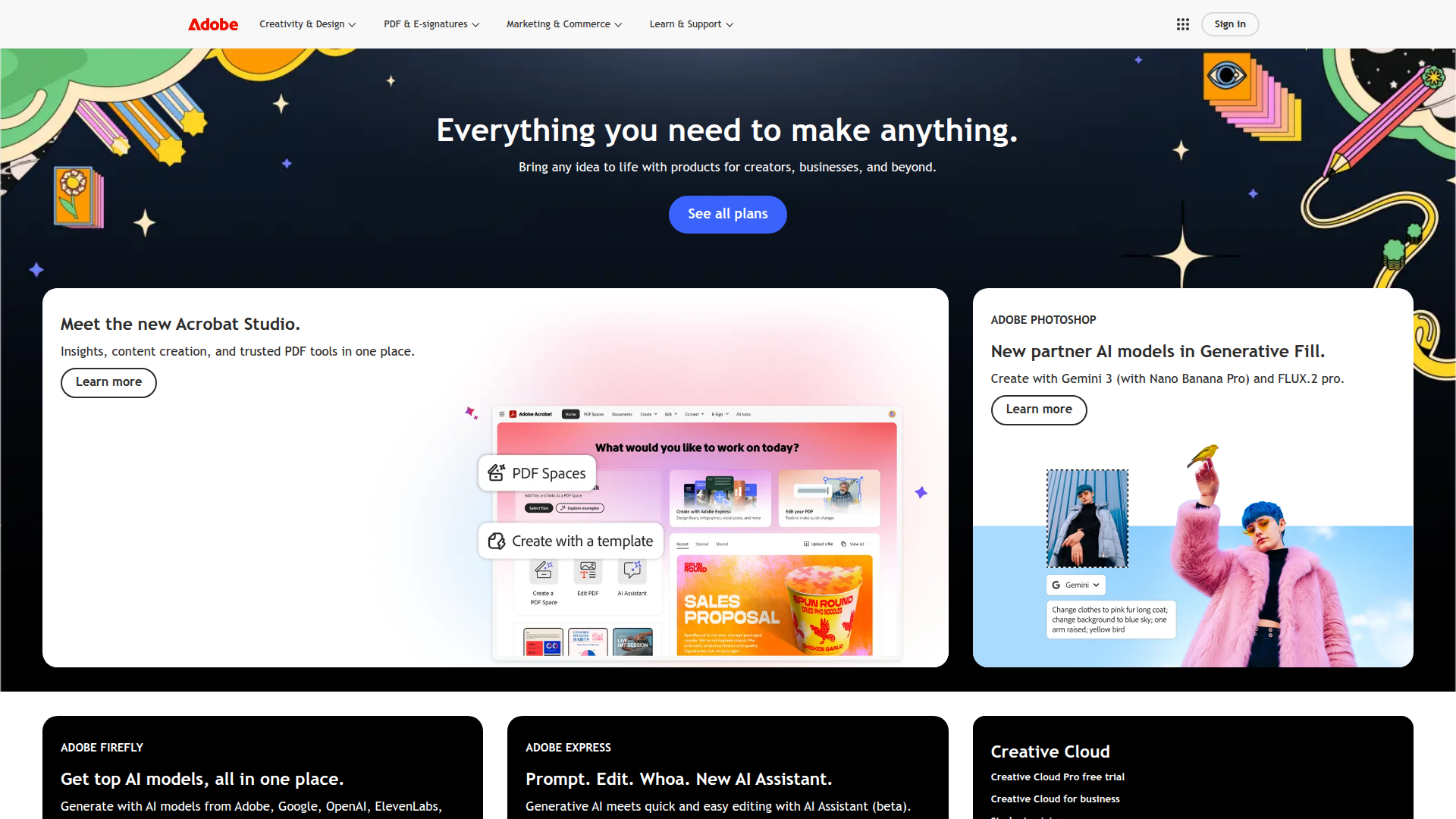
Adobe Creative Cloud

Unleash creativity with Adobe Creative Cloud—the all-in-one suite for design, video, and collaboration.

Listed:Dec 19, 2025
Platform:
Desktop
iOS
Android
Share:
Adobe Creative Cloud

Adobe Creative Cloud Introduction

Adobe Creative Cloud is a comprehensive suite of creative apps and cloud services that lets teams create, edit, and manage content across devices. It brings together industry-leading tools for design, video, and publishing, with seamless cloud-based collaboration.

Key benefits include:

  • Access to over 20 apps including Photoshop, Illustrator, and Premiere Pro
  • Cloud storage and real-time collaboration across teams
  • Regular updates and new features as they are released
  • Creative templates and Adobe Stock integration
  • Advanced sharing and cross-app workflows

Perfect for creative professionals, marketers, and teams who want a unified, up-to-date toolkit to produce, collaborate, and publish across devices.

Summary

Adobe Creative Cloud is a comprehensive suite of creative apps and cloud services that powers collaboration and multi-device workflows.

Key Features

  • Access to over 20 apps including Photoshop, Illustrator, and Premiere Pro
  • Cloud storage and collaboration features
  • Regular updates and new features as they are released
  • Creative templates and Adobe Stock integration
  • Advanced sharing capabilities

Benefits

  • Access to a wide range of professional tools in one place.
  • Regular updates to keep tools current.
  • Flexible plans for individuals and teams.
  • Seamless integration and cloud storage across apps.
  • Templates and stock assets via Adobe Stock integration.
  • Effortless collaboration and sharing across the organization.

Use Cases

  • Creating professional-quality videos
  • Designing graphics and illustrations
  • Building and prototyping websites
  • Editing and organizing photos
  • Producing motion graphics and animations
  • Crafting marketing materials and brand assets
  • Designing user interfaces and experiences
  • Collaborating on projects with cloud storage
  • Producing social media content
  • Distributing assets across platforms

How to Use Adobe Creative Cloud

  1. Step 1: Sign up for an Adobe account.
  2. Step 2: Choose a suitable subscription plan.
  3. Step 3: Download the Creative Cloud application.
  4. Step 4: Select and install the desired Adobe apps.
  5. Step 5: Start creating and collaborating across devices.

Who Will Use Adobe Creative Cloud

  • Graphic designers
  • Video editors
  • Marketers
  • Photographers
  • Web developers
  • Content creators
  • Creative directors

Alternative tools

Toolsaday AI

Toolsaday AI: Automate tasks with AI to boost productivity and streamline your workflows.

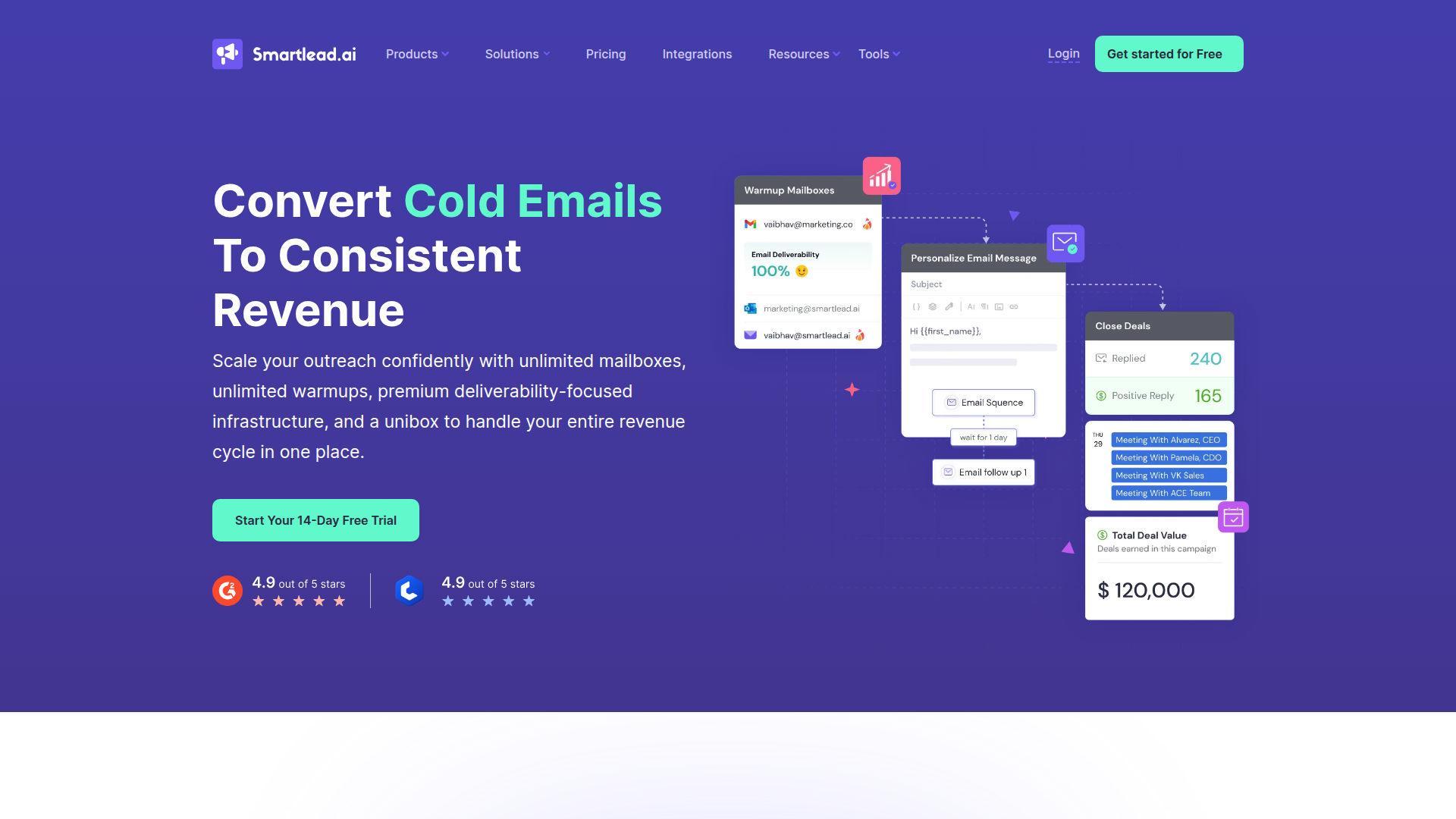
Smartlead

Smartlead: Premium cold email deliverability designed for outbound campaigns.

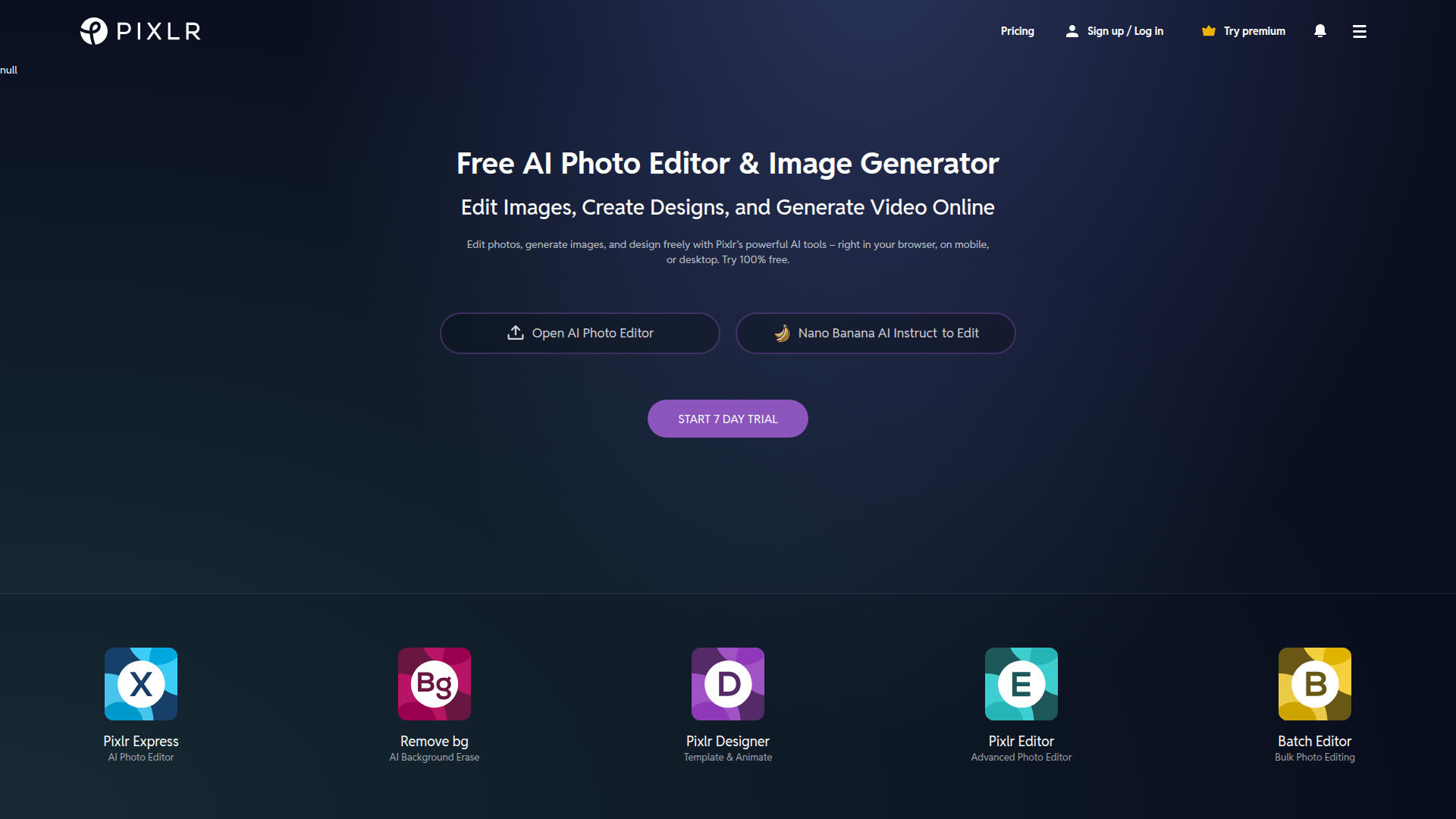
Pixlr

AI-powered online photo editor and design suite with image generation, background removal, and templates.

Free
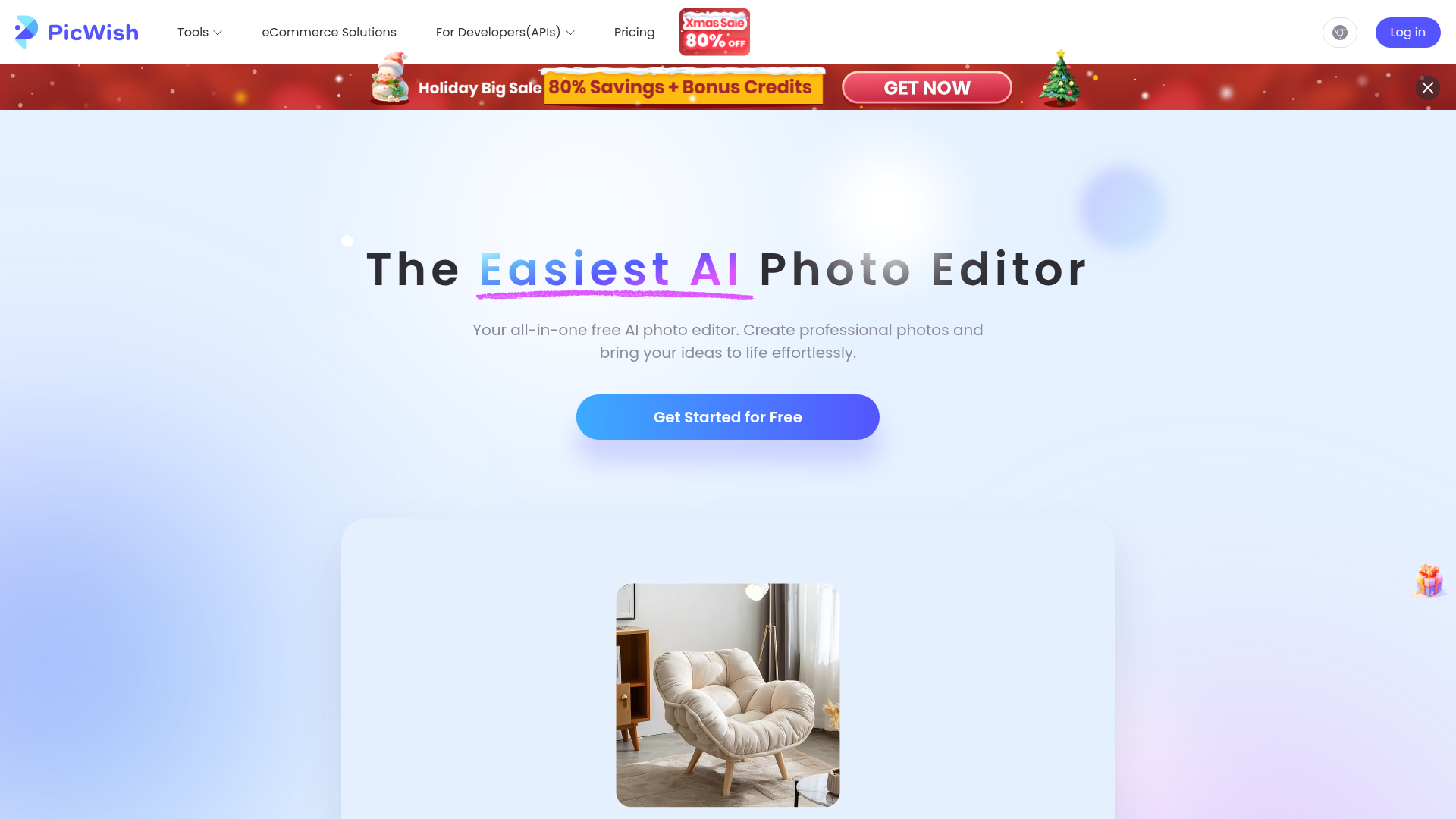
PicWish

PicWish — Free online AI photo editor for quick, polished edits.

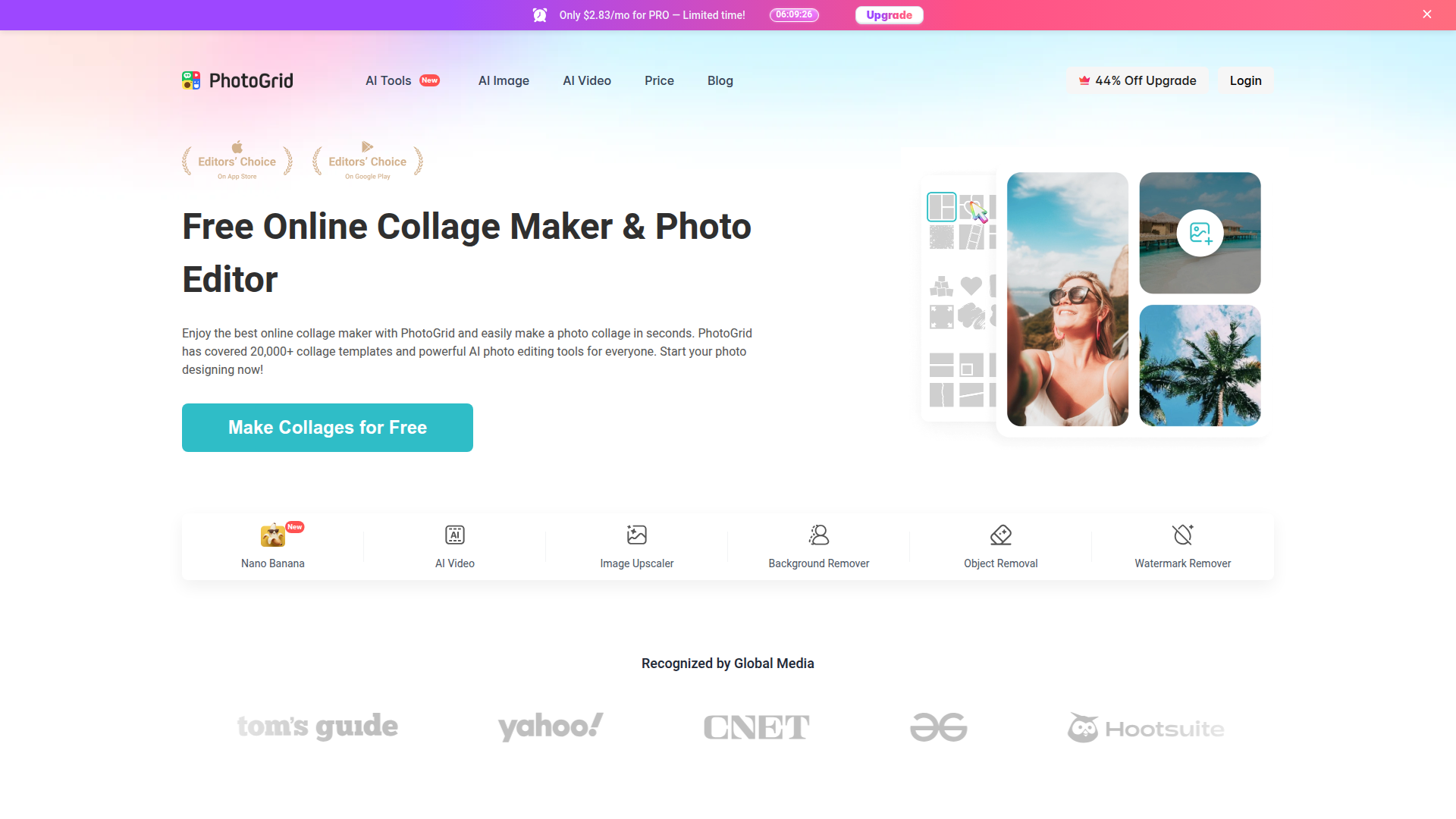
PhotoGrid

PhotoGrid — Create stunning collages and edit photos with AI power.

NexLev Niche Finder

AI-powered YouTube niche discovery to fuel fast, data-driven content ideas.

MyMap AI

Create diagrams effortlessly with AI—brainstorm, design, and share visuals in minutes.

AI Innovation Workspace | Miro

AI-powered visual collaboration to ideate, plan, and accelerate product development with your team.

LOVO AI Voice Generator

Turn text into natural-sounding speech with 500+ voices, live cloning, and video-ready outputs.

Imglarger

AI-powered image upscaling and editing in a single web platform.