Panda Video logo

Panda Video

Secure, scalable video hosting and distribution for creators and teams.

Listed:Dec 19, 2025
Platform:
Web
iOS
Android
Share:
Panda Video

Panda Video Introduction

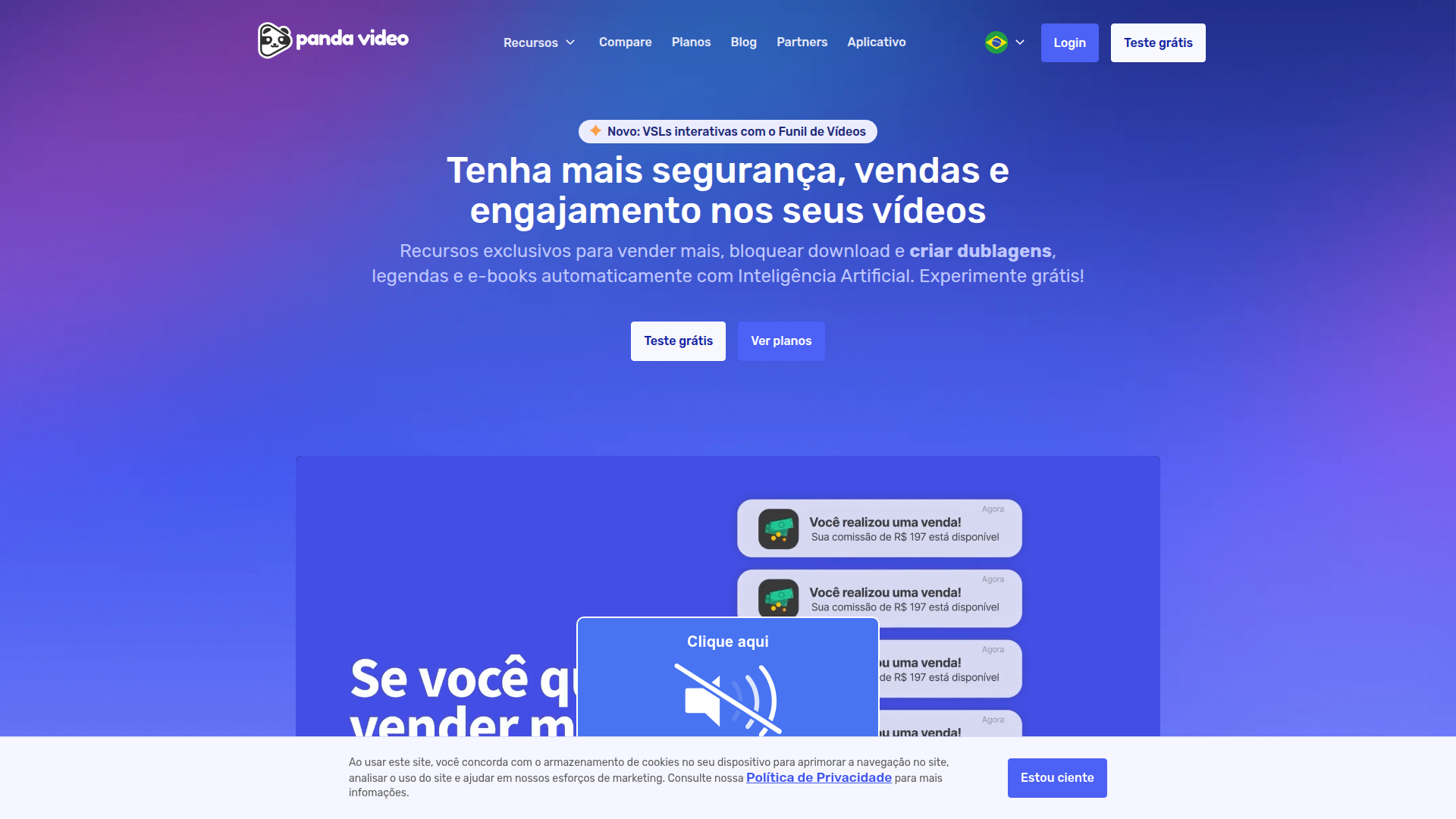
Panda Video is a hosted video platform designed to elevate how creators and businesses host, manage, and distribute video content securely.

Key benefits include:

  • Smart Autoplay and AI features that boost viewer engagement
  • DRM protection and watermarking to safeguard your content
  • Replace Video capability for easy asset updates without re-embed
  • AI Tutor to assist and guide learners or viewers
  • Subtitles and AI Dubbing for accessibility and localization
  • Chapters and Continue Where Left Off for a seamless viewing experience
  • Tracking Pixels for robust analytics integration
  • Thumbnails and Custom Appearance to reinforce your brand
  • Offline App support for on-the-go viewing

Perfect for content creators, marketing teams, online educators, and EdTechs who want to deliver engaging, secure videos at scale.


Summary

Panda Video provides hosted video hosting and distribution with AI-driven features, DRM, and customizable players for creators, marketing teams, and educators.

Key Features

  • Smart Autoplay
  • DRM (Watermark)
  • Replace Video
  • AI Tutor
  • Fictional Progress Bar
  • AI (Artificial Intelligence)
  • Subtitles
  • AI Dubbing
  • Chapters
  • Continue Where Left Off
  • Tracking Pixels
  • Action Buttons (CTA)
  • Thumbnails
  • Custom Appearance
  • Offline App

Benefits

  • Increases engagement with smart features
  • User-friendly interface
  • Robust analytics
  • Customizable video players
  • Supports various formats
  • Secure hosting with DRM
  • Localization and accessibility support
  • Offline viewing capability

Use Cases

  • Hosting educational content
  • Marketing campaigns
  • Live streaming events
  • Sharing video testimonials
  • Branded product demos
  • Online courses and tutorials
  • Internal training videos
  • Customer onboarding videos
  • Webinar recordings
  • Short-form campaign videos

How to Use Panda Video

  1. Step 1: Sign up for an account
  2. Step 2: Upload your videos
  3. Step 3: Customize your player settings
  4. Step 4: Share your video links
  5. Step 5: Analyze performance metrics

Who Will Use Panda Video

  • Creators
  • Marketing Teams
  • Online Educators
  • EdTechs
  • Video Producers
  • Course Creators
  • Brand Managers

Alternative tools

HIX AI

Free AI chat, image, music & video tools in one freemium platform for creators.

Clickworker Data Services

Crowdsourced data services for AI training, insights, tagging, testing, and SEO.

Veo Camera

Record, Stream & Analyse

Toolsaday AI

Toolsaday AI: Automate tasks with AI to boost productivity and streamline your workflows.

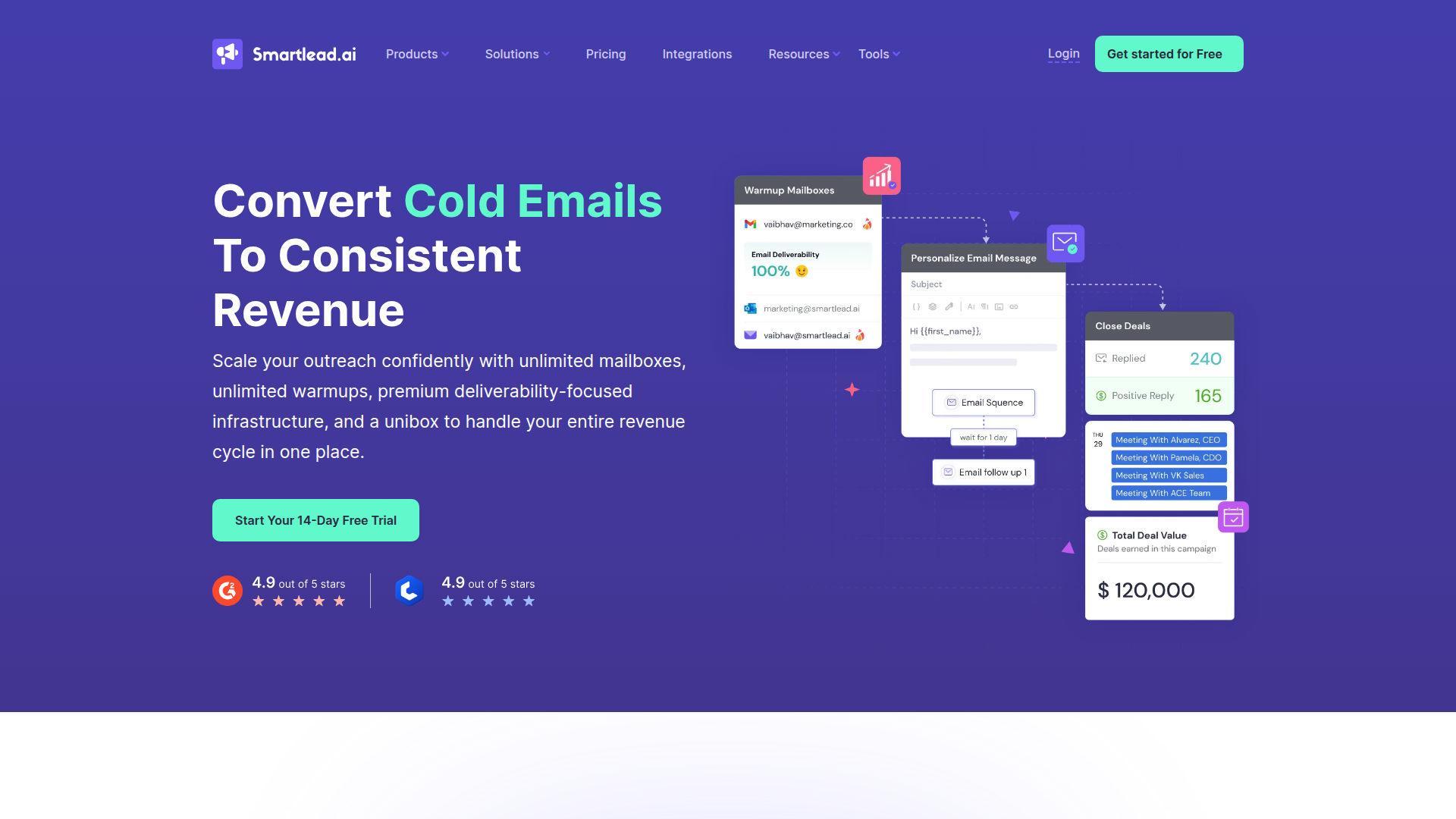
Smartlead

Smartlead: Premium cold email deliverability designed for outbound campaigns.

Seismic Sales Enablement Platform

Empowering revenue teams to close more deals with AI-powered enablement.

Prolific

Easily collect high-quality data from real people!

Free
PicWish

PicWish — Free online AI photo editor for quick, polished edits.

PhotoGrid

PhotoGrid — Create stunning collages and edit photos with AI power.

NexLev Niche Finder

AI-powered YouTube niche discovery to fuel fast, data-driven content ideas.