Invideo AI logo

Invideo AI

Create videos without limits with AI-powered templates and automated editing.

Listed:Dec 19, 2025
Platform:
Web
iOS
Android
Share:
Invideo AI

Invideo AI Introduction

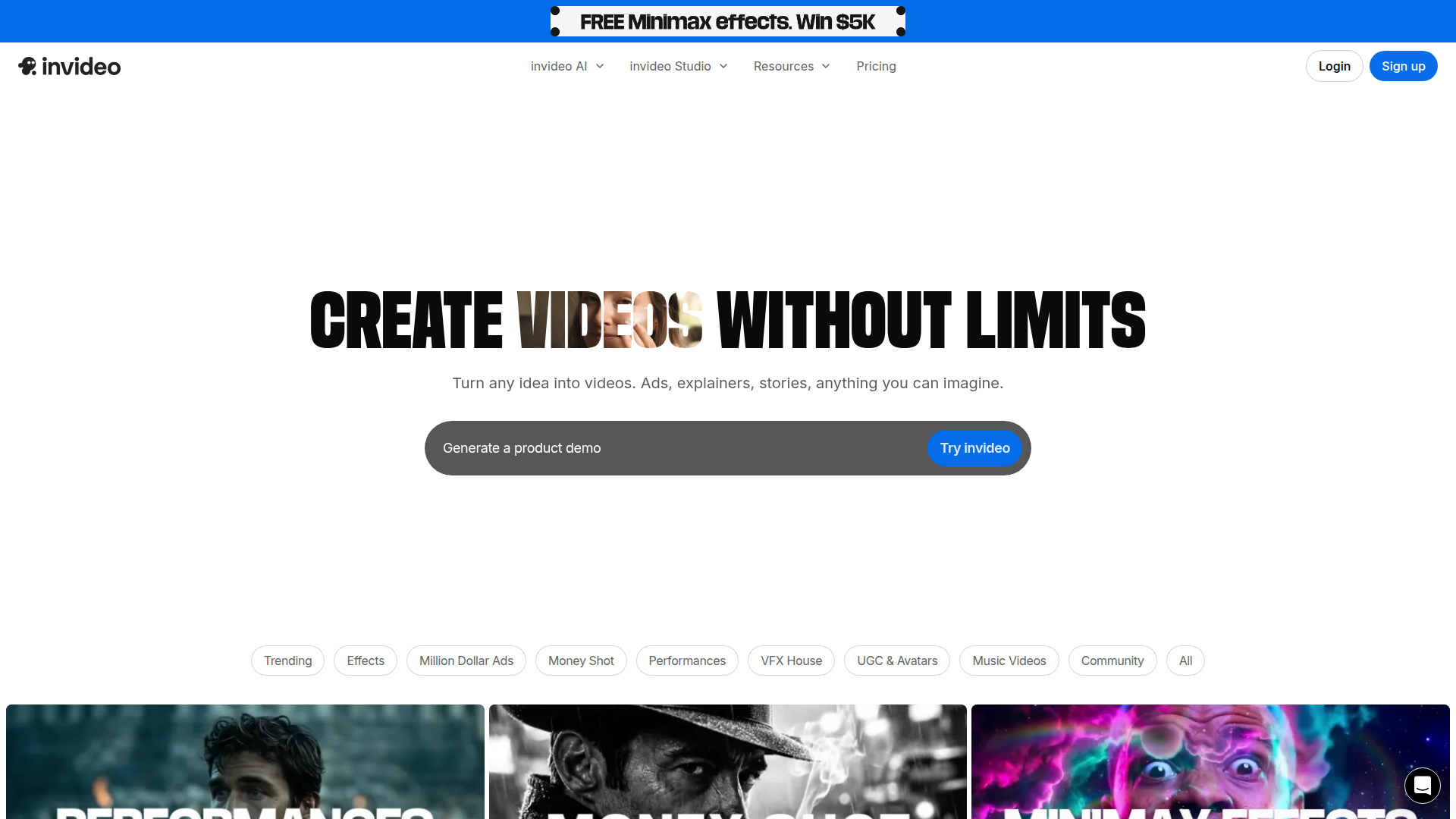
Invideo AI is a freemium video creation and editing platform that enables you to craft professional videos using AI-powered templates, music, and effects. It provides a vast library of templates and flexible export options to suit various promotional and content needs.

Key benefits include:

  • Create videos without limits with a rich library of templates and effects
  • Access to a vast library of templates for diverse use cases
  • Add music and sound effects to enhance production value
  • Text-to-speech functionality for narration without voice recording
  • Customizable animations and effects to elevate visuals
  • Multiple export options to fit social and marketing channels

Perfect for content creators, marketers, business owners, and social media influencers who want quick, high-quality videos without heavy editing.

Summary

Invideo AI is a freemium video creation tool offering AI templates, music, avatars, and easy exports for creators and marketers.

Key Features

  • Create videos without limits
  • Access to a vast library of templates
  • Add music and sound effects
  • Text-to-speech functionality
  • Customizable animations and effects
  • Multiple export options

Benefits

  • Easy to use interface
  • Access to professional video templates
  • Flexible export options
  • Regular updates and new features
  • AI-powered capabilities like text-to-speech and avatars
  • Large library of effects and templates

Use Cases

  • Social media marketing
  • Promotional videos
  • Educational content
  • Personal projects
  • Product demos
  • Brand storytelling
  • Tutorials
  • Event promos
  • Training videos
  • YouTube intros/outros
  • UGC campaigns
  • Landing page videos

How to Use Invideo AI

  1. Step 1: Sign up for an account
  2. Step 2: Choose a template or create from scratch
  3. Step 3: Add text, music, and effects
  4. Step 4: Preview and edit your video
  5. Step 5: Export or share your video

Who Will Use Invideo AI

  • Content creators
  • Marketers
  • Business owners
  • Social media influencers
  • Video editors
  • Brand managers
  • Freelancers
  • E-commerce teams

Frequently Asked Questions

Alternative tools

HIX AI

Free AI chat, image, music & video tools in one freemium platform for creators.

Veo Camera

Record, Stream & Analyse

Toolsaday AI

Toolsaday AI: Automate tasks with AI to boost productivity and streamline your workflows.

Smartlead

Smartlead: Premium cold email deliverability designed for outbound campaigns.

Free
PicWish

PicWish — Free online AI photo editor for quick, polished edits.

PhotoGrid

PhotoGrid — Create stunning collages and edit photos with AI power.

NexLev Niche Finder

AI-powered YouTube niche discovery to fuel fast, data-driven content ideas.

neural.love

Online AI tools for content creation—enhance videos, upscale images, and convert Live Photos to high-quality media.

LOVO AI Voice Generator

Turn text into natural-sounding speech with 500+ voices, live cloning, and video-ready outputs.

Live3D VTuber Software

Transform your virtual presence with Live3D.