
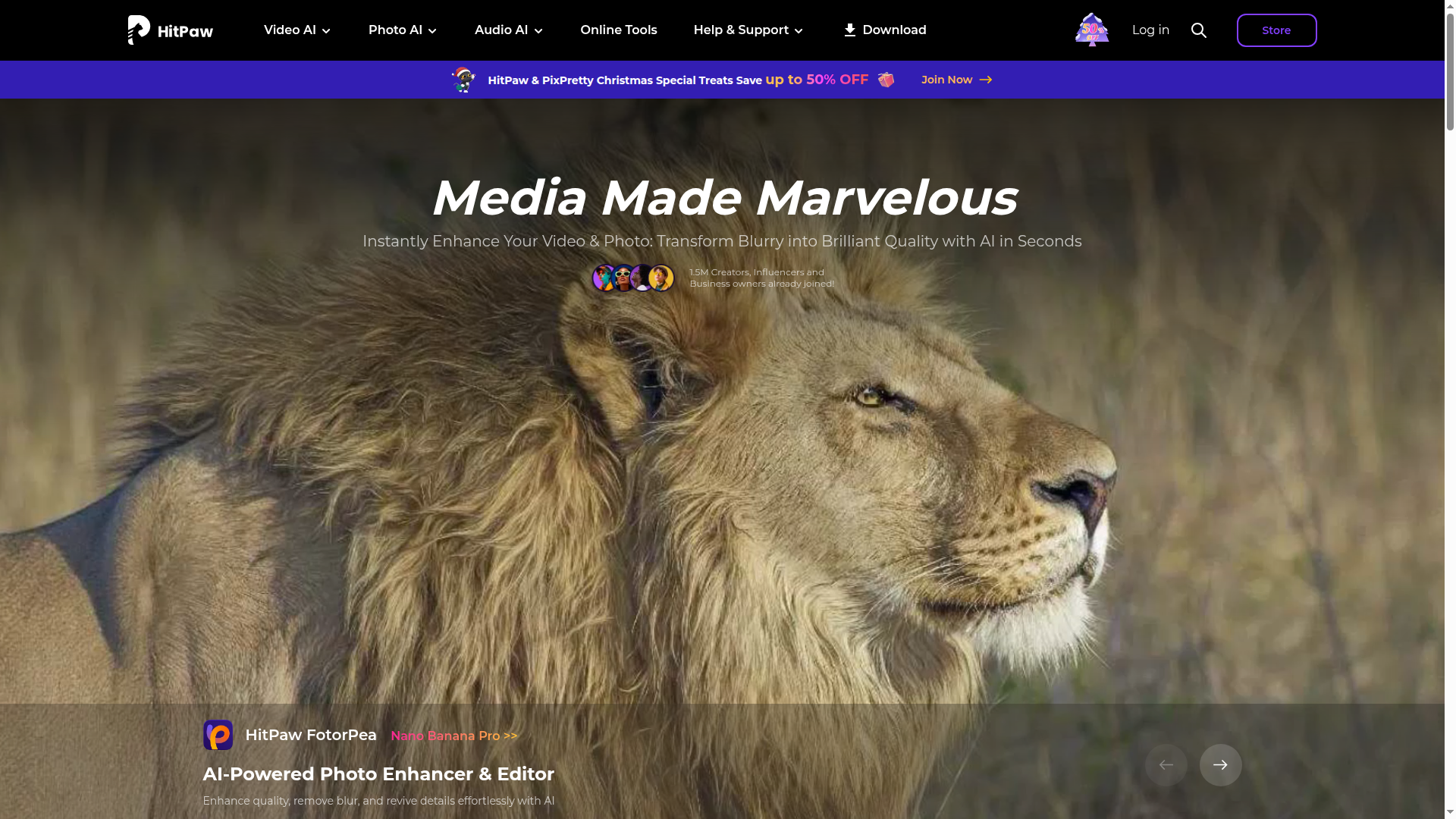
AI-powered media enhancement suite for video, photo, and audio.

Listed:Dec 19, 2025
Platform:
Web
Desktop
Share:
HitPaw

HitPaw Introduction

HitPaw is a suite of AI-powered tools that elevates video, photo, and audio content with professional-quality enhancements. Its integrated capabilities enable you to upscale, clean, translate, and enrich media efficiently.

Key benefits include:

  • AI Video Enhancer: Sharpen and upscale video quality with advanced AI to reduce noise and restore details.
  • AI Photo Enhancer: Improve image clarity, color, and detail with intelligent upscaling.
  • AI Audio Enhancer: Clarify speech, reduce noise, and improve overall audio fidelity.
  • AI Video Translator: Translate and localize video content for global audiences.
  • AI Voice Changer: Modify voice characteristics for dubbing and character work.

Perfect for content creators, videographers, photographers, and businesses seeking to produce polished media quickly and at scale.


Summary

HitPaw provides an AI-driven toolkit to enhance and edit video, photo, and audio content across Windows, Mac, and Web.

Key Features

  • AI Video Enhancer
  • AI Photo Enhancer
  • AI Audio Enhancer
  • AI Video Translator
  • AI Voice Changer
  • HitPaw Video Converter
  • HitPaw Univd
  • HitPaw Edimakor

Benefits

  • Advanced AI-powered quality improvements for videos, photos, and audio
  • Intuitive, user-friendly interface for quick results
  • Flexible freemium model with a free trial
  • Wide format support for diverse media workflows
  • Regular updates and feature additions
  • All-in-one suite reduces the need for multiple tools

Use Cases

  • Improve video quality for film and marketing content
  • Restore old or damaged photos
  • Enhance podcast audio and voiceovers
  • Translate and localize video content for different regions
  • Create broadcast-ready clips from raw footage
  • Upscale low-resolution videos and images
  • Stabilize shaky footage and reduce motion blur
  • Apply AI-based color correction and grading
  • Generate AI-powered translations for subtitles
  • Prepare social media-ready videos with optimized formats
  • Dubbing and voice effects for characters
  • Convert video formats for compatibility

How to Use HitPaw

  1. Step 1: Download and install HitPaw on Windows or Mac.
  2. Step 2: Choose the media type you want to enhance (video, photo, or audio).
  3. Step 3: Apply the AI tools to your content (enhance, translate, or modify).
  4. Step 4: Preview and adjust settings to taste.
  5. Step 5: Export the finished media in your preferred format.

Who Will Use HitPaw

  • Content creators
  • Videographers
  • Photographers
  • Marketing teams
  • Video editors
  • Social media managers
  • Freelancers
  • Small businesses

Alternative tools

HIX AI

Free AI chat, image, music & video tools in one freemium platform for creators.

GirlfriendGPT

Create your AI dream girl - design the perfect AI girlfriend for you

NanoBanana AI

Create stunning images with Google's AI model — fast, flexible, and easy.

Veo Camera

Record, Stream & Analyse

Motion

The AI-powered SuperApp for Work – AI-driven project, task, calendar, and meeting management in one.

Toolsaday AI

Toolsaday AI: Automate tasks with AI to boost productivity and streamline your workflows.

Roboflow

Computer vision tools for developers and enterprises

QuillBot

AI-powered writing assistant for paraphrasing, grammar, and summarization—across web and browser extensions.

Phrasly

Write naturally, without fear of detection.

Free
OpenRouter

Harness the power of multiple AI models in one place.