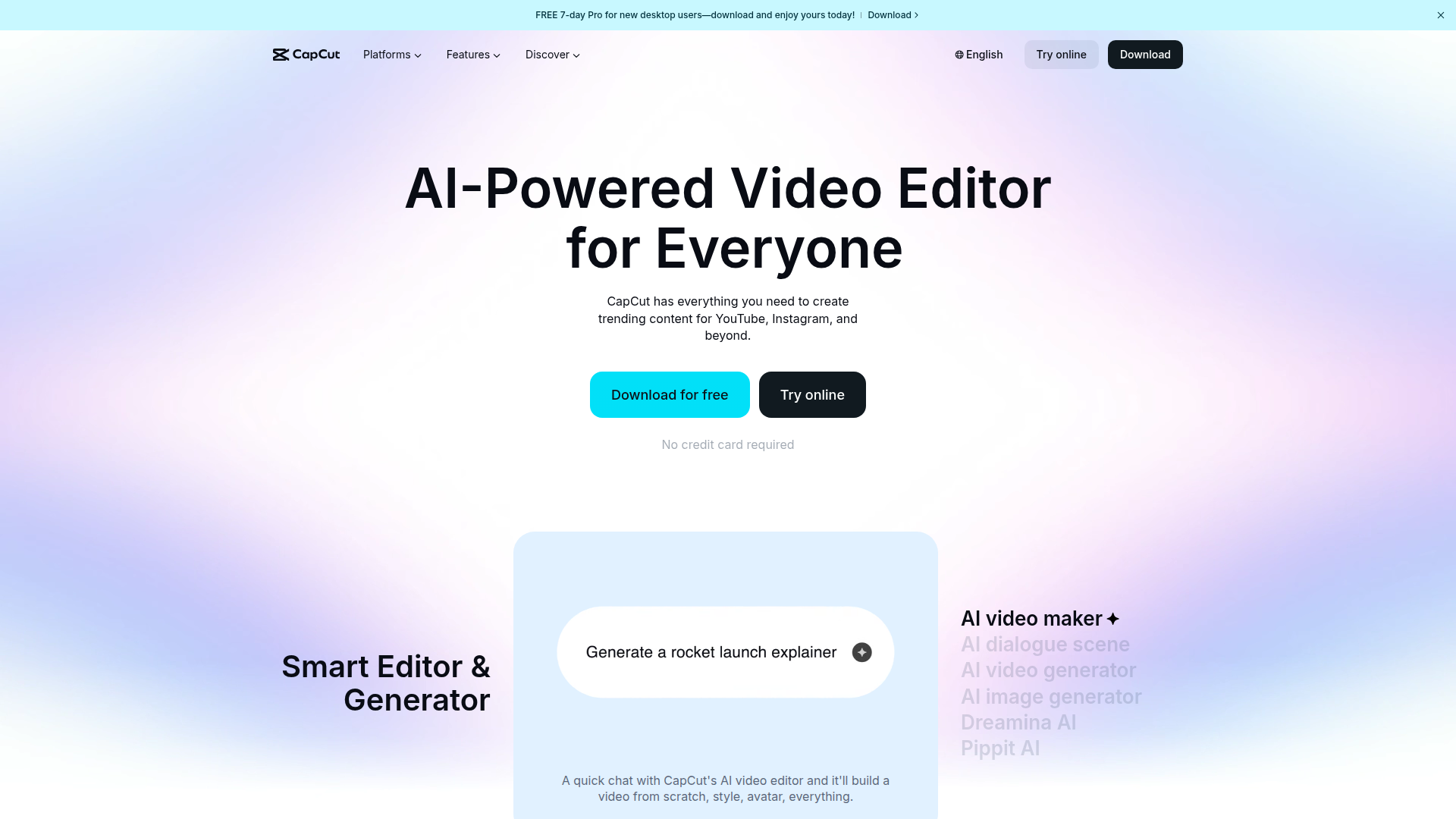
CapCut — an AI-powered all-in-one video editor and graphic design tool for web, desktop, and mobile.

Listed:Dec 19, 2025
Platform:
Web
iOS
Android
Desktop
Share:
CapCut

CapCut Introduction

CapCut is an all-in-one video editing and graphic design platform powered by AI, accessible on Web, Desktop, iOS, and Android. It streamlines content creation with AI-assisted tools, templates, and cross-device compatibility.

Key benefits include:

  • AI caption generator: automatically generate captions for videos, saving time and improving accessibility.
  • Caption templates: quickly apply polished caption styles to your content.
  • Remove filler words and bilingual captions: clean up narration and support multilingual audiences.
  • Text to speech and custom voices: convert text to natural-sounding narration with adjustable voice options.
  • Audio enhancements and video effects: enhance voice, reduce noise, and apply engaging effects and transitions for a professional finish.
  • Background removal and retouch: isolate subjects and improve visuals with editing aids.
  • Video stabilization and quality enhancements: smooth shaky footage and uplift overall video quality for a cleaner result.
  • Cross-platform editing: start edits on Web and continue on Desktop or Mobile with consistent results.
  • Extensive templates and presets: jumpstart projects with design-forward assets and layouts.
  • Easy export options: share optimized videos across social platforms quickly.

Perfect for content creators and teams who want to produce high-quality videos and graphics quickly across devices.


Summary

CapCut is an AI-driven, all-in-one video editing and graphic design platform available across Web, Desktop, iOS, and Android, with templates, captions, and editing tools.

Key Features

  • AI caption generator
  • Caption templates
  • Remove filler words
  • Bilingual captions
  • Text to speech
  • Custom voices
  • Enhance voice
  • Reduce noise
  • Video effects
  • Sound effects
  • Transitions
  • Filters
  • Remove background
  • Retouch
  • Enhance quality
  • Video stabilization

Benefits

  • AI-powered efficiency speeds up captioning, editing, and processing.
  • Cross-device editing lets teams work seamlessly across Web, Desktop, and Mobile.
  • A rich toolkit of video effects, transitions, and audio tools for professional results.
  • Accessible content with bilingual captions and caption templates.
  • Custom voices and text-to-speech for flexible narration options.
  • Free tier with premium upgrades for advanced features.

Use Cases

  • Creating social media clips for TikTok, Instagram, YouTube Shorts, and more
  • Editing YouTube videos with polished captions and effects
  • Designing marketing materials and promos
  • Producing instructional or educational tutorials
  • Brand campaigns and ad creatives
  • Product demos and feature walkthroughs
  • Event highlight reels and recap videos
  • Promo clips for launches or announcements
  • Influencer and creator collaborations
  • Client deliverables and portfolio pieces

How to Use CapCut

  1. Step 1: Sign in or create your CapCut account.
  2. Step 2: Create a new project and choose your platform (Web, Desktop, or Mobile).
  3. Step 3: Import your video and assets from your device or cloud storage.
  4. Step 4: Edit using AI features, add captions, and apply effects and transitions.
  5. Step 5: Fine-tune audio with voice enhancement and noise reduction.
  6. Step 6: Export in your preferred format and share or publish.

Who Will Use CapCut

  • Content creators
  • Marketers
  • Social media enthusiasts
  • Video editors
  • Influencers
  • Brand managers
  • Freelancers
  • Educators
  • Small business owners
  • Marketing teams

Alternative tools

HIX AI

Free AI chat, image, music & video tools in one freemium platform for creators.

GirlfriendGPT

Create your AI dream girl - design the perfect AI girlfriend for you

NanoBanana AI

Create stunning images with Google's AI model — fast, flexible, and easy.

Veo Camera

Record, Stream & Analyse

Motion

The AI-powered SuperApp for Work – AI-driven project, task, calendar, and meeting management in one.

Toolsaday AI

Toolsaday AI: Automate tasks with AI to boost productivity and streamline your workflows.

Roboflow

Computer vision tools for developers and enterprises

QuillBot

AI-powered writing assistant for paraphrasing, grammar, and summarization—across web and browser extensions.

Phrasly

Write naturally, without fear of detection.

Free
OpenRouter

Harness the power of multiple AI models in one place.