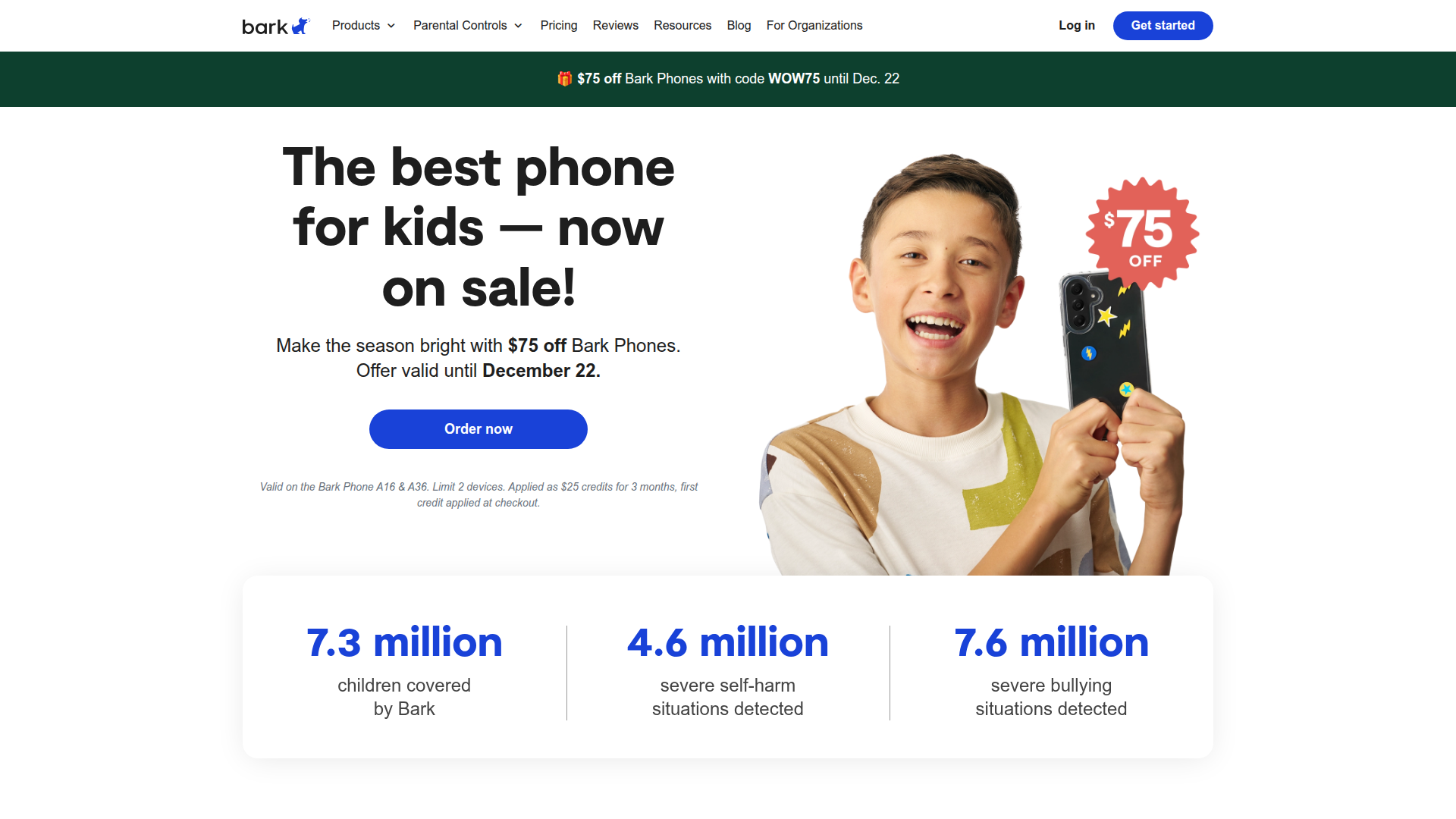
Protect your kids online with Bark's comprehensive parental controls and monitoring.

Listed:Dec 19, 2025
Platform:
iOS
Android
Share:
Bark

Bark Introduction

Bark helps parents protect kids online by providing robust parental controls and monitoring across devices. The core value is in proactive oversight and real-time alerts that help families establish safe digital habits.

Key benefits include:

  • Approve contacts on your child’s phone: Manage who your child communicates with and receive alerts for new contacts.
  • Approve apps on your child’s phone: Control which apps can be installed and used.
  • Control access to the Google Play Store: Restrict app installation from the store to align with your family’s safety rules.
  • Set app time limits: regulate how long your child can spend on each application.
  • Prevent your child from deleting texts: Maintain access to important conversations for safety and parental oversight.
  • Monitor locations: Track your child’s whereabouts to stay informed about their safety.

Perfect for parents and guardians who want to keep their children safe online while promoting healthy digital habits.

Summary

Bark provides comprehensive parental controls to monitor and manage kids' online activity across iOS and Android devices.

Key Features

  • Approve contacts on your kid's phone
  • Approve apps on your kid's phone
  • Control access to the Google Play Store
  • Control app time limits
  • Prevent your child from deleting texts
  • Manage smart devices
  • Block and filter websites
  • Monitor locations

Benefits

  • Comprehensive monitoring of online activities.
  • Proactive alerts for potential dangers.
  • User-friendly interface for easy navigation.
  • Customizable settings tailored to your child’s needs.
  • Cross-device protection across multiple platforms.
  • Helps establish healthy digital habits.

Use Cases

  • Monitor social media interactions.
  • Manage app usage and screen time.
  • Block or filter inappropriate websites.
  • Track location and get alerts on visits to risky places.
  • Approve contacts and apps on your child’s phone.
  • Control access to app stores.
  • Protect against deletion of messages.
  • Manage smart devices in the home.
  • Receive alerts for concerning activity across messages and emails.
  • Monitor time spent on devices.

How to Use Bark

  1. Download the Bark app from the App Store or Google Play.
  2. Create an account and set up your child's profile.
  3. Connect your child's device and configure the monitoring settings.
  4. Receive alerts and insights on your child's online activities.

Who Will Use Bark

  • Parents
  • Guardians
  • Families
  • Caregivers
  • Foster parents
  • Legal guardians

Alternative tools

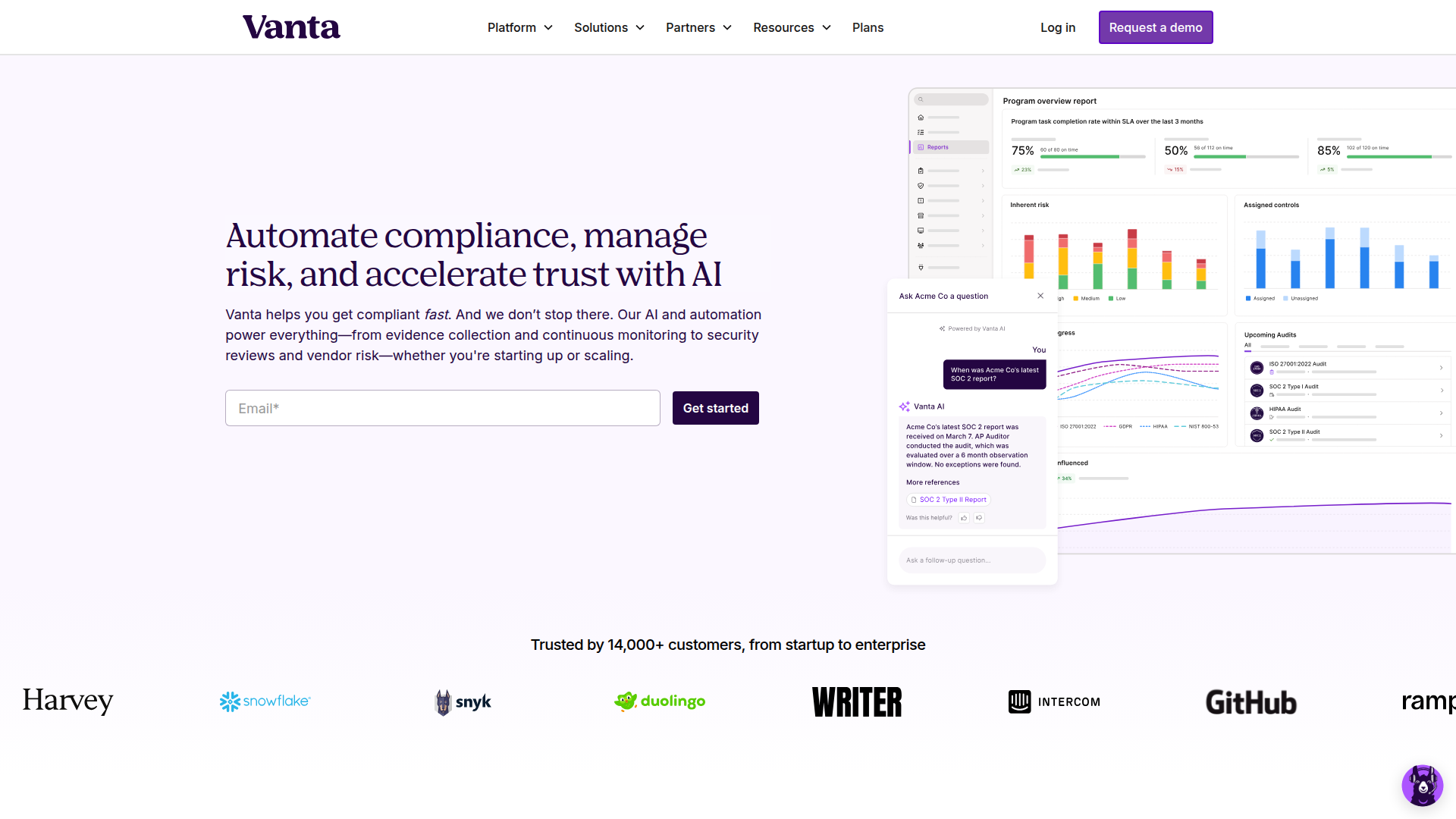
Vanta

Automate compliance and trust management for modern teams.

Origin Financial

Origin Financial — your all-in-one budget, investing, and AI planning platform.

Toolsaday AI

Toolsaday AI: Automate tasks with AI to boost productivity and streamline your workflows.

Spark Mail

Smart, focused email that helps you prioritize what matters.

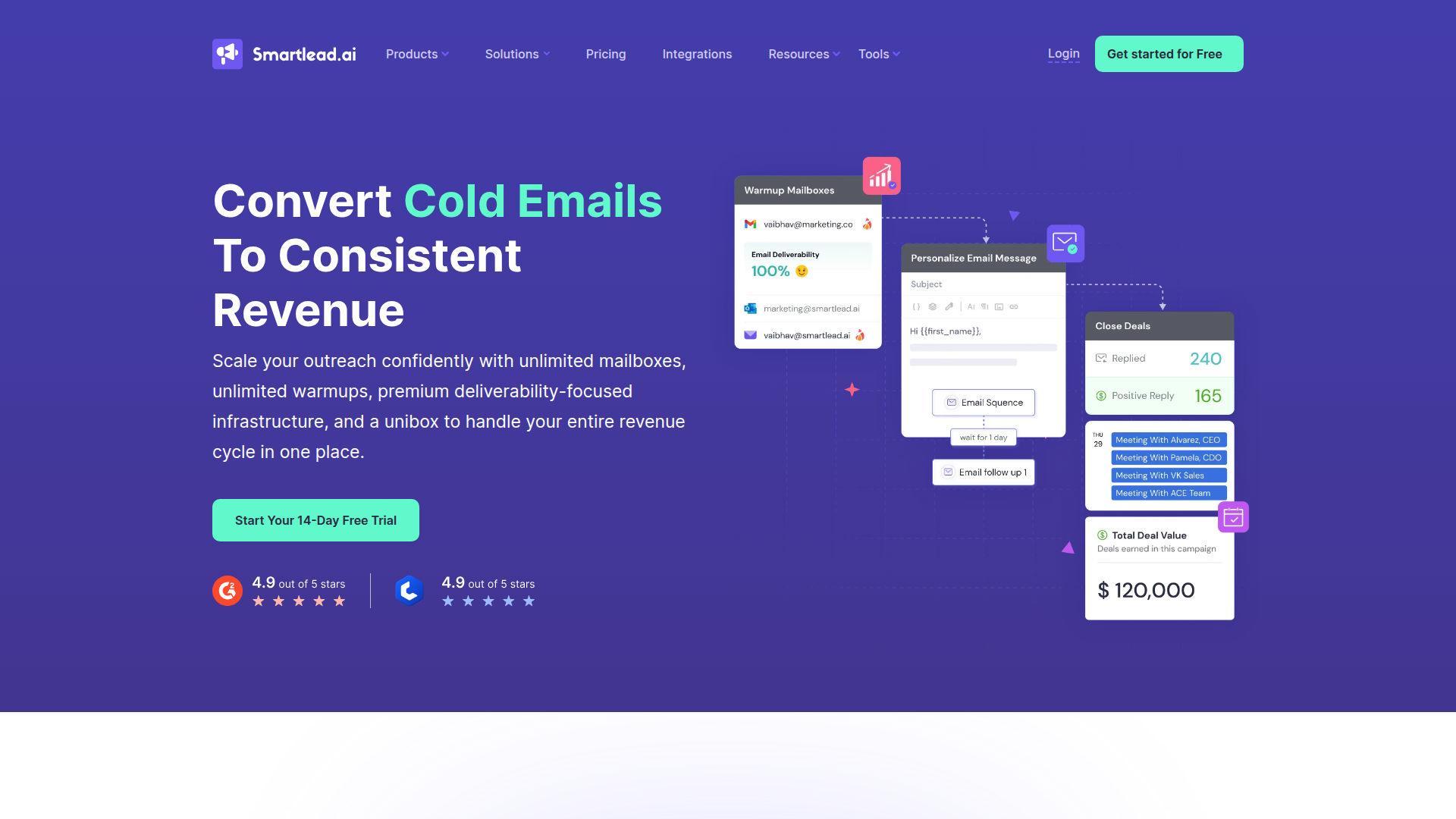
Smartlead

Smartlead: Premium cold email deliverability designed for outbound campaigns.

Roboflow

Computer vision tools for developers and enterprises

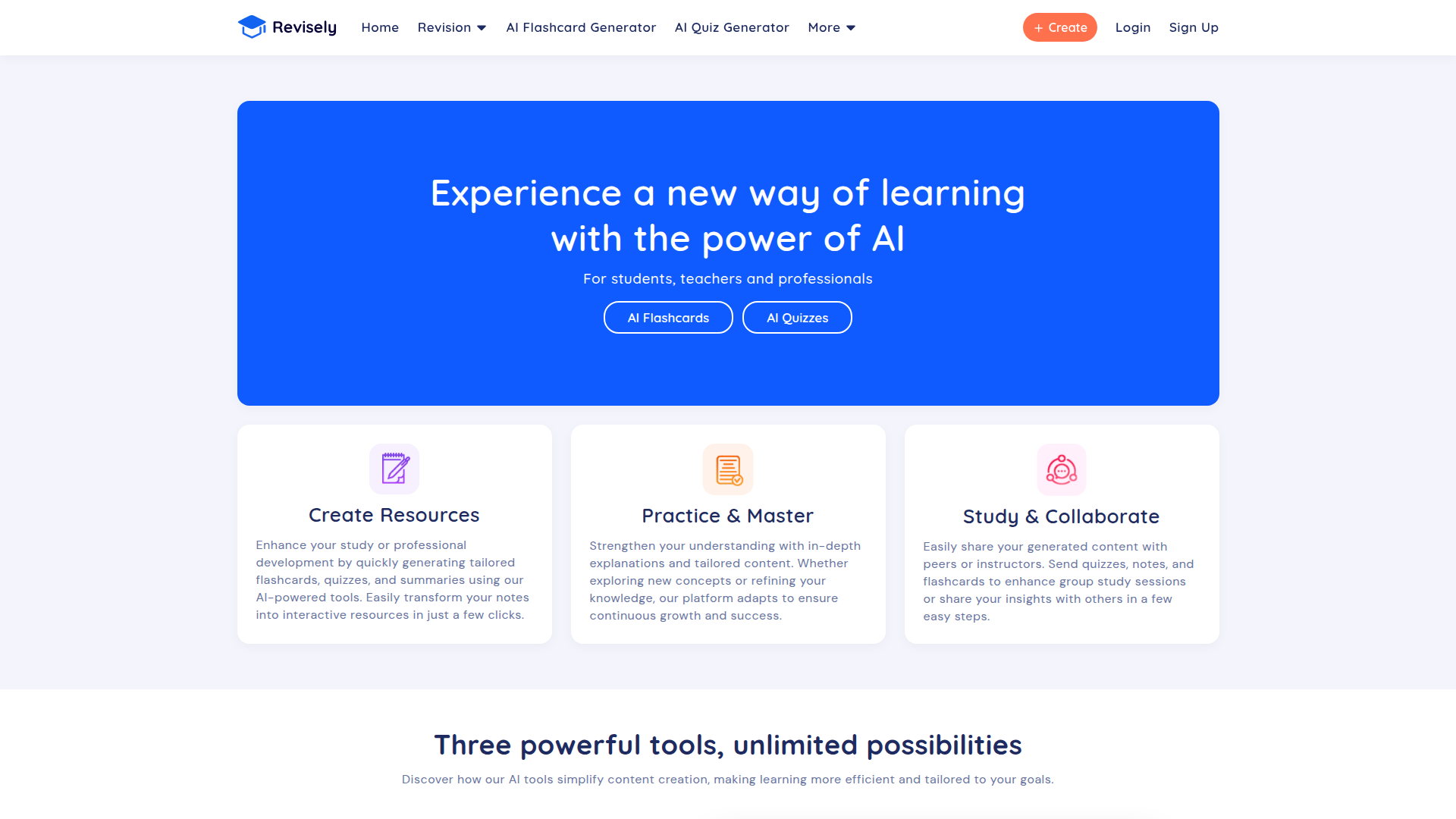
Revisely

AI-powered feedback and collaborative learning resources for educators and students.

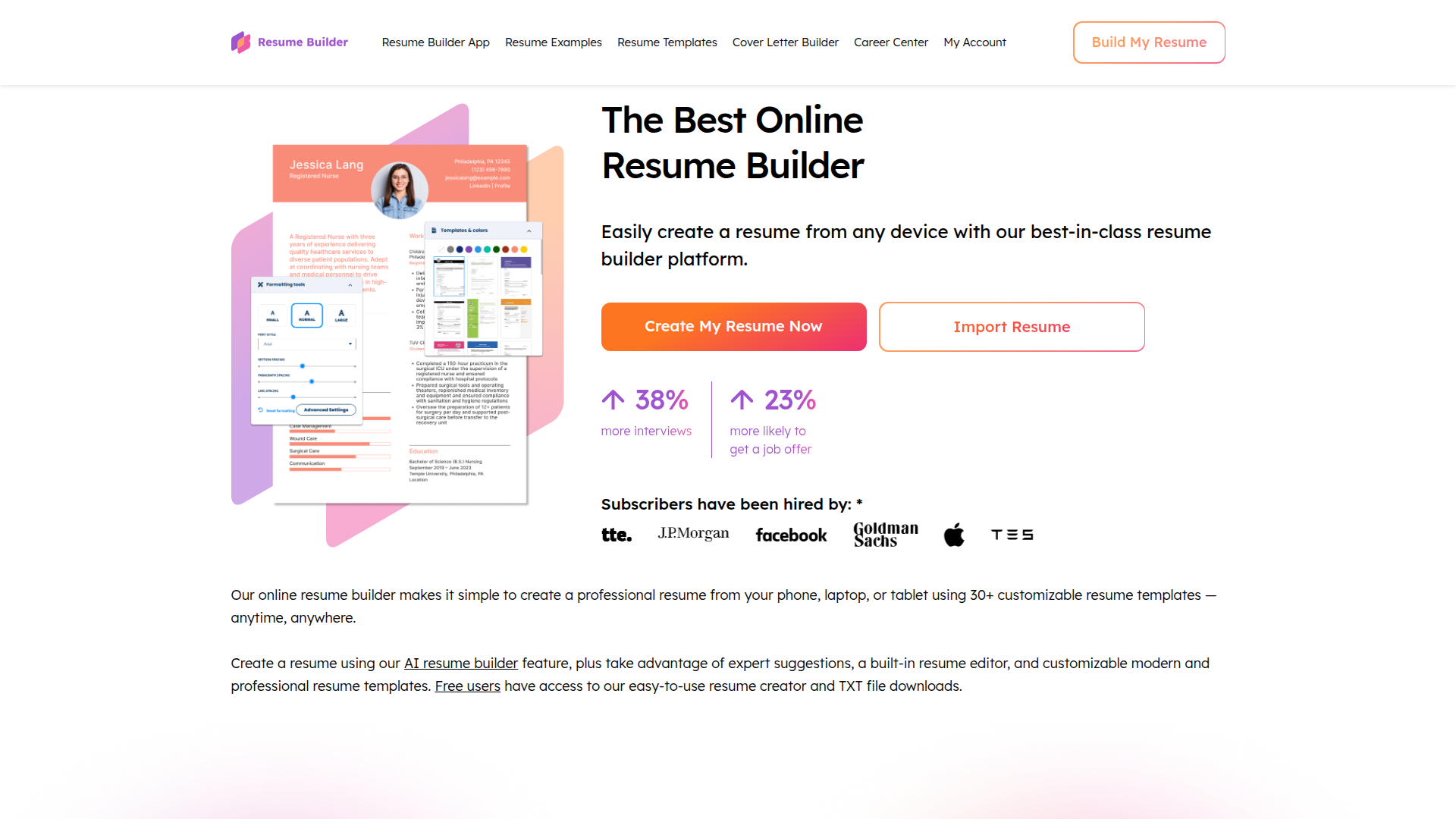
ResumeBuilder.com

Create a professional resume in minutes.

Free
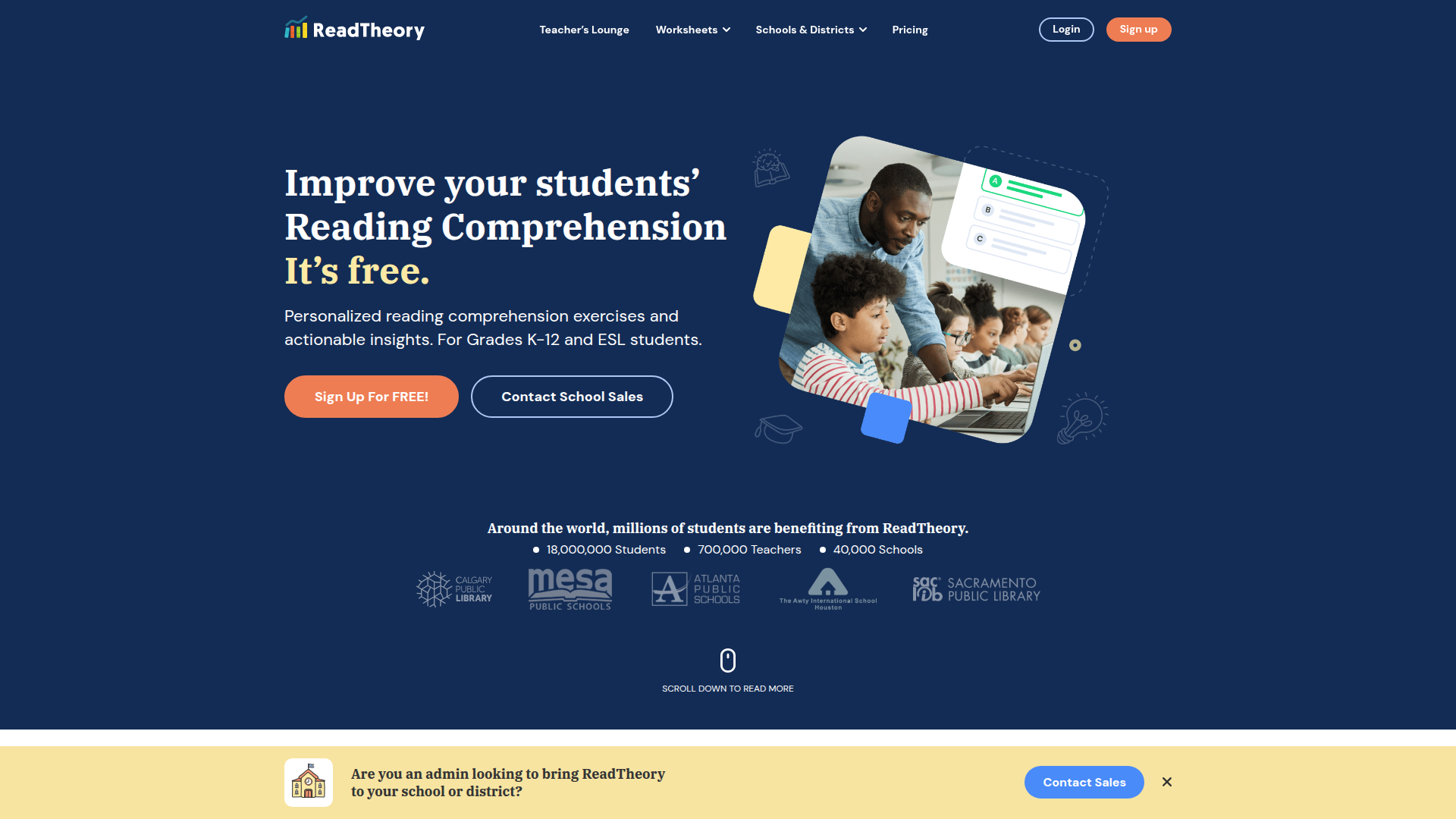
ReadTheory

ReadTheory — free adaptive reading comprehension practice for students and teachers.

Skillsoft Percipio

AI-native skills intelligence platform for workforce development and immersive learning.