Transkriptor logo

Transkriptor

Transforming audio to text with AI

Listed:Dec 20, 2025
Platform:
Web
iOS
Android
Browser Extension
Share:
Transkriptor

Transkriptor Introduction

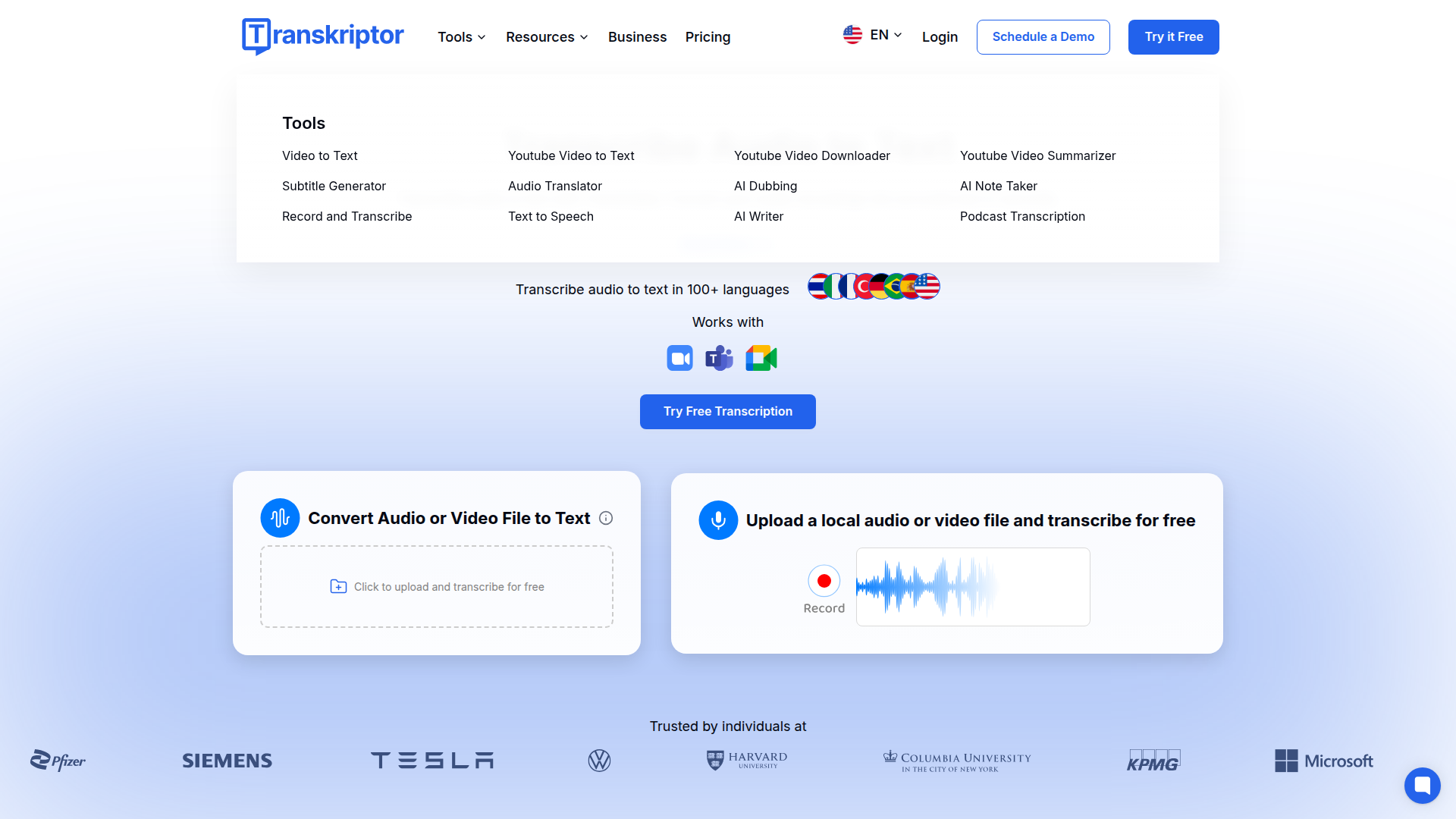
Transkriptor is an AI-powered transcription tool that converts audio and video into text quickly and accurately, supporting 100+ languages and inputs from meetings, lectures, and media. It enables you to turn recordings into searchable transcripts, captions, and insights with ease.

Key benefits include:

  • 99% accurate transcription in 100+ languages
  • Transcribe audio and video files from your device
  • Record voice and transcribe instantly
  • AI subtitle generation for video transcription
  • AI sentiment analysis from transcribed conversations
  • Team collaboration with transcription workspaces

Perfect for consultants, researchers, lawyers, journalists, and sales teams who need fast, reliable transcripts and organized knowledge bases.


Summary

Transkriptor is an AI transcription tool that converts audio and video to text across 100+ languages, enabling instant transcription, subtitles, and insights.

Key Features

  • 99% Accurate Transcription in 100+ Languages
  • Transcribe Audio and Video Files from Your Device
  • Record Voice and Transcribe Instantly
  • AI Subtitle Generation for Video Transcription
  • AI Sentiment Analysis from Transcribed Conversations
  • Measure Speaker Engagement in Transcribed Meetings
  • AI-Powered Content Writing from Transcribed Audio
  • Team Collaboration with Transcription Workspaces
  • Smart Transcription Tagging and Audio File Organization
  • Instant AI Transcription for Audio and Video Files

Benefits

  • High accuracy and speed of transcription
  • User-friendly interface for seamless navigation
  • Support for multiple languages
  • Affordable pricing options
  • Advanced security features for data protection
  • Seamless integrations across platforms (Drive, Dropbox, OneDrive, Zoom)

Use Cases

  • Transcribing interviews
  • Generating transcripts for meetings and conferences
  • Creating subtitles for videos
  • Documenting client sessions
  • Converting podcasts into text
  • Academic lectures transcription
  • Legal deposition transcripts
  • Media interviews transcription
  • Market research transcripts
  • Customer support call transcripts

How to Use Transkriptor

  1. Create an account
  2. Upload or record audio/video files
  3. Let AI transcribe the files
  4. Access organized transcripts

Who Will Use Transkriptor

  • Consultants
  • Psychologists
  • Lawyers
  • Journalists
  • Sales Managers
  • Content Creators

Frequently Asked Questions

Alternative tools

HIX AI

Free AI chat, image, music & video tools in one freemium platform for creators.

GirlfriendGPT

Create your AI dream girl - design the perfect AI girlfriend for you

NanoBanana AI

Create stunning images with Google's AI model — fast, flexible, and easy.

Origin Financial

Origin Financial — your all-in-one budget, investing, and AI planning platform.

Motion

The AI-powered SuperApp for Work – AI-driven project, task, calendar, and meeting management in one.

Toolsaday AI

Toolsaday AI: Automate tasks with AI to boost productivity and streamline your workflows.

Roboflow

Computer vision tools for developers and enterprises

QuillBot

AI-powered writing assistant for paraphrasing, grammar, and summarization—across web and browser extensions.

Phrasly

Write naturally, without fear of detection.

Free
OpenRouter

Harness the power of multiple AI models in one place.