Claude — an AI assistant by Anthropic for safe, versatile conversations.

Listed:Dec 19, 2025
Platform:
Web
iOS
Android
Share:
Claude

Claude Introduction

Claude is an AI language model from Anthropic designed to power natural, safe conversations. It helps teams automate chats, generate content, and assist with coding tasks.

Key benefits include:

  • Natural, context-aware conversation that feels human
  • Safety-first design with guardrails to minimize biased or unsafe responses
  • Versatile across use cases: customer support, content generation, and programming help
  • Easy integration via developer-friendly APIs and tooling
  • Scales across teams and platforms (web and mobile)

Perfect for product teams, developers, and content creators who want reliable AI conversations within their workflows.


Summary

Claude is an AI language model from Anthropic that enables natural, safe conversations for customer support, content generation, and programming help.

Key Features

  • Natural language understanding with context retention
  • Safety-first responses with guardrails and policy adherence
  • Versatile across customer support, content generation, and programming assistance
  • Developer-friendly APIs and seamless integrations
  • Cross-platform performance for web and mobile

Benefits

  • Natural, human-like conversations with context awareness
  • Safety-forward design reduces biased or unsafe outputs
  • Versatile applications across support, content, and development
  • Easy API-based integration into existing workflows
  • Accessible on web and mobile for on-the-go use
  • Scales with teams through collaboration features and shared prompts

Use Cases

  • Customer support automation
  • Content generation for blogs, social media, and emails
  • Code assistance and debugging
  • Product documentation and knowledge base creation
  • Marketing campaign drafting
  • Internal knowledge base querying
  • Website chatbot experiences
  • Educational tutoring and explanations
  • Research summaries and briefing notes
  • Brainstorming and idea generation

How to Use Claude

  1. Step 1: Sign up for an account
  2. Step 2: Choose your plan (Freemium) and set up your preferences
  3. Step 3: Connect your tools and data sources as needed
  4. Step 4: Start a new conversation or workflow and customize prompts
  5. Step 5: Monitor performance and refine prompts for better results

Who Will Use Claude

  • Freelancers
  • Small Business Owners
  • Digital Marketers
  • Customer Support Teams
  • Content Creators
  • Software Developers
  • Product Managers
  • Researchers

Alternative tools

HIX AI

Free AI chat, image, music & video tools in one freemium platform for creators.

GirlfriendGPT

Create your AI dream girl - design the perfect AI girlfriend for you

NanoBanana AI

Create stunning images with Google's AI model — fast, flexible, and easy.

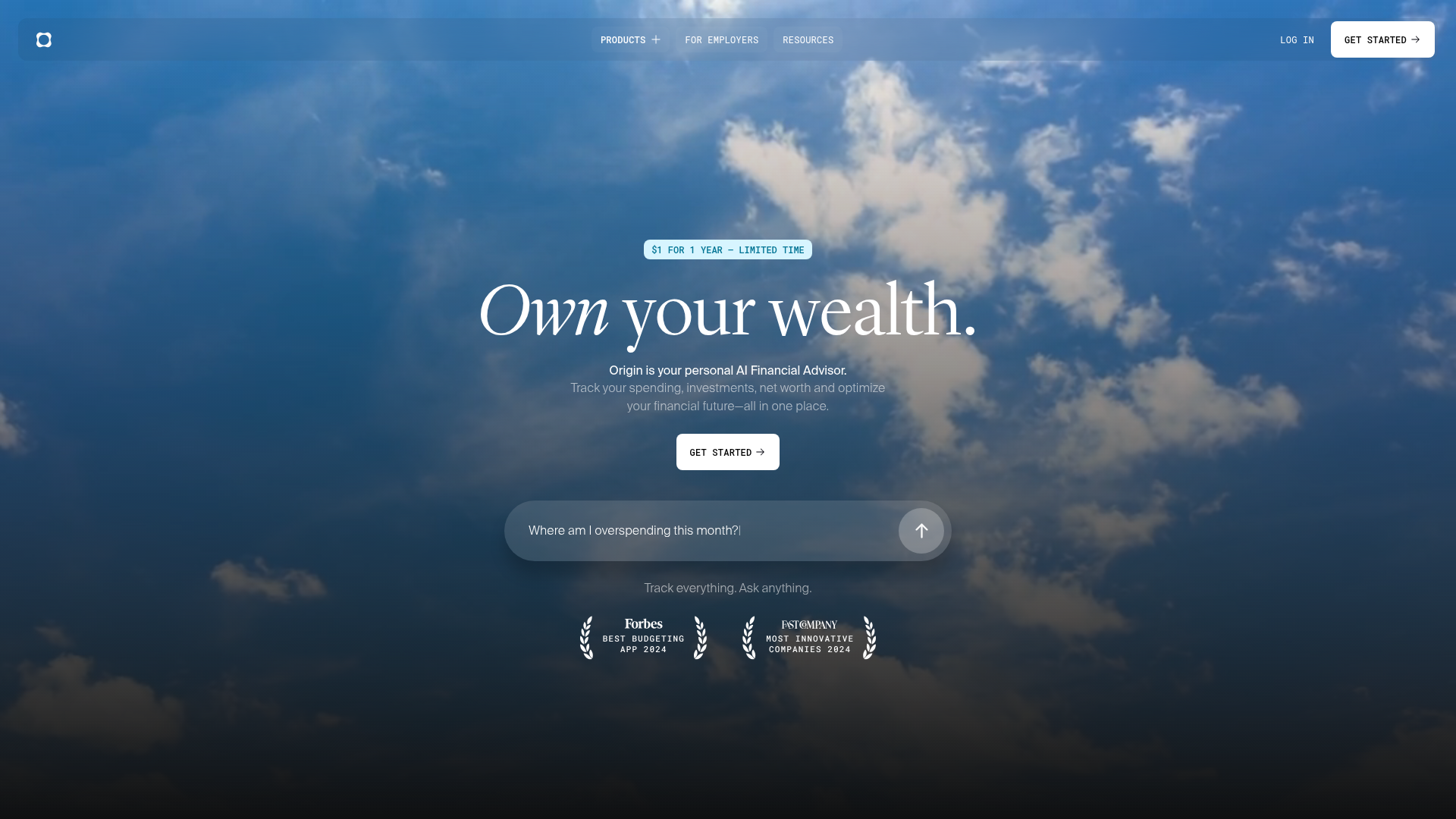
Origin Financial

Origin Financial — your all-in-one budget, investing, and AI planning platform.

Motion

The AI-powered SuperApp for Work – AI-driven project, task, calendar, and meeting management in one.

Toolsaday AI

Toolsaday AI: Automate tasks with AI to boost productivity and streamline your workflows.

Roboflow

Computer vision tools for developers and enterprises

QuillBot

AI-powered writing assistant for paraphrasing, grammar, and summarization—across web and browser extensions.

Phrasly

Write naturally, without fear of detection.

Free
OpenRouter

Harness the power of multiple AI models in one place.